
Asus Rampage Extreme
2. Unpackaging
Review Pages
2. Unpackaging
3. BIOS
4. Benchmarks - Everest Ultimate Edition, SiSoftware Sandra
5. Benchmarks - PCMark Vantage, SYSmark 2007 Preview
6. Benchmarks - MAXON CINEBENCH, x264 HD Benchmark, TMPGEnc 4 Xpress
7. Benchmarks - SuperPI, wPrime
8. Benchmarks - 3DMark 06, Crysis v1.2, Unreal Tournament 3 Demo
9. Overclocking
10. Final words
The Asus Rampage Extreme is available online for $389.99, which is almost twice the price of the Asus P5Q Deluxe motherboard we reviewed sometime ago.
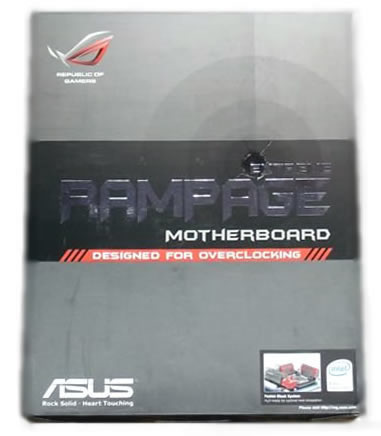
The retail package follows the usual design of Asus ROG motherboards. The big "Designed For Overclocking" logo definitely teases the enthusiasts.
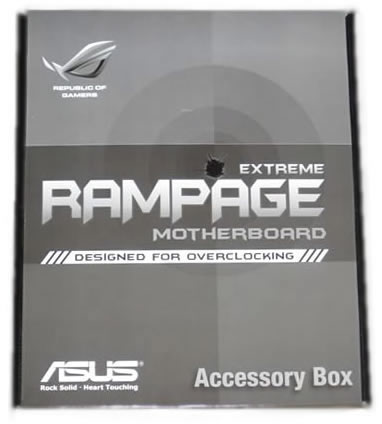
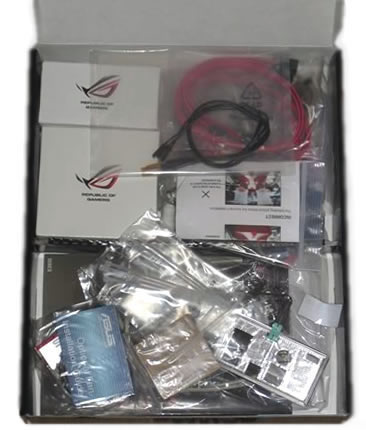
Asus Rampage Extreme comes a complete retail package. In short, here is what you will find inside the box:
- Fusion Block System Accessory
- Optional Thermal Kit for NB and MOS
- DIY Pedestal
- ASUS Optional Fan
- SupremeFX X-Fi Audio Card
- External LCD Poster
- 3 in 1 ASUS Q-Connector Kit
- UltraDMA 133/100/66 cable
- Floppy disk drive cable
- SATA cables
- SATA power cables
- 2-port USB2.0 + IEEE 1394a module
- EL I/O Shield
- Thermal sensor cables
- Cable Ties
- User's manual
- Support CD
The package includes two additional heatsinks.

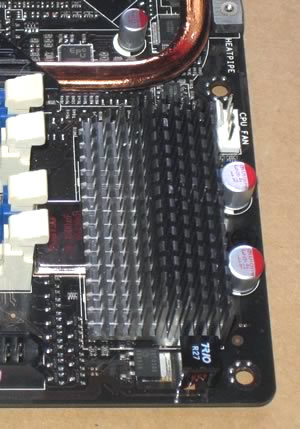
The first one can be installed as a replacement to the existing low-profile heatsink on the MOSFET's power regulation, found on the of the CPU socket. The second one can be used to replace the Fusion waterblock if you decide that you don't want to water-cool the North Bridge.
As it happens with all the ROG products, the Rampage Extreme is well-packaged in a plastic shell that keeps the product safe.
Asus has advertised the sound card ad-don as "Powered By Creative". Actually we are talking about the same sound card we find in the previous ROG series based on SoundMax, with some extra software added to emulate the EAX 4.0 extensions.
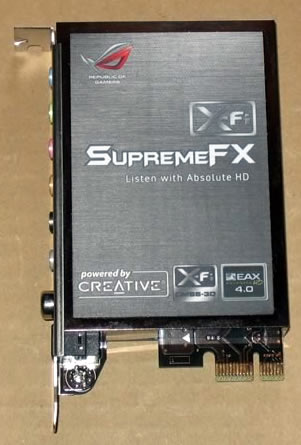
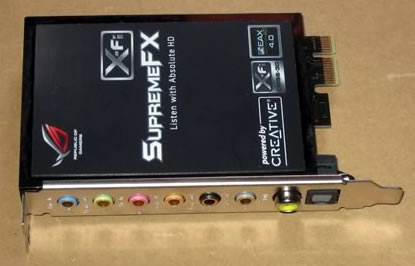
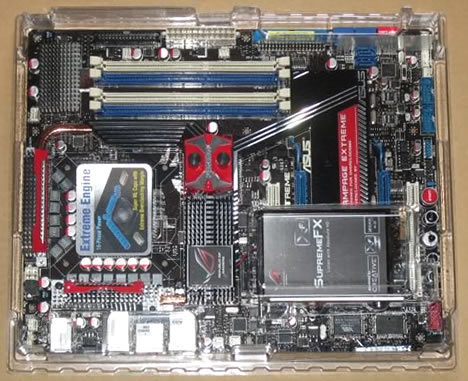
As you can see in the picture below, Asus has paid attention to the overall look of the motherboard using gray , red and blue colors for various components all placed on a black background (PCB).

All the major components are covered with copper and aluminum heatsinks and are connected to each other via small copper tubes, making this motherboard watercool-ready. Asus has also followed a multi-phase power management scheme called "Extreme Engine" featuring 3 ML capacitors:
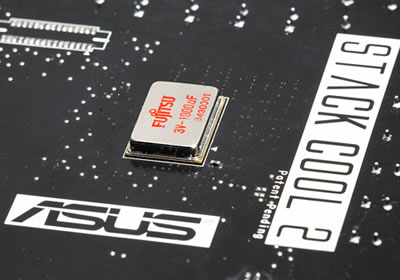

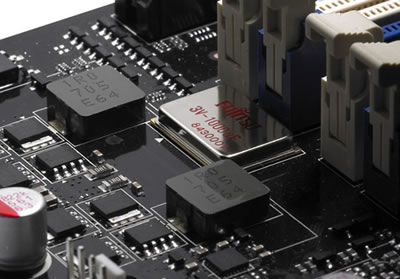
The ML-capacitors are supposed to keep the temperature low and provide smoother voltages to the system when overclocked.
We easily installed the Scyth Mugen CPU fan without any problems.

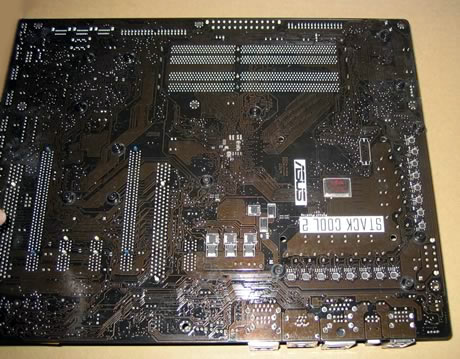
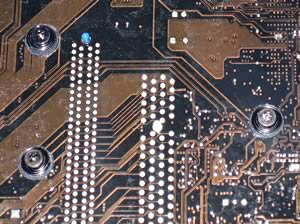
All waterblocks are connected via spring-loaded screws, meaning that you can easily replace them.
The available four DDR2 DIMMs allow yo to install up to 8GB of memory.
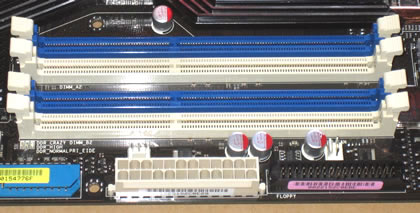
At the lower lower left side of the motherboard we find six (6) SATAII connectors, two (2) SATAII connectors for the Drive Xpert technology and of course the ATA133 connector. We can also see a massive passive copper heatsink that covers the Southbridge.
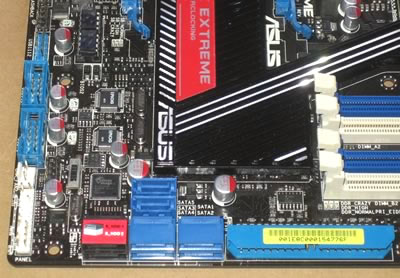
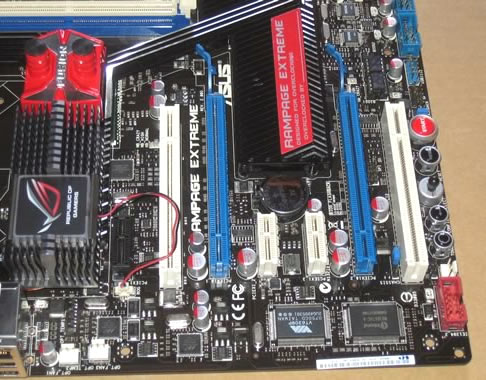
The newly adopted PCI-e v2.0 offers enough bandwidth for the latest graphics cards. The mainboard comes with two PCI-e slots 2.0 x16 and support the CrossFire Technology. .
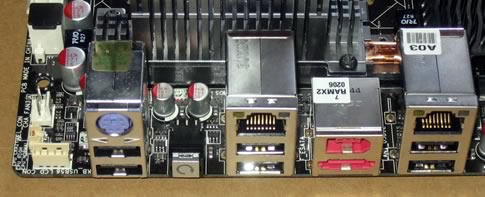
The back I/O panel offers the following ports and connectors:
- 1 x PS/2 Keyboard port(purple)
- 1 x External SATA port
- 2 x LAN (RJ45) port
- 6 x USB 2.0/1.1 ports
- 1 x IEEE1394a port
- 1 x Clr CMOS switch
Another neat feature is the inclusion of the power/reset/select/confirm/toggle switches that are really useful for overclockers.
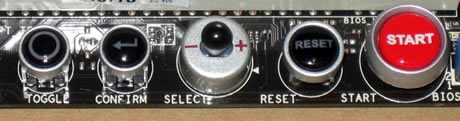
We do like the backlighting of the ROG logo and the various buttons in the dark.
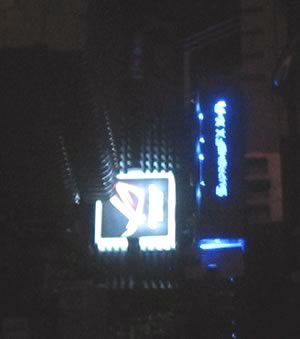
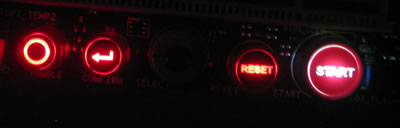
TweakIt, along with the LCD Poster, gives you full control over system voltages and frequency to fulfill your overclocking needs during game play.
TweakIt consists of the TOGGLE button, the CONFIRM button, and the SELECT joystick:
- TOGGLE: Press to go back to the previous option.
- CONFIRM: Press to enter an option or confirm your settings.
- SELECT: Joystick left (previous; decrease) / right (next; increase) to select an option or adjust value.
TweakIt also provides hardware information and allows you to configure the BIOS boot selection and BIOS backup.

Review Pages
2. Unpackaging
3. BIOS
4. Benchmarks - Everest Ultimate Edition, SiSoftware Sandra
5. Benchmarks - PCMark Vantage, SYSmark 2007 Preview
6. Benchmarks - MAXON CINEBENCH, x264 HD Benchmark, TMPGEnc 4 Xpress
7. Benchmarks - SuperPI, wPrime
8. Benchmarks - 3DMark 06, Crysis v1.2, Unreal Tournament 3 Demo
9. Overclocking
10. Final words





