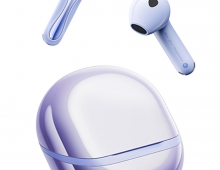
Soundpeats Capsule3 Pro Plus
3. Software
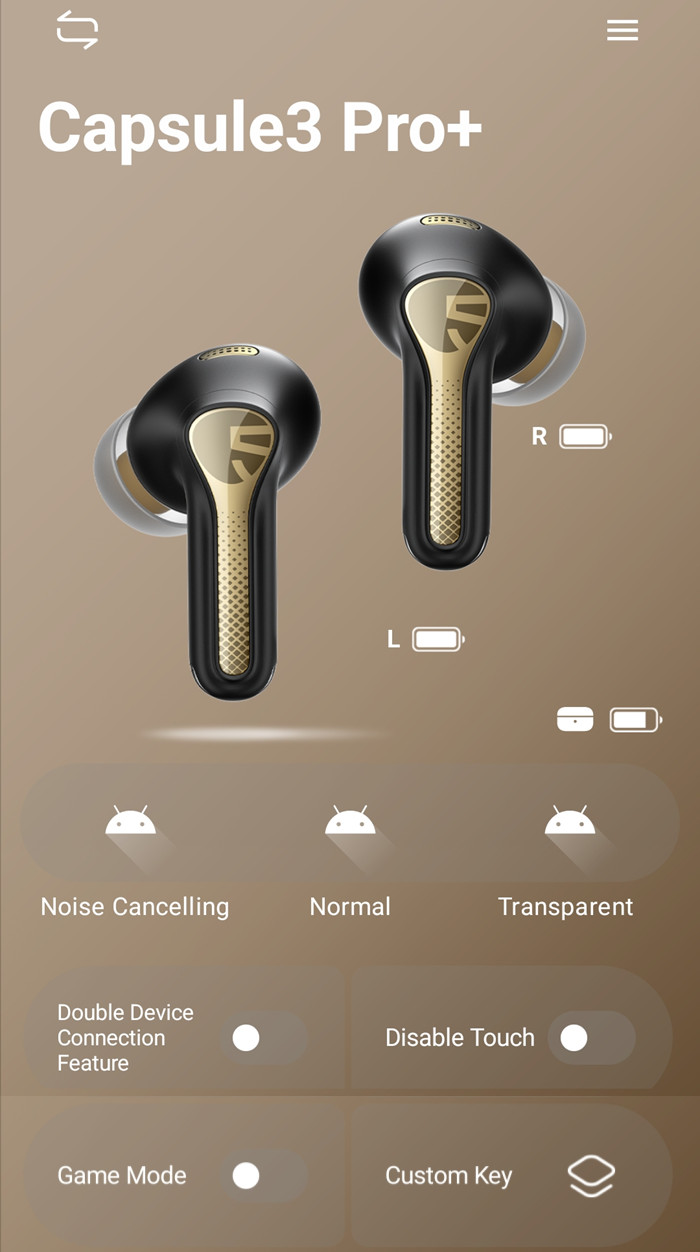
To start working with the product, first, you have to install (highly suggested) the PeatsAudio app from the Android/MAC Store. After the installation process, you have to open the product, open up BT and the SoundPeats Capsule3 Pro+ will appear, double press to pair it with your phone, nothing difficult here. After the first screen, it's required to perform an online account and set a username/pass to log in. Press "Add Device", the app needs nearby permission to search for the device and another functionality of the the app can be set to find earbuds in case you lose them, it will produce a tone for you to hear and locate them. After you choose the earbud's colors, the product will appear in your app. We noticed that you cannot see the % of battery of each product, perhaps in the future this will also added.
The device information shows the product BT address and the firmware revision,

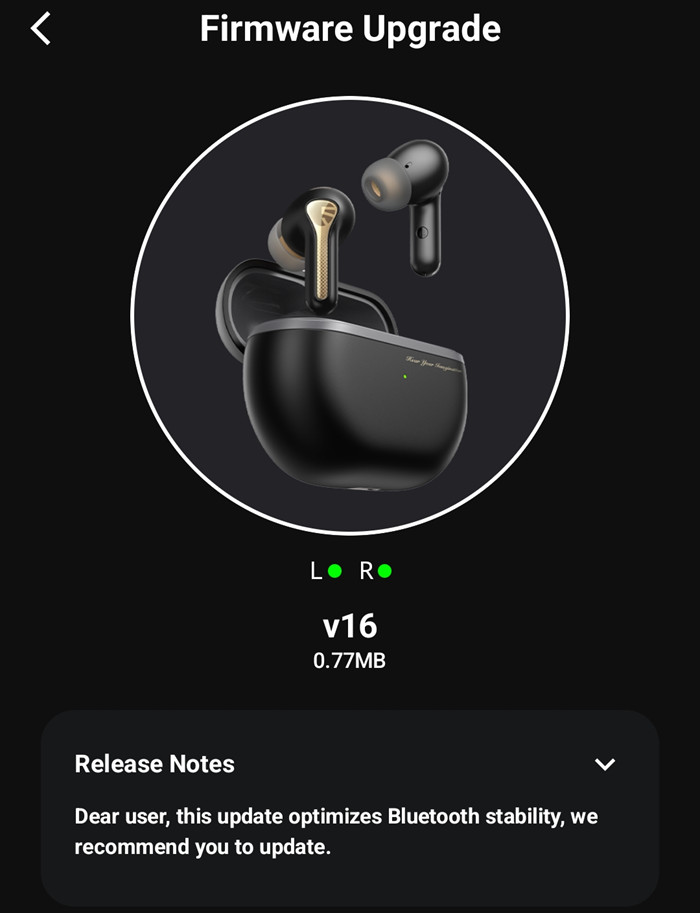
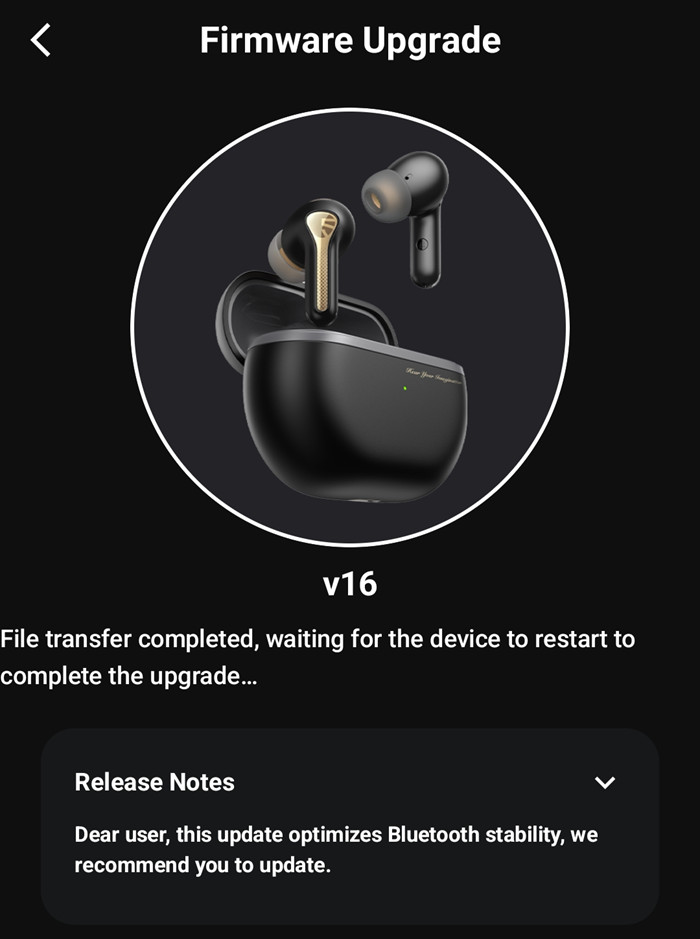
We upgraded the firmware from the app and we got the latest version installed, no issues here also.


There are more functions available, like resetting earbuds. At the button of the app, you can enable game mode that reduces audio lag, enable movie mode, and set custom key functions as well. The PeatsAudio app also supports Equalizer, either presets or select your own EQ, or test your hearing with the Adaptive EQ.

With the Adaptive EQ, the app will play sound that you should click if you hear the sound to complete the test. At the end, you will find a frequency graph and you can retest or use the test results. Many other presets are available or simply you can make your own.


All shortcuts can be changed via the app.
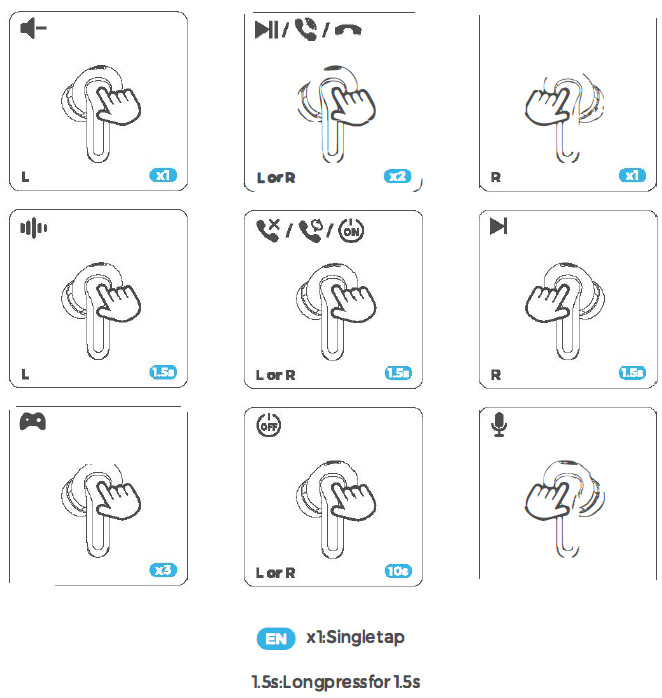

Bluetooth Pairing
l. The headset is in the charging compartment, open the charging compartment cover, the headset will turn on automatically, close the charging compartment cover, the headset will turn off automatically.
2. After the headset is turned on, search and select the name of your cell phone's Bluetooth device to connect successfully.
Forced Pairing
Long press the charging case button for 3s and the indicator light flashes white until the earphones are connected successfully.
Dual Device Connection
l.The headset is paired with device A first, after successful pairing, turn off the Bluetooth function of device A.
2. Repeat the pairing operation to make the headset connect with device B successfully, keep the headset connected with device B.
3. Turn on the Bluetooth function of device A again.
After completing the dual-device connection operation for the first time, subsequent dual-device connections can be connected back automatically.
Factory Reset
1. Place the earbuds in the charging case with the lid open.
2. Press and hold the function button on the charging case for 10 seconds until the red light flashes quickly three times. This will reset the earbuds to factory settings.