Noctua NH-D9L and NH-U9S
2. Noctua NH-D9L - The Package
Review Pages
2. Noctua NH-D9L - The Package
3. Noctua NH-U9S
4. Noctua NH-U9S - The Package
5. Performance
6. Conclusion
The Noctua NH-D9L can be found online at various Amazon web stores and retails for around EUR/USD 62.00 making it a high-priced product for this category. The product has the Noctua SecuFirm2 mounting system, as many other previously tested products making it ideal for quick installation with almost all Intel and AMD-released sockets like Intel LGA1700 (since 2021), LGA1200, LGA115x (LGA1150, LGA1151, LGA1155, LGA1156), LGA2011 (LGA2011-0 & LGA2011-3), LGA2066 and AMD AM4 and AM5 (since 2019). Great choice from Noctua supporting most sold CPU sockets. In addition, if you wish Intel LGA 775/1366 compatibility support you can get free of charge the NM-I3 SecuFirm2™ Mounting-Kit.
Before buying this CPU cooler, as we discussed earlier, it's best to visit the CPU compatibility list for the best possible information. As was expected the CPU cooler supports even the most demanding CPUs, like AMD Ryzen 9 5600X.
The next area users should look at is motherboard compatibility. In our case, the Asus X570 E-Gaming motherboard is fully supported, and no problems will be faced during system installation. The AM4 mounting kit was included since 01/2019 for coolers bought before this date, you can visit this page (NM-AM5/4-MP83 mounting-kit) and Noctua will ship it free of charge.
The last step for users should be checking their case compatibility. This product shouldn't have many problems even with medium-sized cases since it has a lower height of 110mm from the CPU cooler base up to the top of the fan.
Passing the retail box, it’s a medium-sized box.

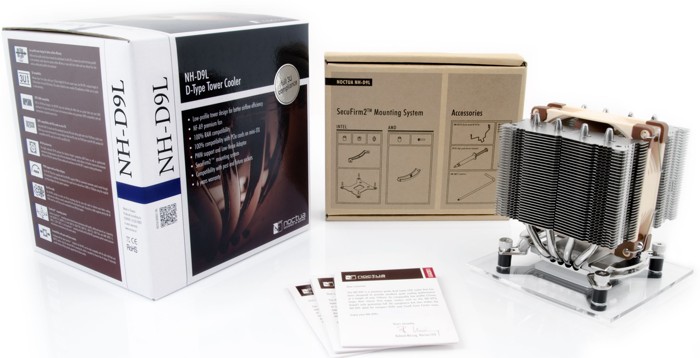
Opening the box unveils the contents, the CPU cooler is in the middle, and accessories and everything is well organized and protected
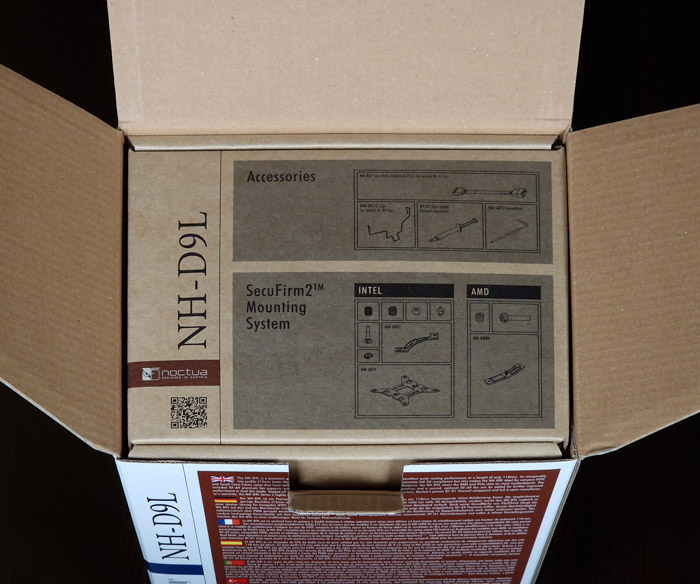

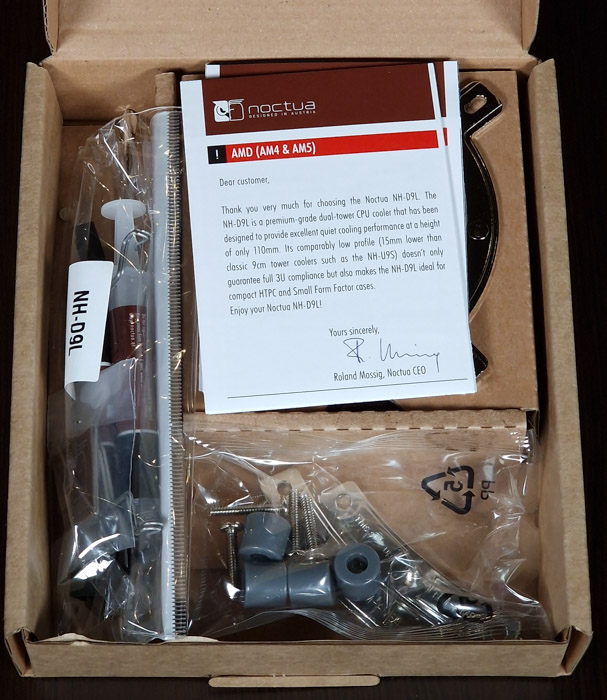
Users will get inside the retail box:
- NF-A9 PWM premium fan
- Low-Noise Adaptor (L.N.A.)
- NT-H1 high-grade thermal compound
- SecuFirm2™ Mounting Kit
- Fan-clips for second NF-A9
- Noctua Metal Case-Badge
The CPU cooler comes in a protective carton box

The Noctua NH-D12L is a small-sized CPU cooler. Its height (without a fan) is 110mm, its Width (without a fan) is 95 mm, and its Depth (without a fan) is 95mm. The weight of the CPU cooler reaches (with fan) 531gr. The building material is Copper (base and heat pipes), aluminum (cooling fins), soldered joints & nickel plating.
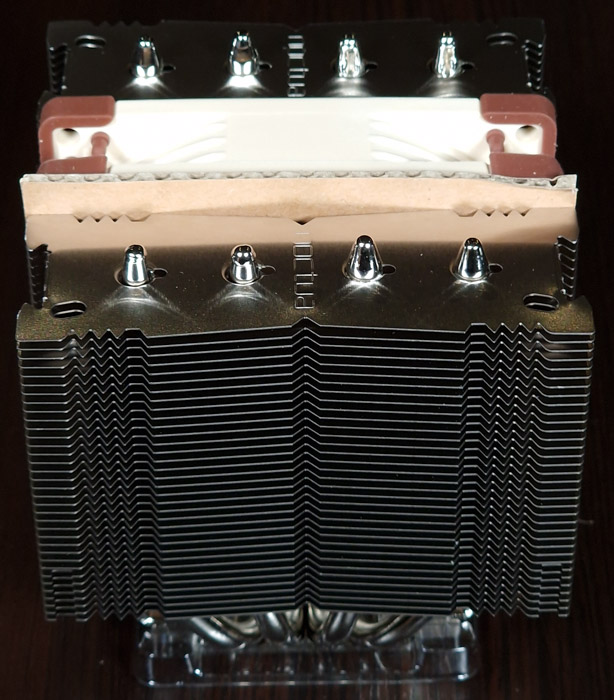
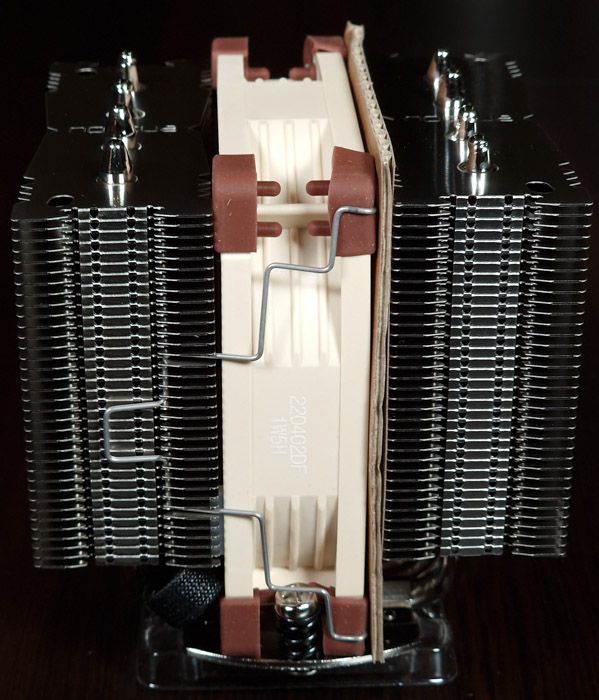
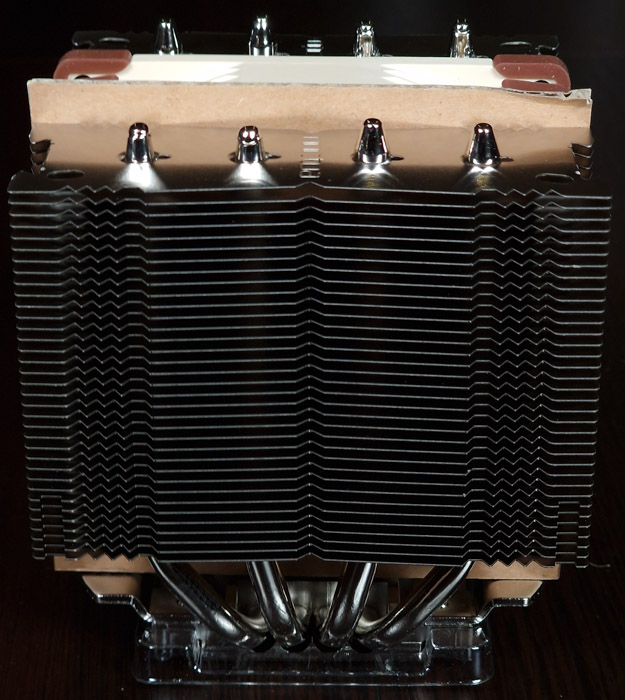

The front view of the CPU cooler
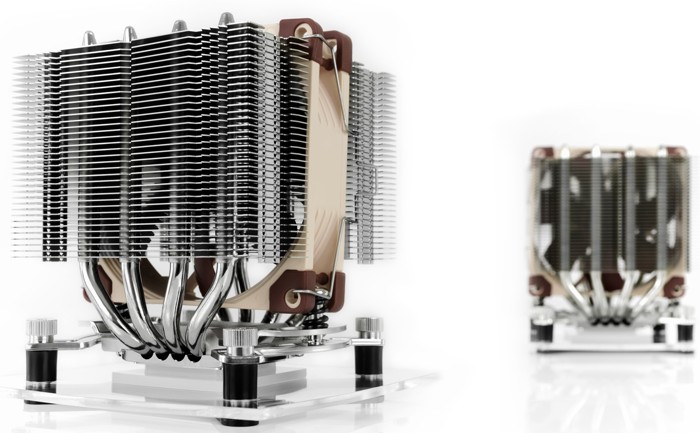

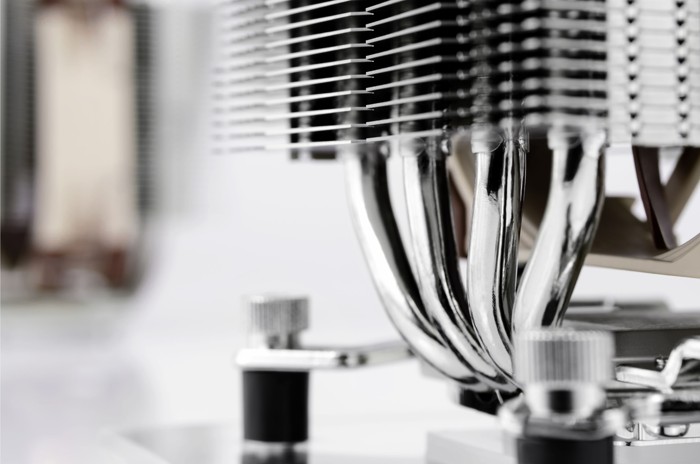
Another view of the CPU cooler
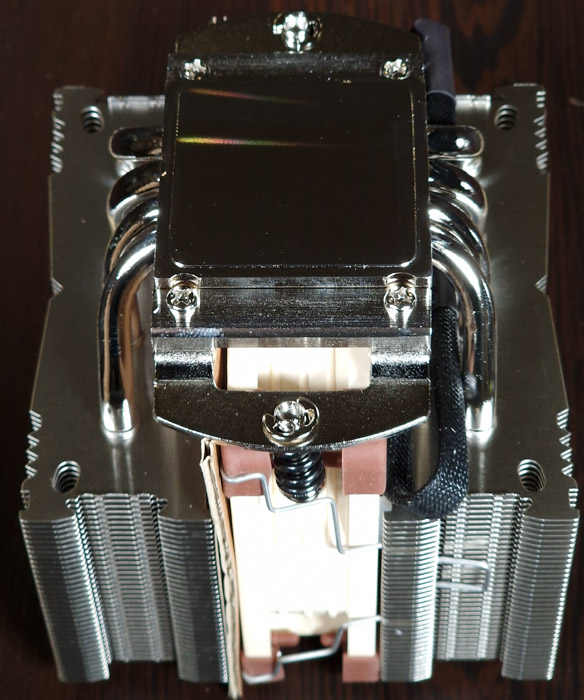
The base includes 4 heat pipes and everything is made out of copper (base and heat-pipes).
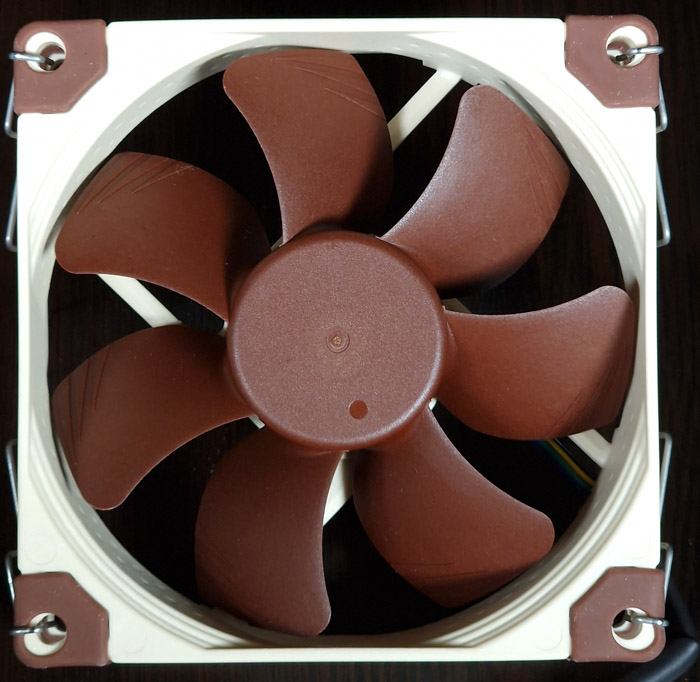
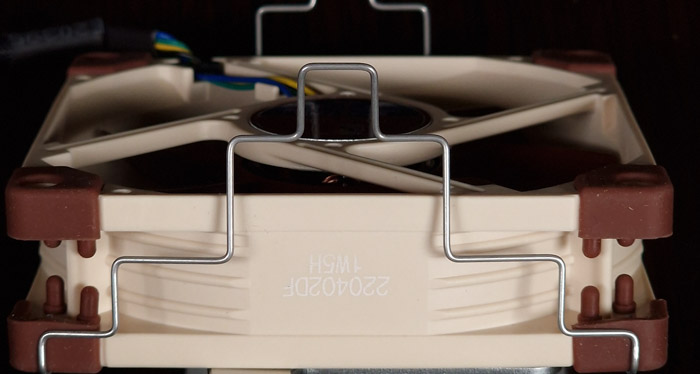
Noctua has included with this product the NF-A9 PWM fan. It has bearing SSO2 technology with Max. rotation speed (+/- 10%) 2000 RPM and with the included adapters (L.N.A.) (+/- 10%) 1550 RPM, while the minimum rotational speed (PWM, +/-20%) is 400 RPM. The acoustical noise is 22.8 dB (A) while the L.N.A. adapter goes down to 16.3 dB (A).

Installing the CPU cooler requires several steps. The retail box includes all the needed information to install the CPU cooler either with Intel or AMD platform. For our tests we used the AMD Ryzen 5600X, so we had to unpack the AMD-labeled plastic sleeve. There are two mounting bars and four (4) plastic spacers with long screws to attach to the motherboard backplate. Afterward, you need to remove both CPU fans, and after placing the included thermal compound secure the CPU cooler to the already pre-installed base brackets. Using the included screwdriver secure the fan, by turning it 2-3 times the screwdriver to put even pressure on both sides. Placing again back both fans and you are ready to go. Make sure that both should have the SAME fan rotation direction (air blows towards outside the case).
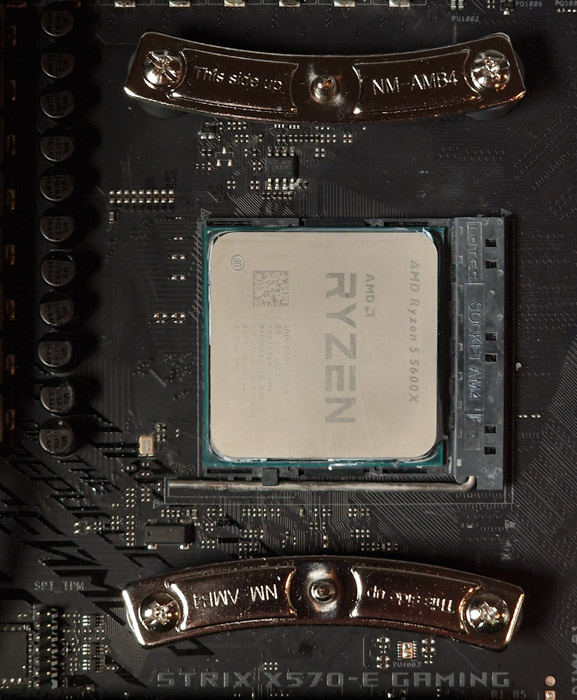
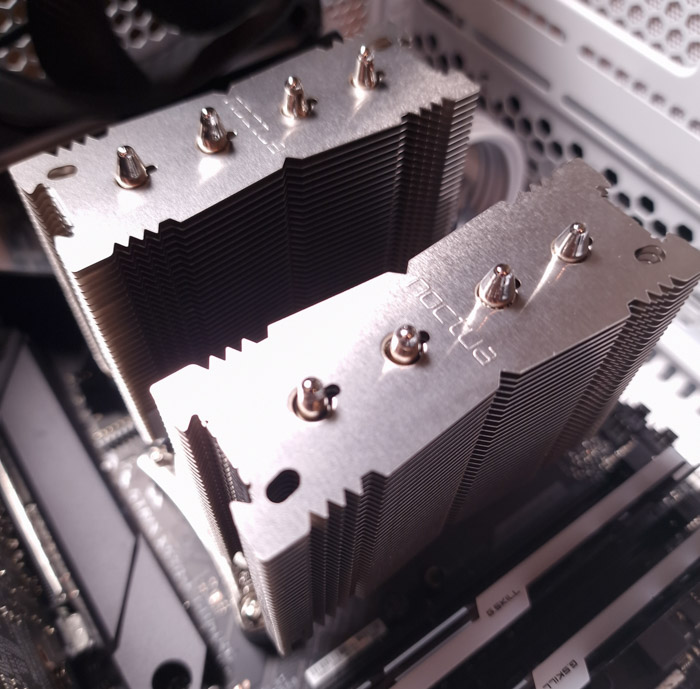
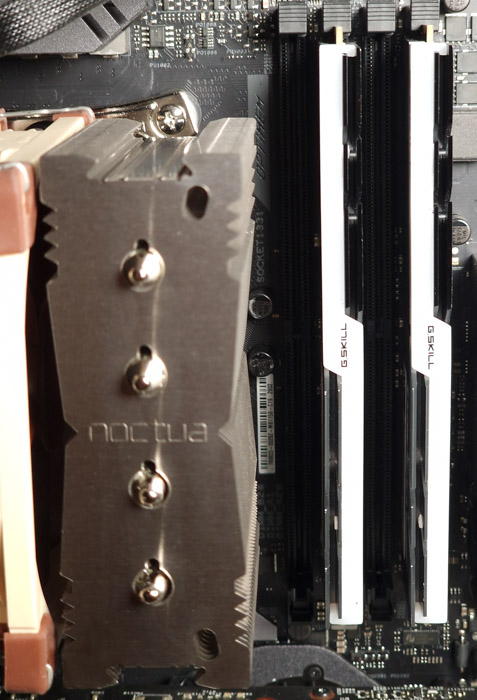
Connect the fan(s) to the motherboard’s CPU fan header(s). If necessary, use the supplied NA-YC1 y-cable to connect both fans to one fan header. There is a lot of clearance for the memory modules. In case you need to install an additional CPU cooler at the front, the overall height would be increased since you will have the height of the memory banks + the CPU fan height...



Review Pages
2. Noctua NH-D9L - The Package
3. Noctua NH-U9S
4. Noctua NH-U9S - The Package
5. Performance
6. Conclusion