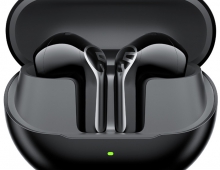
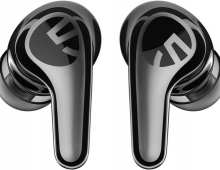
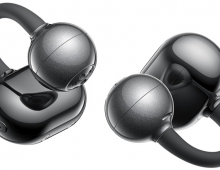
SoundPeats Cove Pro
3. App - EQ
The app requires an email address for account creation, there is no option to skip or use anonymously, data privacy policy standard but not particularly reassuring and the account is being used across all SoundPeats products.
After initial setup and configuration, headphones function fully without app:
- All physical controls operational
- Last EQ setting persists
- LDAC status maintained
- Multipoint connection remembered
However, users lose ability to:
- Switch ANC environment modes (stuck with last selection)
- Adjust EQ (last preset remains)
- Enable/disable gaming mode
- Check battery percentage (only general status)
- Troubleshoot via reset functions
| Function | Physical Buttons | App Required | Device Settings Required |
| Power On/Off | Yes | No | No |
| Volume Adjust | Yes | No | No |
| Play/Pause | Yes | No | No |
| Track Skip | Yes | No | No |
| ANC Mode Toggle | Yes | No | No |
| EQ Adjustment | No | Yes | No |
| LDAC Enable/Disable | No | No | Yes (Bluetooth settings) |
| Multipoint Enable | No | Yes | No |
| Firmware Update | No | Yes | No |
| Battery Check | No | Yes | No |
| Spatial Audio | No | Yes | No |
| Gaming Mod | No | Yes | No |
Users can reset the device if have issues with the product with the following method:
- Power on the headphones first
- Simultaneously press and hold Volume + and Volume - buttons for 10 seconds
- LED indicator will flash red 3 times (not purple/white as some assume)
- This indicates successful factory reset
- Headphones automatically re-enter pairing mode
- All pairings cleared, settings returned to default
- Re-pair as if first-time connection
A full factory reset clears all settings and you will loose Custom EQ profiles, Device pairings, Preference settings reset, Bluetooth name (if changed reverts to default) and firmware remains at current version (not reverted).
The dedicated 60ms low-latency mode dramatically reduces audio delay:
- Standard Mode: Approximately 150-200ms latency (noticeable lip-sync offset in videos)
- Gaming Mode: 60-80ms latency (imperceptible for most users)
- Activation through app toggles low-latency codec
Low-latency mode slightly compromises audio quality due to codec constraints. The difference is subtle but measurable, with slight reduction in dynamic range and treble extension.
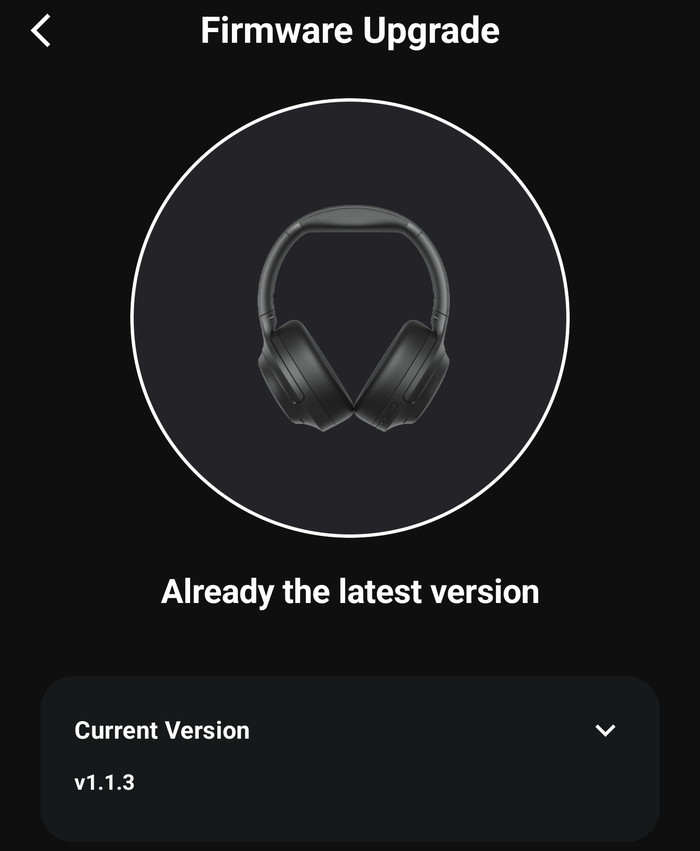
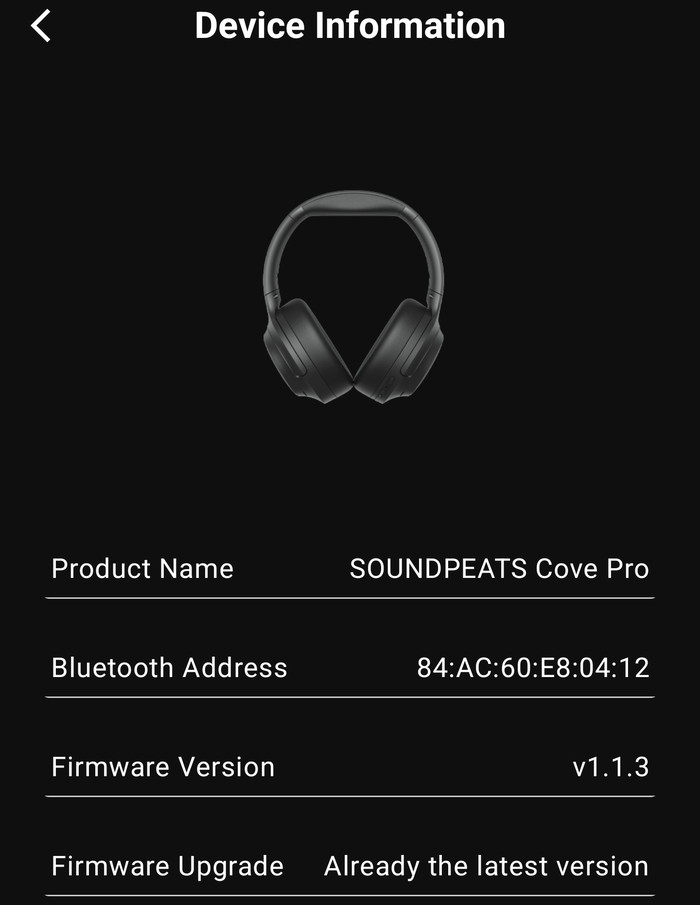
The PeatsAudio app upon start will ask for any firmware updates function
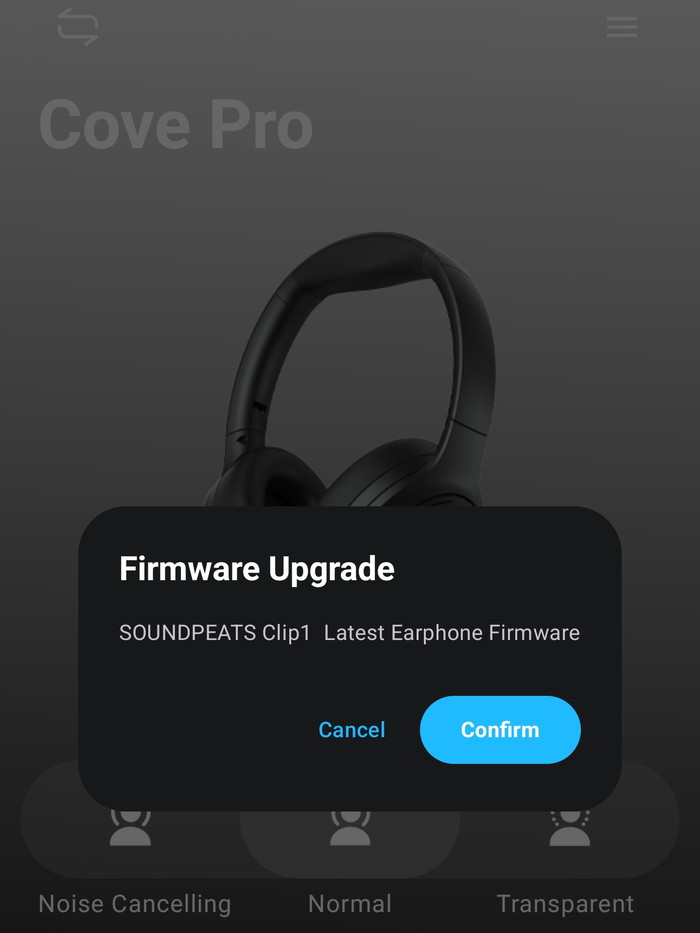
Our device had already the latest available.
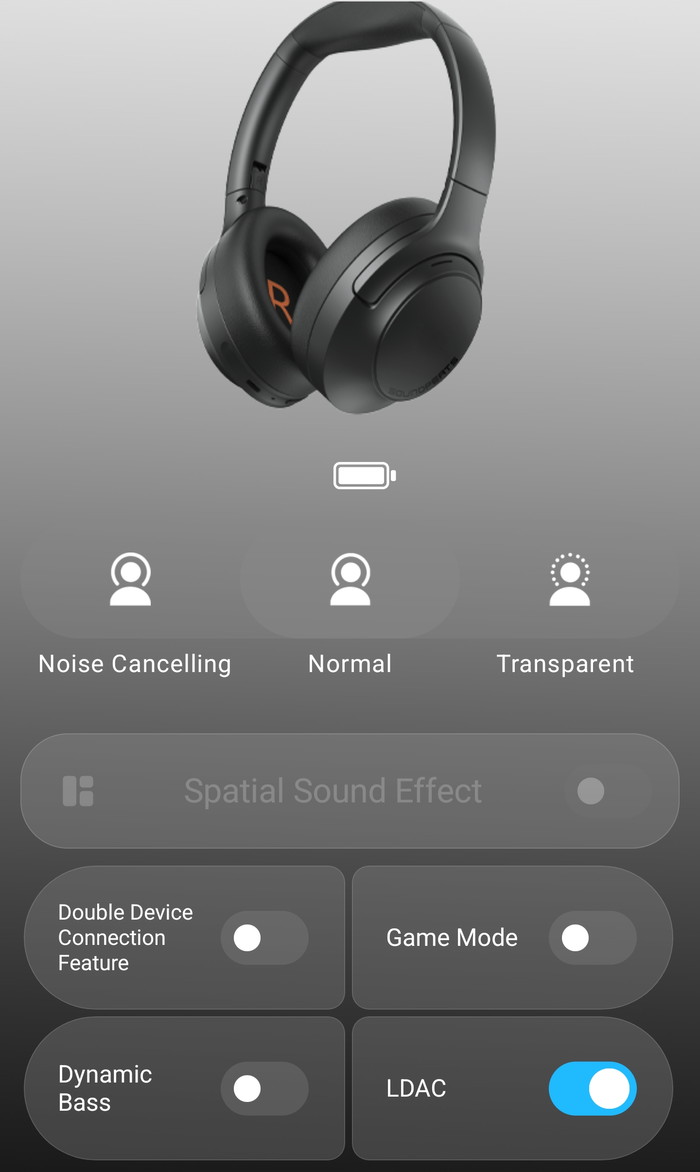
At the main screen, users can find all the needed toggles to activate/de-activate important functions of the product.
Users at the "More Functions" can see other information
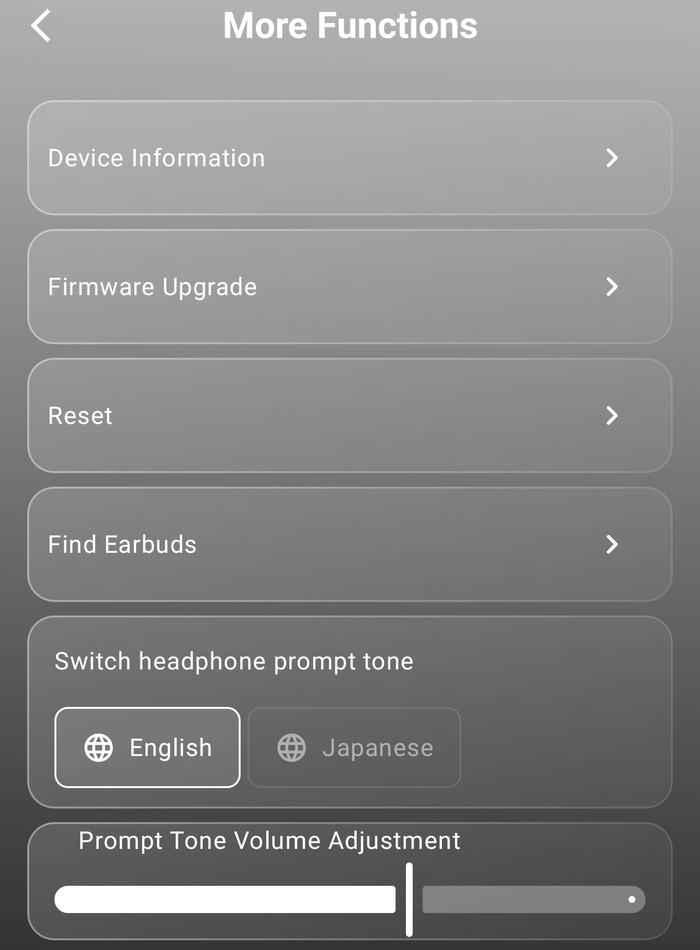
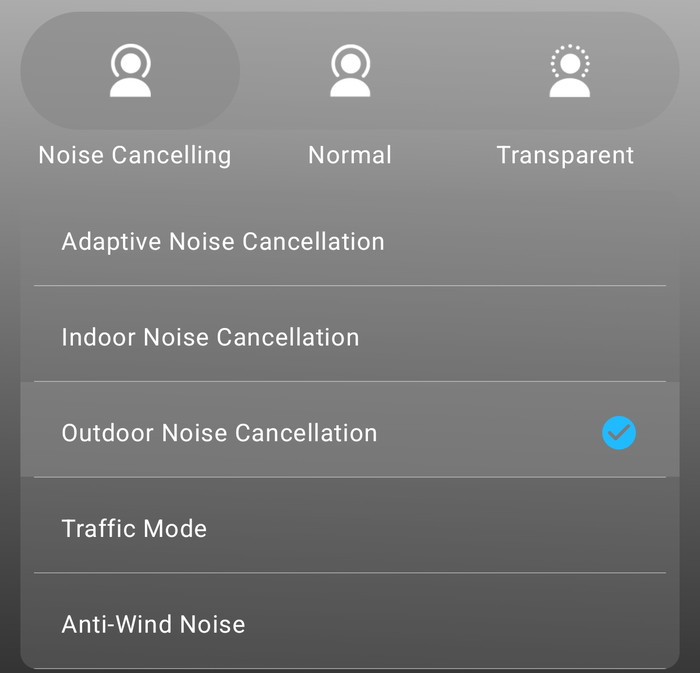
The ANC mode, supports five (5) modes:
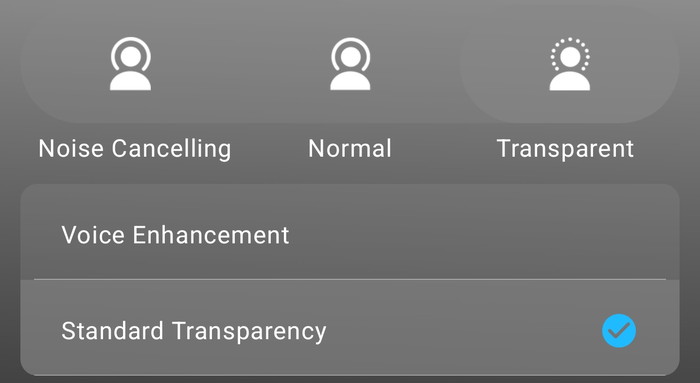
While the Transparent mode has two (2)
The App provides control over sound signature with 9 EQ Presets available, while Adaptive EQ is also possible:
- Classic (reference tuning)
- Bass Boost (adds 6-8dB below 200Hz)
- Bass Reduction (critical for ANC distortion mitigation)
- Treble Enhancement (lifts 4-8kHz region)
- Electronic (V-shaped for EDM)
- Pop (forward vocals, controlled bass)
- Classical (neutral with slight midrange emphasis)
- Rock (aggressive midrange, strong bass)
- Folk (natural, organic tonality)
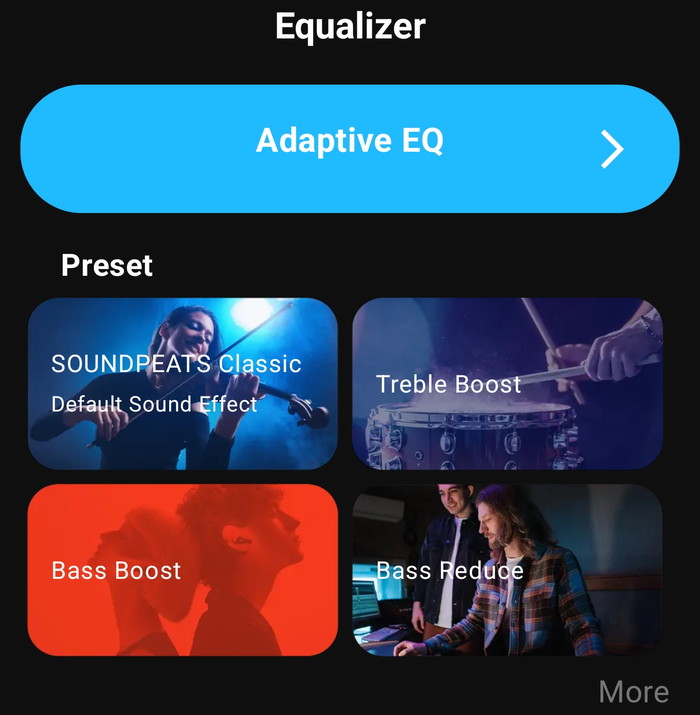
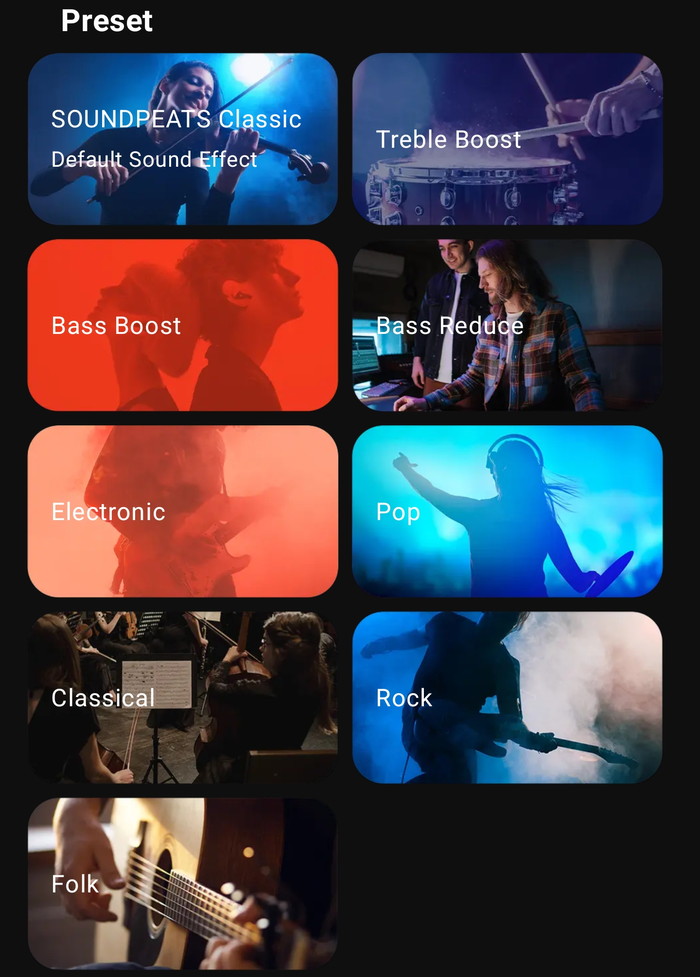
Users should use the included EQ to adjust the Cove Pro according to their needs, this device needs it and users have reported the sound as "transforming" after proper EQ adjustment. The stock tuning EQ will depend upon how users perceive it, some may like it, others might not. Plan to spend 15-30 minutes experimenting with EQ presets and custom curves during initial setup.
Experienced users will use the Custom EQ Functionality, while you could also use the Adaptive EQ as well. For users wanting immediate improvement:
1. Start in Normal/ANC Off mode
2. Apply **small bass cut** if sound is boomy
3. Add **small mid lift** if vocals lack presence
4. Add **tiny treble lift** only if sound feels dull
5. Save as "Normal" preset
6. Switch to ANC On—check bass response
7. If bass increased, apply **additional bass cut**
8. Save as "ANC" preset
Below is a step-by-step process that you may want to follow:
Stage 0: Preparation (Critical First Steps)
1. Choose Your Primary Mode:
- ANC On (for commute/travel use) - most common
- Normal/ANC Off (most consistent for critical listening)
- Note: Tune in the mode you'll use most—ANC changes tonal balance
2. Disable Enhancements: Turn off any "Bass Boost" or "Dynamic" settings while tuning
3. Set Reference Volume: Choose moderate level (40-60%) and use consistently
Stage 1: Define Your Target Sound
Before touching EQ, decide your goal:
- Balanced/Reference: Tight bass, natural vocals, smooth treble
- Fun V-Shape: Enhanced sub-bass + sparkle, controlled mids
- Vocal-Forward: Reduced mid-bass, lifted mids (podcasts/calls)
Stage 2: The Tuning Process
Step 1 — Tame the Bass (Start Here)
- Test Track: Something with steady kick drum + bassline
- Adjustment: Small moves only (±1-2 notches ≈ 1-2 dB)
- If bass is boomy: Reduce lowest frequency band(s)
- If ANC increases bass: Create separate ANC preset with additional bass cut
- Key: Test at moderate volume to avoid confusing with distortion
Step 2 — Vocal Clarity (Midrange Anchor)
- Test Track: Vocal-focused song you know intimately
- If vocals are recessed: Gently boost mid bands (~1-3 kHz typical range)
- If vocals sound nasal: Slightly reduce those same mid bands
- Goal: Natural, forward presentation without boxiness
Step 3 — Treble Refinement
- Test Tracks: Cymbals, hi-hats, acoustic guitar, strings
- If treble is harsh/piercing: Reduce upper frequency bands
- If sound is dull/veiled: Add small treble lift cautiously
- Warning: Stop before brightness becomes fatiguing
Step 4 — Critical A/B Testing
- Toggle EQ On/Off on same 15-30 second passage
- Match loudness (EQ can increase perceived volume)
- Make one small change, then A/B again
- Wait 30-60 seconds between adjustments (ear adaptation)
Step 5 — Save Dual Presets
- Preset A (Normal): Your baseline with ANC Off
- Preset B (ANC): Similar to A but with reduced bass for ANC compensation
- Naming: Clear labels like "Cove-Normal" and "Cove-ANC"
- Advantage: Presets stored on headphones, transfer across all devices automatically
Stage 3: Problem Solving
| Symptom | Diagnosis | Solution |
| Bass distorts with ANC | ANC bass boost + volume too high | Reduce bass in ANC preset; try "Bass Reduce" preset; lower volume |
| Sound lacks energy | Over-conservative tuning | Small sub-bass boost; tiny treble lift (careful not to overdo) |
| Vocals buried in mix | Mid-bass masking | Reduce mid-bass bloat; gently lift vocal range |