Breaking News

Noctua at Computex 2026 GIGABYTE announces AORUS GeForce RTX 50 Series AI BOX Sony Expands Professional Display Lineup with Crystal LED UNIFY PlayStation Plus Game Catalog for June 2026 Introducing the Razer Seiren V3 Pro

logo

  • Share Us
    • Facebook
    • Twitter
  • Home
  • Home
  • News
  • Reviews
  • Essays
  • Forum
  • Legacy
  • About
    • Submit News

    • Contact Us
    • Privacy

    • Promotion
    • Advertise

    • RSS Feed
    • Site Map

Search form

Akaso Brave 8 Lite

Feb 6,2026 0

3. App


Review Pages

1. Introduction
2. Retail Package
3. App
4. Tests
5. Conclusion


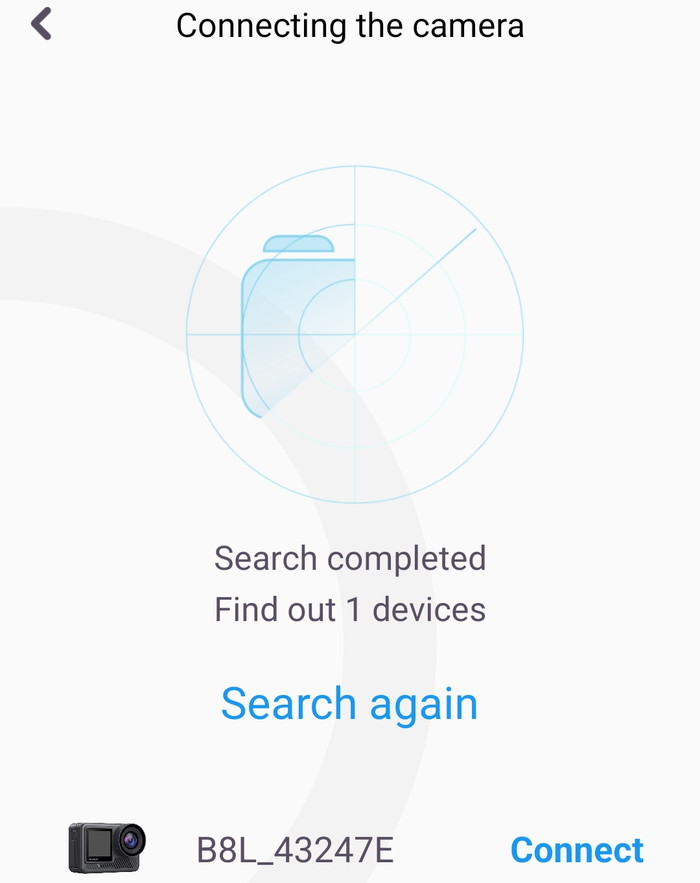
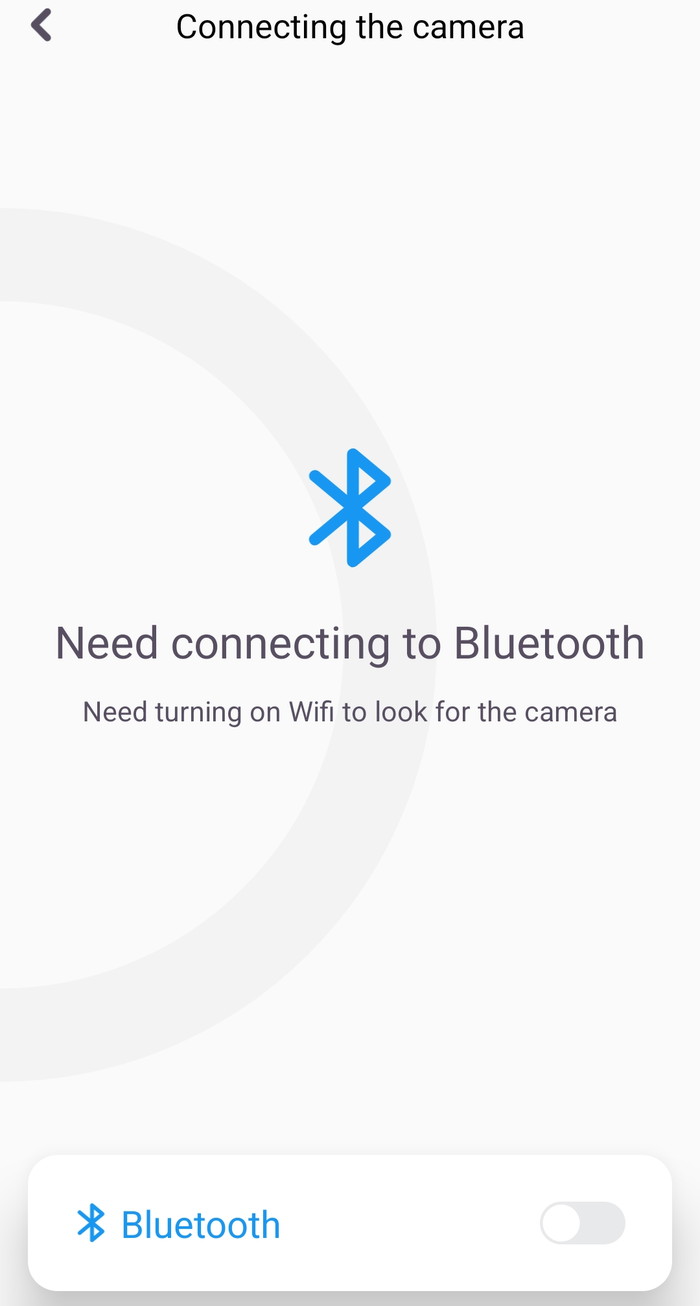
Akaso has developed the Akaso Go app for Android to control/update the device. Users will find it for free at the Google Play Store. To connect the App to the camera, you have two ways:

Method 1:
1. Turn on the camera, press and hold the Up button to turn on Wifi. The Wifi name and password will be shown on the camera screen.
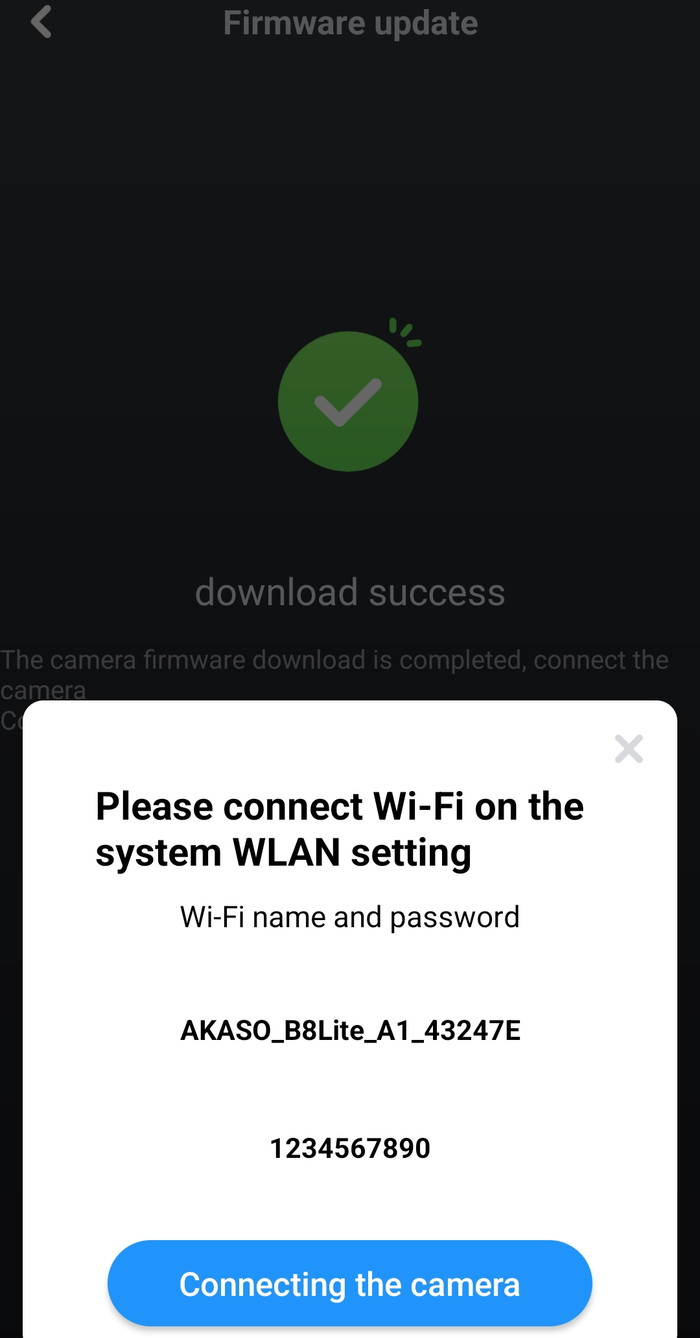
2. Turn on your phone's Wifi to enter the Wifi setting, find the camera Wifi in the list and click it, then enter the password 1234567890 to connect.
3. Open the AKASO GO app, tap “Device” → “Add device”, choose “Brave 8 Light”.
4. Tick "The above operation has been confirmed", and click "Live Preview", your camera will connect with the AKASO GO app.

Option 2:
1. Turn on the camera, press and hold the Up button to turn on Wifi. The Wifi name and password will be shown on the camera screen.
2. Open the AKASO GO app, tap “+” icon on the upper right corner. Add “Brave 8 Light” and click “Live Preview”.
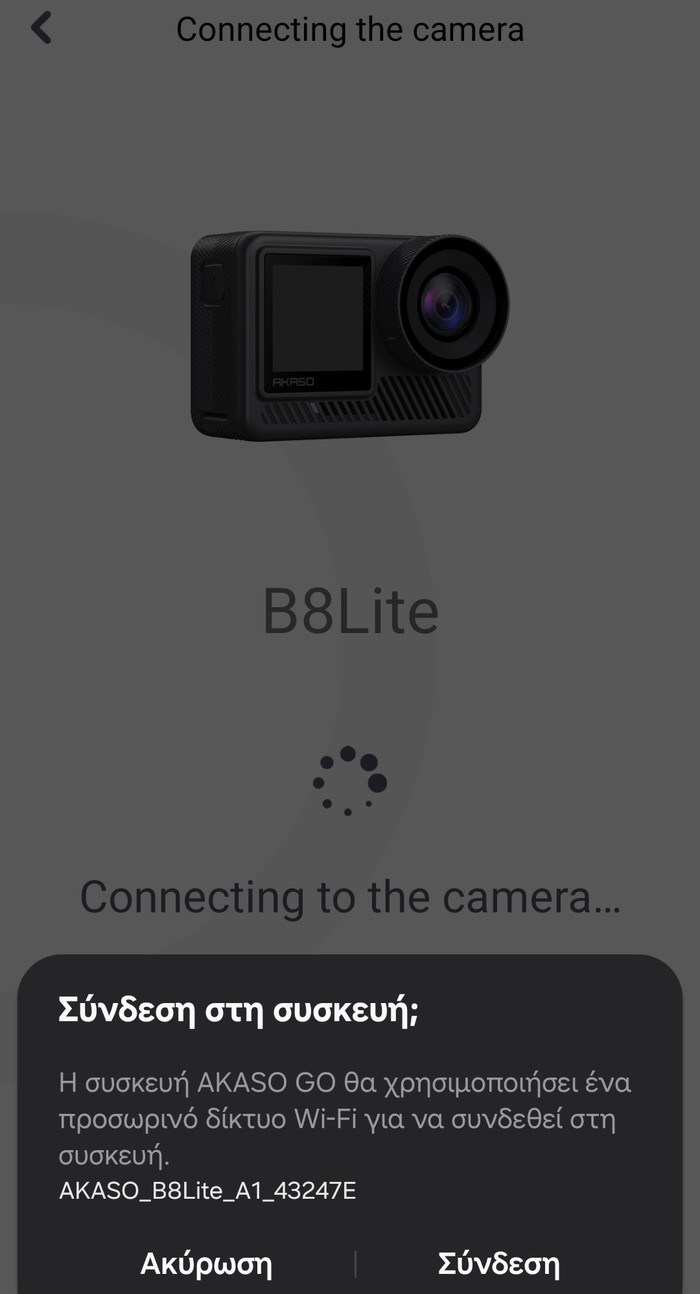
3. Enter the correct Wifi name of the camera and click ”Connect camera”.
4. Allow the smartphone to “Join” the Wifi network of the camera.
5. Your camera will be connected with the AKASO GO app.
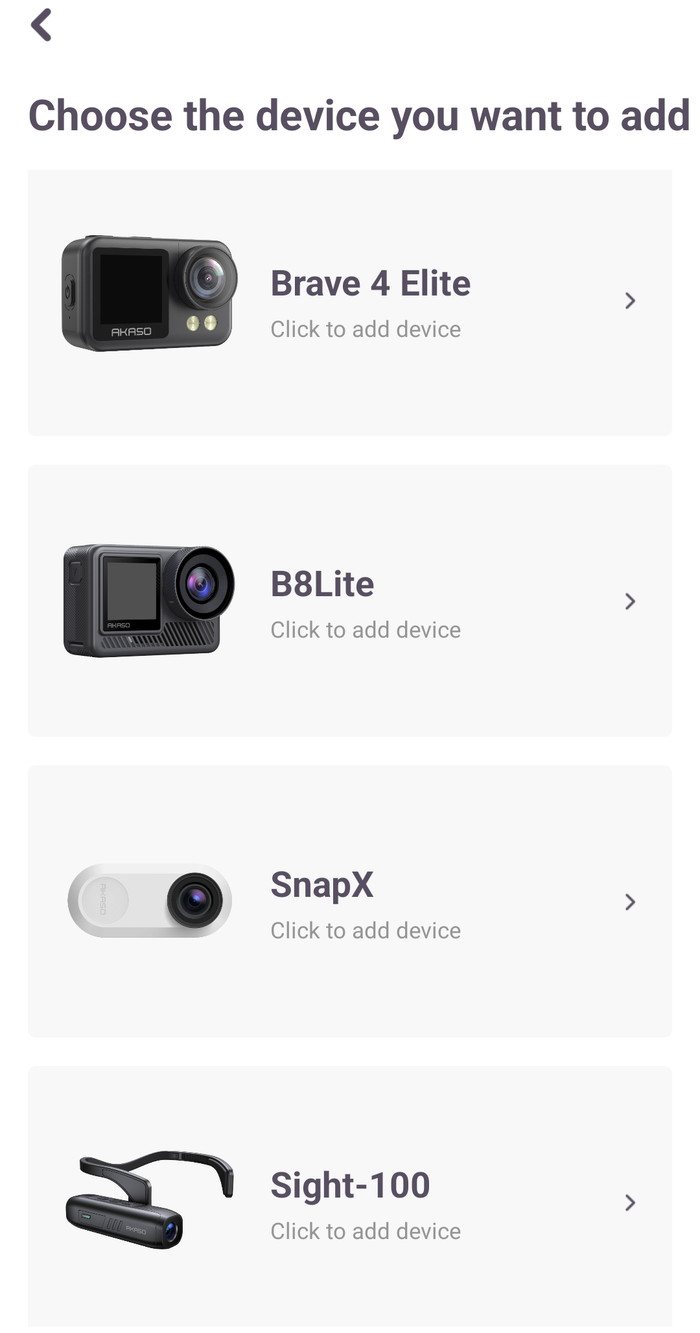
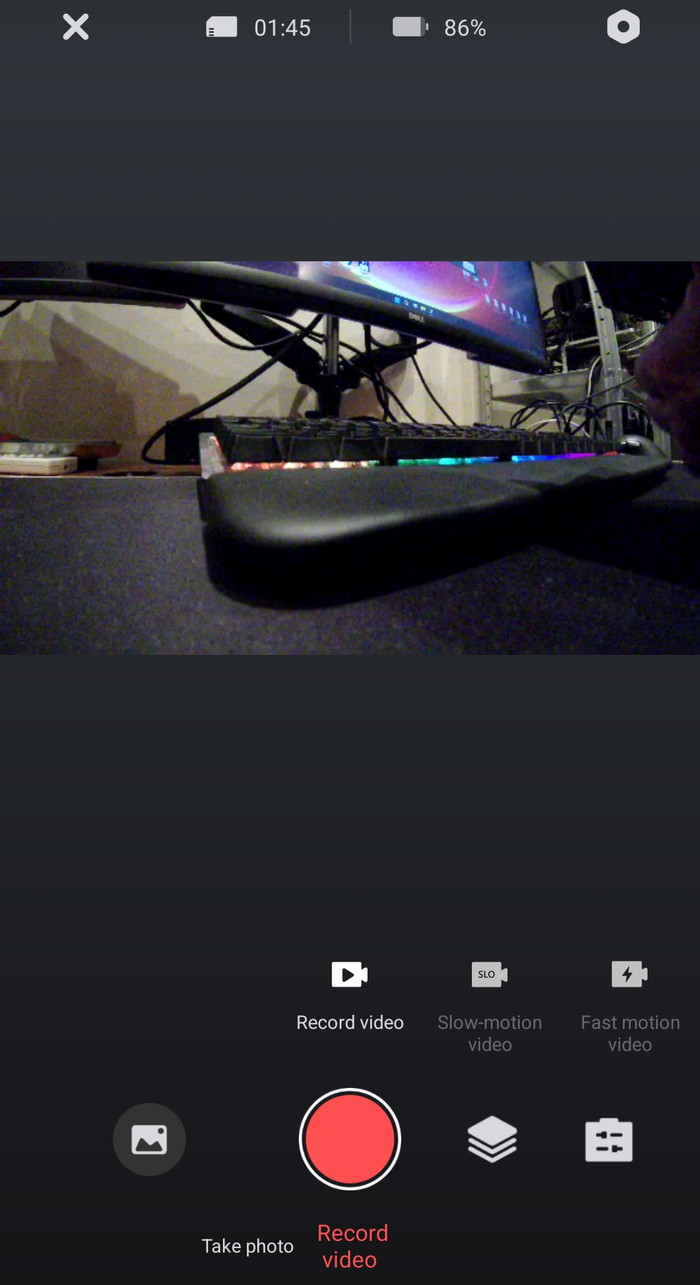
At the main menu, you can view the installed microSD capacity, the remaining battery, several options, and of course record video/photo, etc.
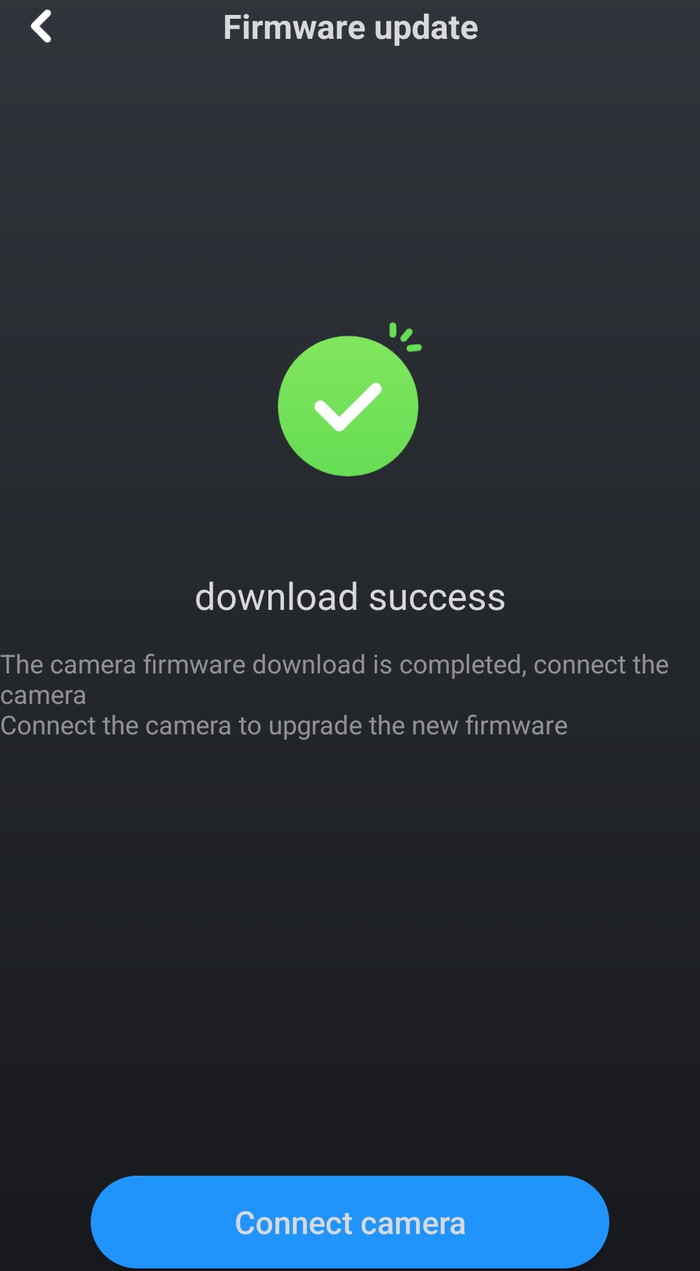
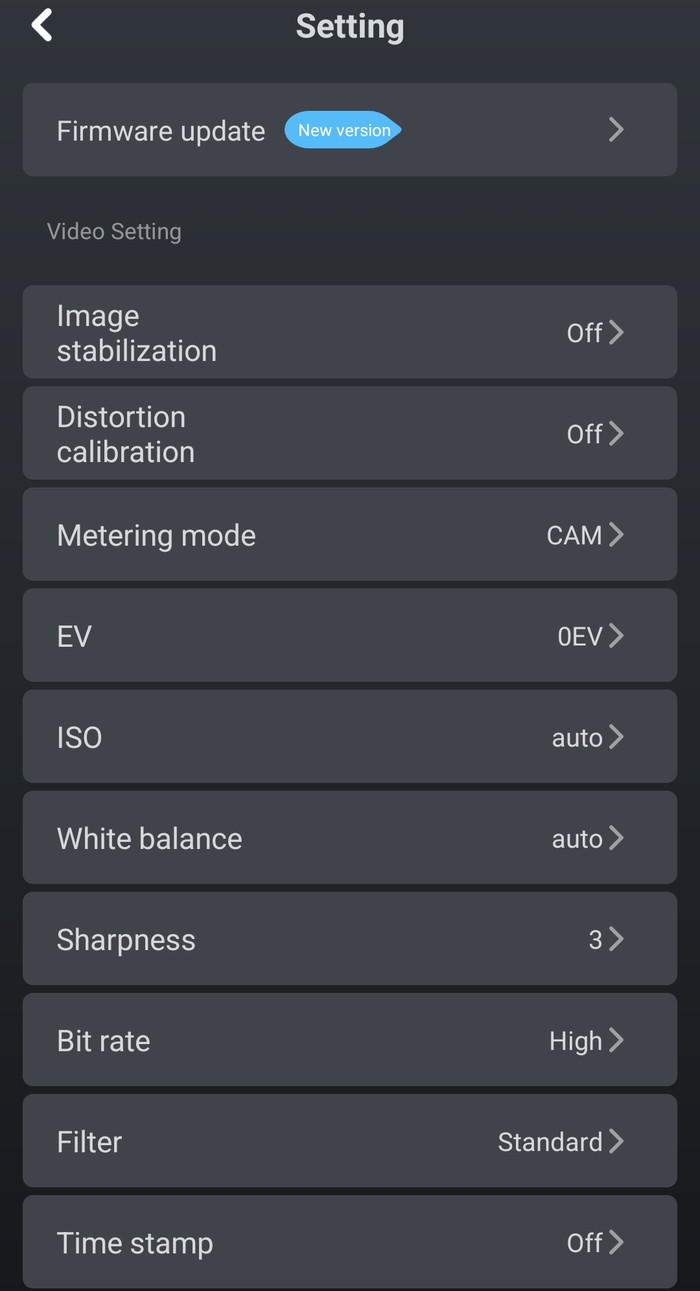
At the settings area, users can be notified about new firmware updates and in general control the camera settings.
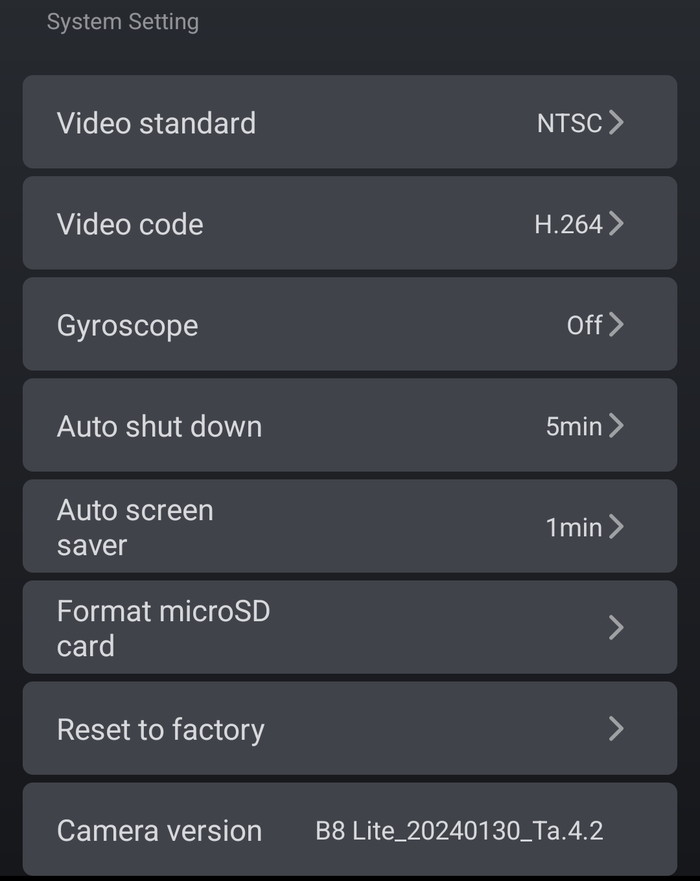
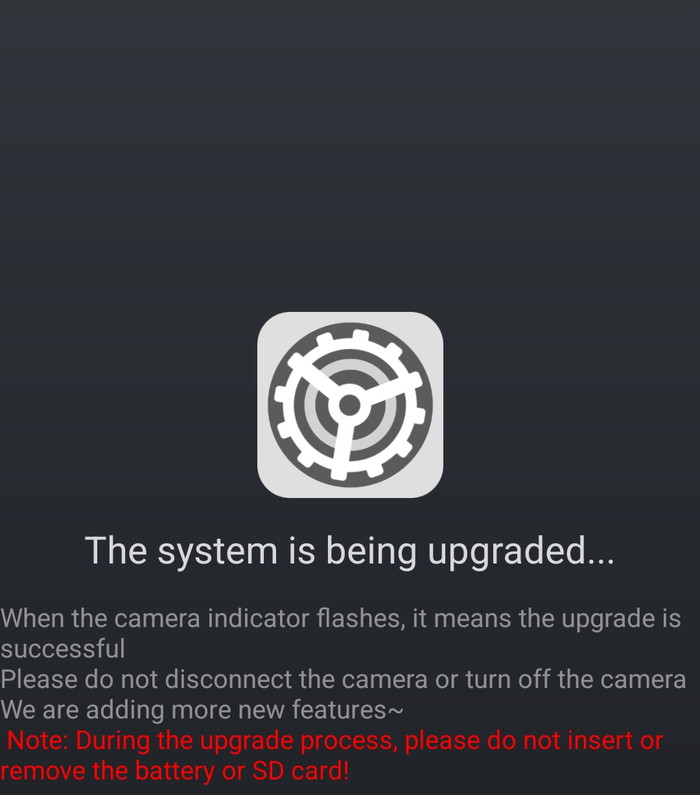
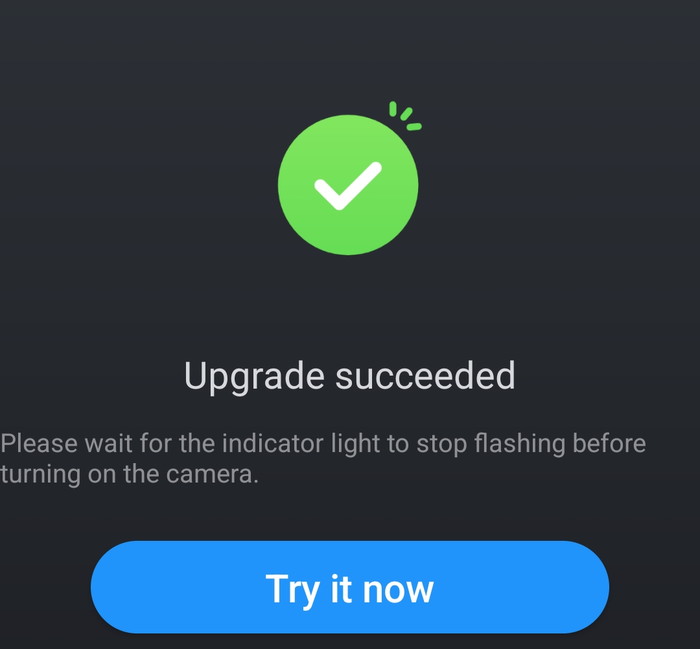
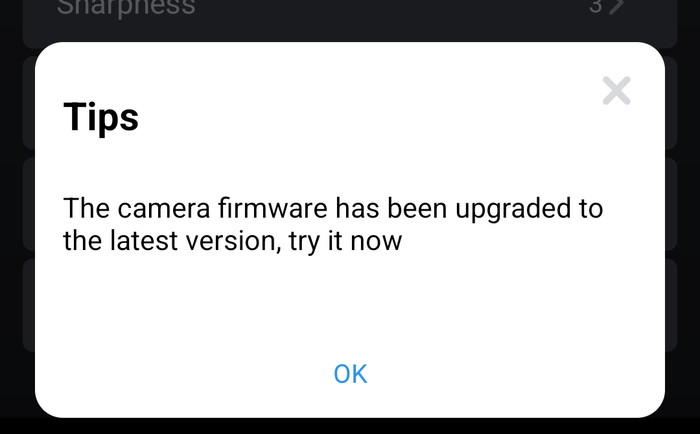
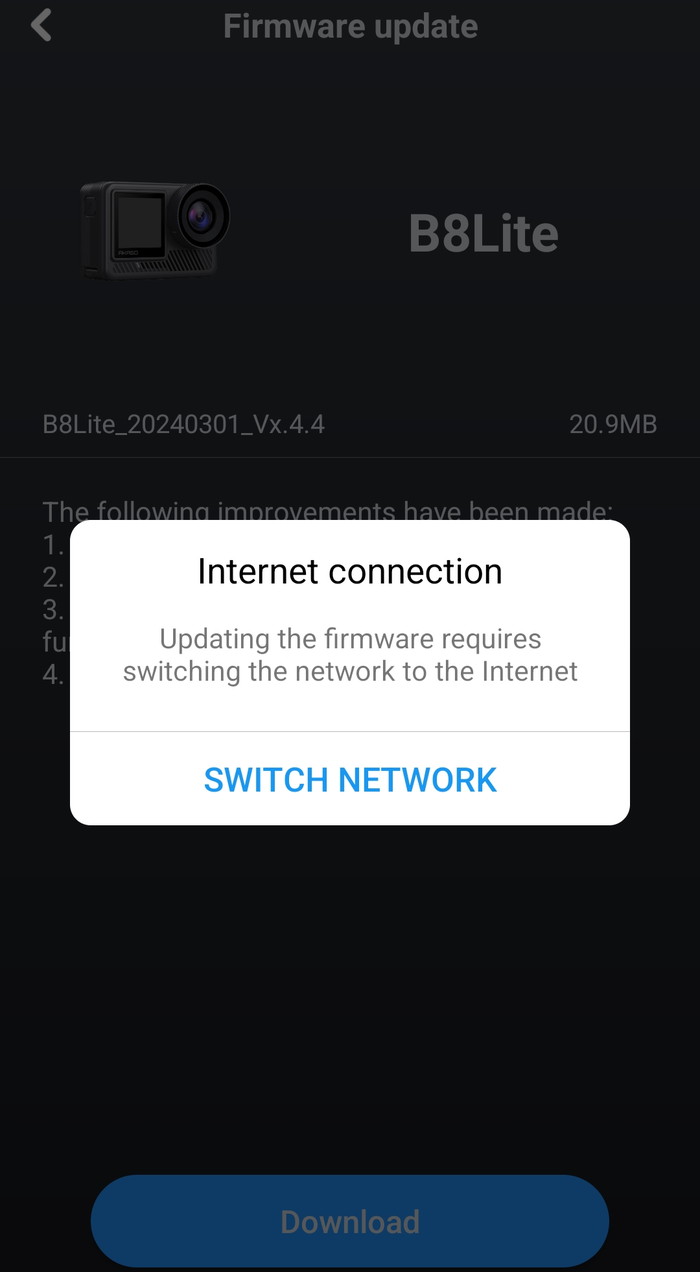
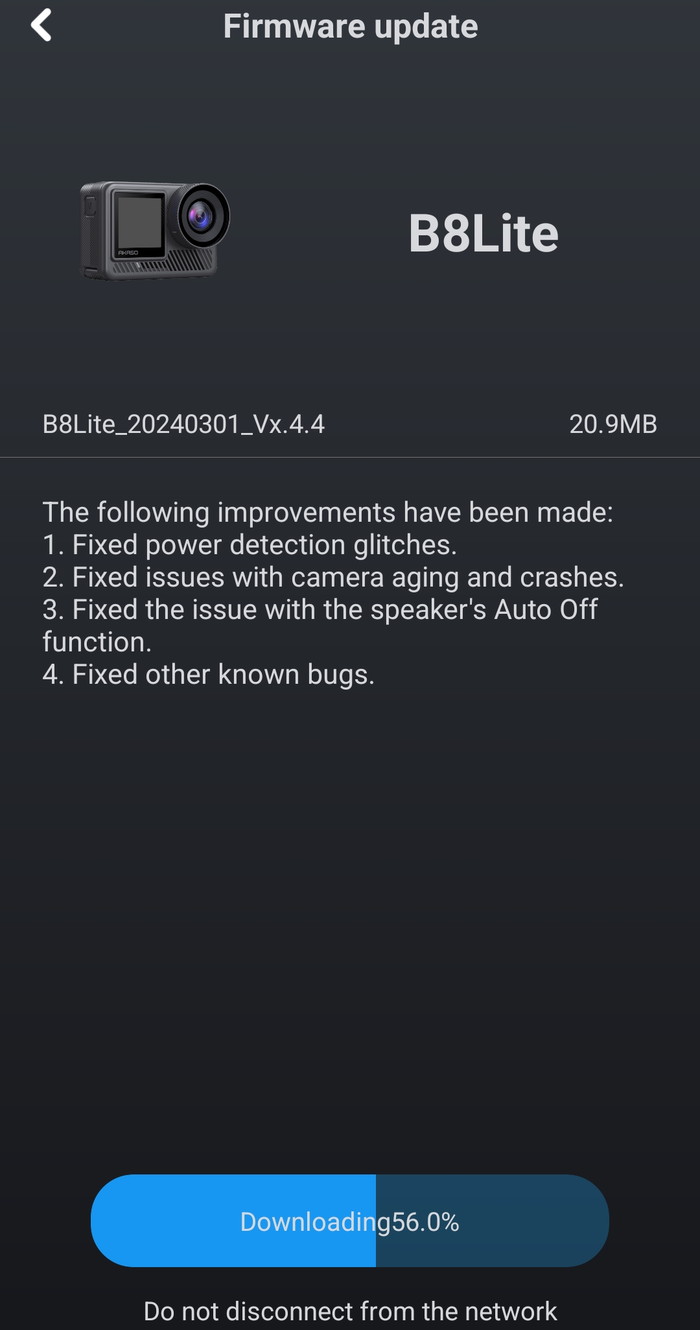
We updated our firmware update without any problems
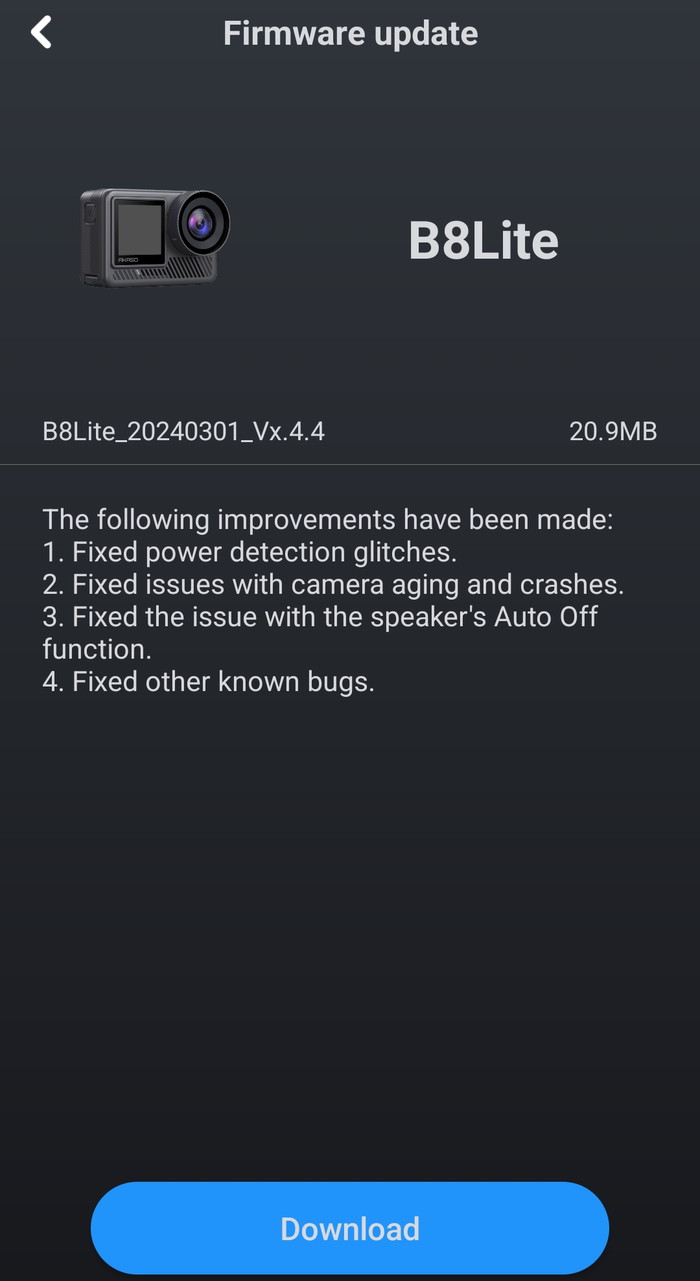
First you have to download the firmware, the connect with Wi-Fi to the device
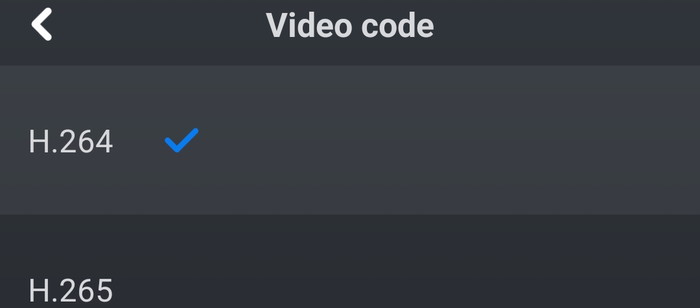
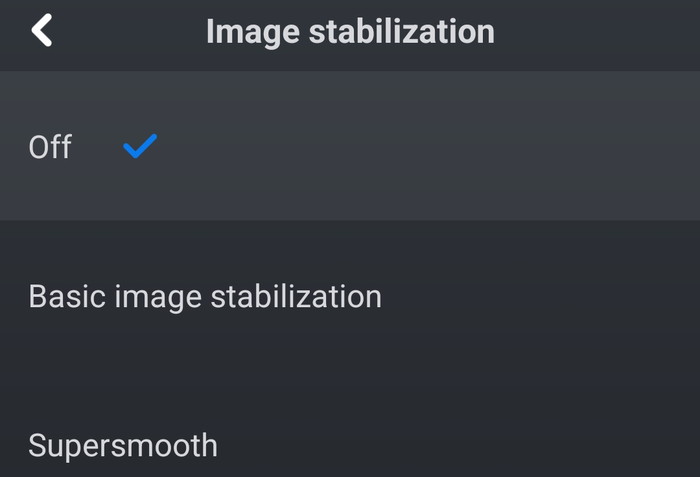
At the settings, you can set various options like the Image stabilization or Video codecs.
 

Review Pages

1. Introduction
2. Retail Package
3. App
4. Tests
5. Conclusion


Pages

  • « first
  • ‹ previous
  • 1
  • 2
  • 3
  • 4
  • 5
  • next ›
  • last »

Akaso

Tags: Akaso
Previous Post
Airfanta 3 Pro Air
Next Post
Soundpeats Air 5

Related Posts

  • AKASO 360 Black Friday Pricing

  • Akaso 360 Action camera

  • AKASO releases new Brave 8 Lite Action Camera With Special $20 Coupon for 72 hours!

  • Akaso 60-in-1 accessories

  • Akaso Brave 7 Action Camera

Latest Reviews

Swit NP-FZ100 Battery
Cameras

Swit NP-FZ100 Battery

The Technology Stack Behind Modern Digital Gaming Platforms
Consumer Electronics

The Technology Stack Behind Modern Digital Gaming Platforms

be quiet! Dark Rock Pro 6
Cooling Systems

be quiet! Dark Rock Pro 6

How Online Casinos Use Encryption, Verification, and Risk Controls to Build User Trust
Enterprise & IT

How Online Casinos Use Encryption, Verification, and Risk Controls to Build User Trust

Why Low-Latency Infrastructure Matters More Than Raw Specs
Enterprise & IT

Why Low-Latency Infrastructure Matters More Than Raw Specs

Popular News

CORSAIR announces Vanguard Pro 96 and Vanguard 96 Gaming Keyboards

CORSAIR announces Vanguard Pro 96 and Vanguard 96 Gaming Keyboards

TEAMGROUP Launches EXPERT P34F Find My External SSD

TEAMGROUP Launches EXPERT P34F Find My External SSD

MSI Launches FORGE GK600 TKL WIRELESS Special Edition Compact Mechanical Keyboard

MSI Launches FORGE GK600 TKL WIRELESS Special Edition Compact Mechanical Keyboard

Samsung announces Galaxy Tab S11 and Galaxy S25 FE series

Samsung announces Galaxy Tab S11 and Galaxy S25 FE series

Viltrox Showcases Upcoming Lens Lineup and New TTL Flash at IBC 2025

Viltrox Showcases Upcoming Lens Lineup and New TTL Flash at IBC 2025

Panasonic Introduces the First Ultra-Telephoto Zoom Lens in the LUMIX S Series

Panasonic Introduces the First Ultra-Telephoto Zoom Lens in the LUMIX S Series

MSI Launches DATAMAG 40Gbps Magnetic Portable SSD

MSI Launches DATAMAG 40Gbps Magnetic Portable SSD

Viltrox Joins the L-Mount Alliance, Expanding Creative Possibilities

Viltrox Joins the L-Mount Alliance, Expanding Creative Possibilities

Main menu

  • Home
  • News
  • Reviews
  • Essays
  • Forum
  • Legacy
  • About
    • Submit News

    • Contact Us
    • Privacy

    • Promotion
    • Advertise

    • RSS Feed
    • Site Map
  • About
  • Privacy
  • Contact Us
  • Promotional Opportunities @ CdrInfo.com
  • Advertise on out site
  • Submit your News to our site
  • RSS Feed