Endorfy Thock V2 Wireless Keyboard
4. Software
In order to fully utilize the Endorfy Thock V2 (TKL) Wireless, Endorfy offers its own software, which can also be found under the "Software" area at the official website. The setup process is easy,
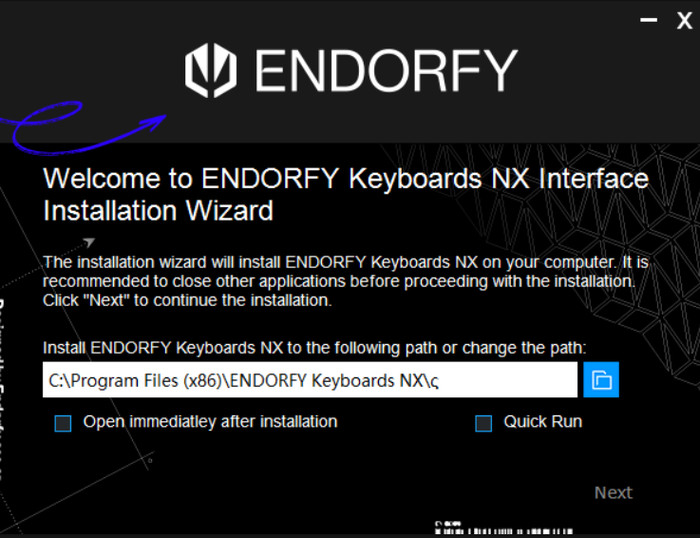
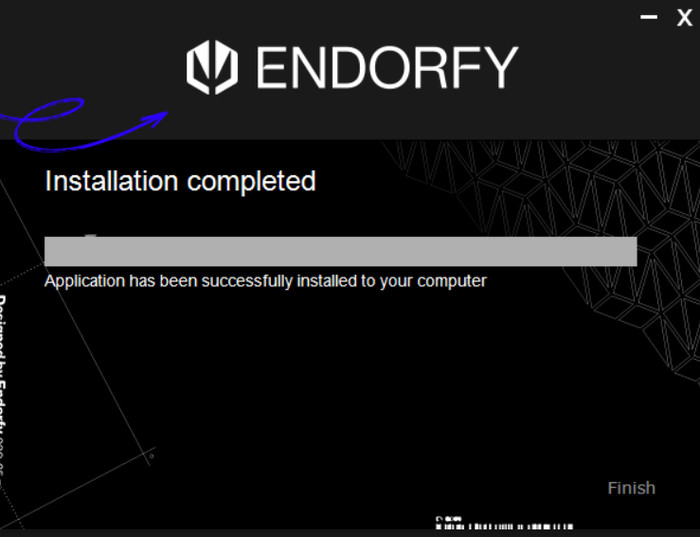
And after installation, users can open up the software (no reboot is needed).
The Endorfy software offers a basic layout with four major tabs: illumination, Buttons, Macros, and others.
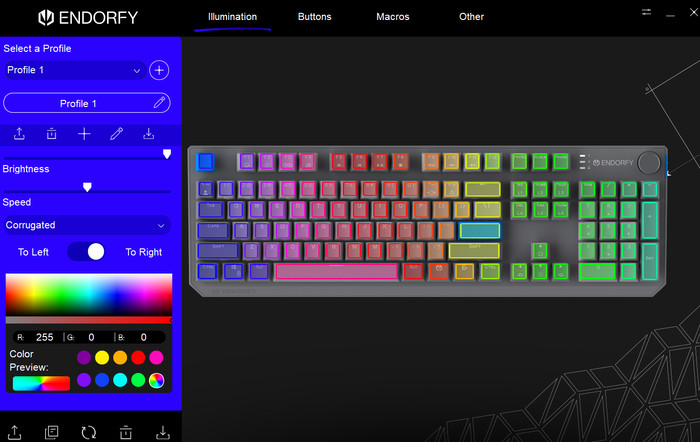
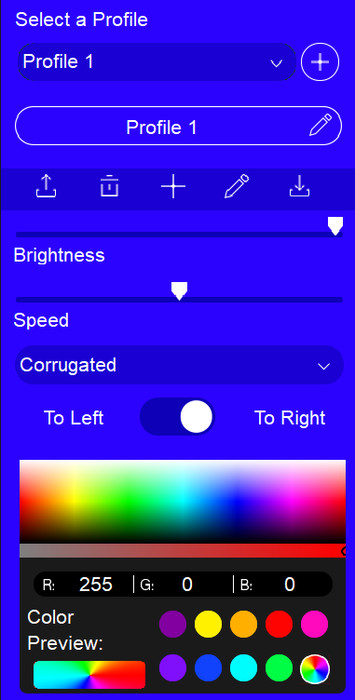
At the illumination tab, users can set the ARGB effect of all buttons and set different profiles according to their needs.
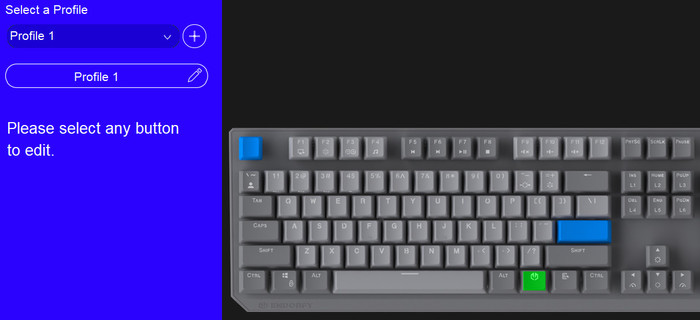
Users can change the behaviour of each button:
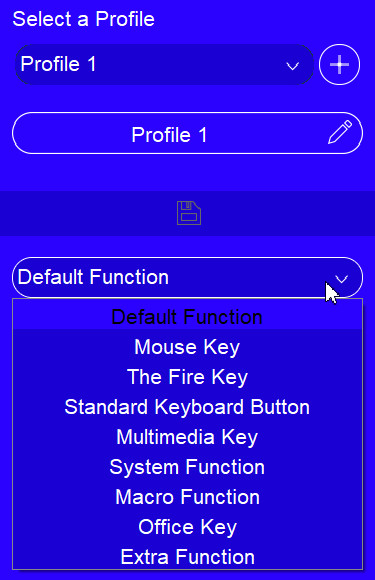
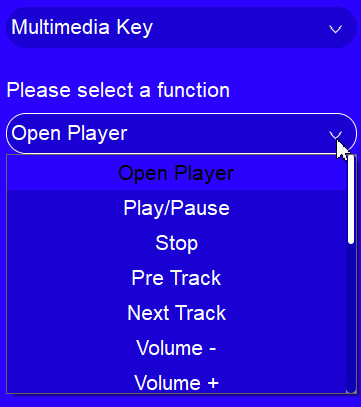
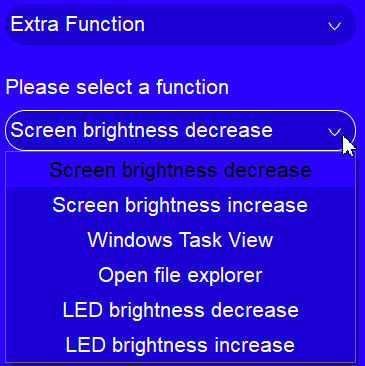
The software offers various functions:
For example, the multimedia key can set different functions.
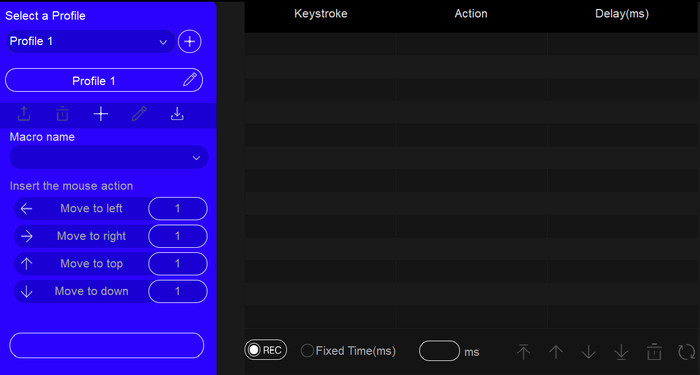
Macros are also possible.
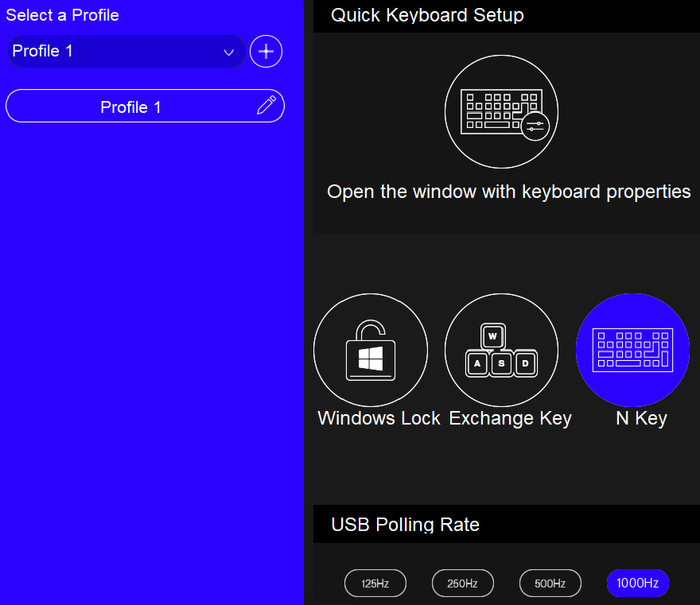
While at the other tab, users can make new profiles and also set the USB polling rate (125Hz, 250Hz, 500Hz, or 1000Hz (default)).
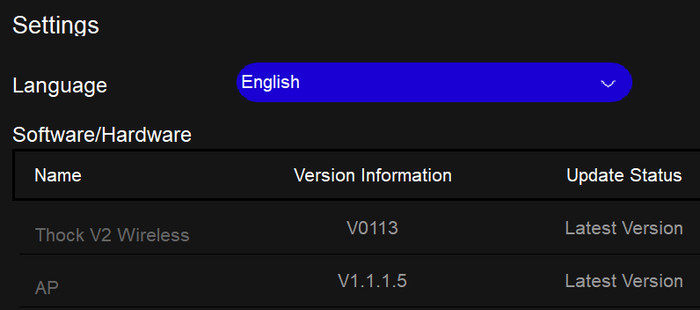
Lastly, the software and our firmware of the Thock V2 Wireless were the latest possible. We imagine users will be able to update firmware in the future to further improve the product.