Acemagic W1
2. Retail Package
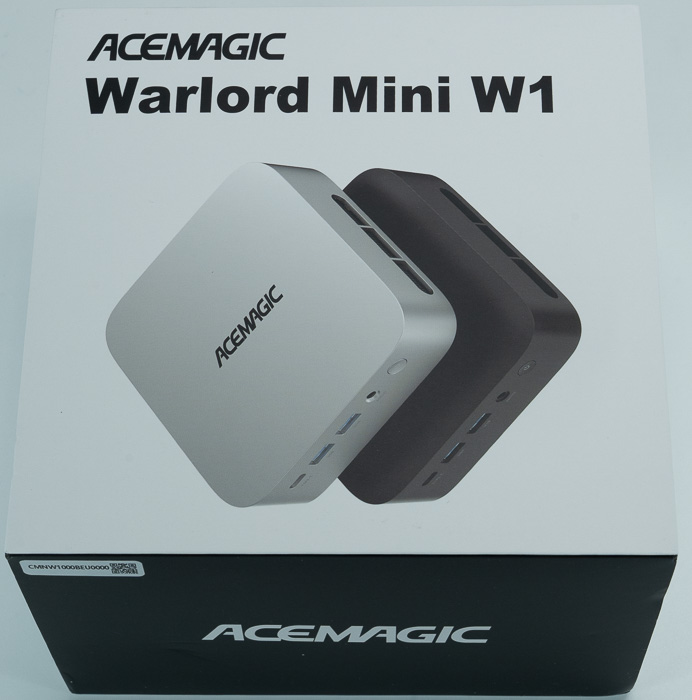
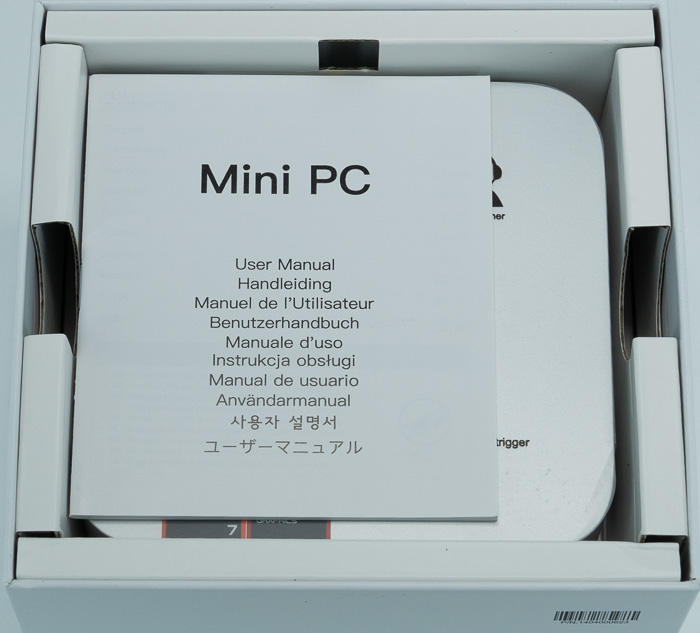
For our testing, we received the barebone version to see what this mini PC system is truly capable of. The retail packaging is simple and compact, accurately reflecting the small dimensions of the device inside.
Everything is well included.
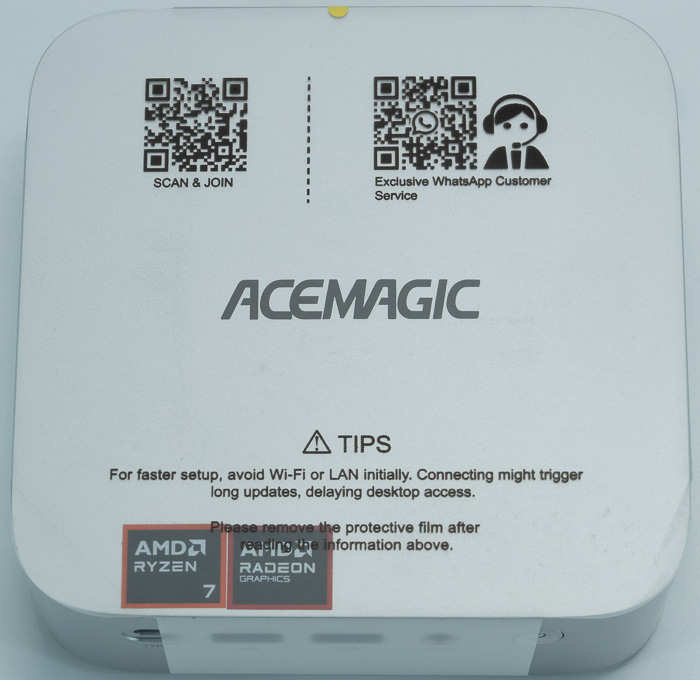
The unit itself measures 128.2mm x 128.2mm x 41mm and features a sleek, silver ABS plastic chassis that is reminiscent of Apple’s Mac Mini systems. The top of the device is branded with the Acemagic logo alongside two AMD logos.
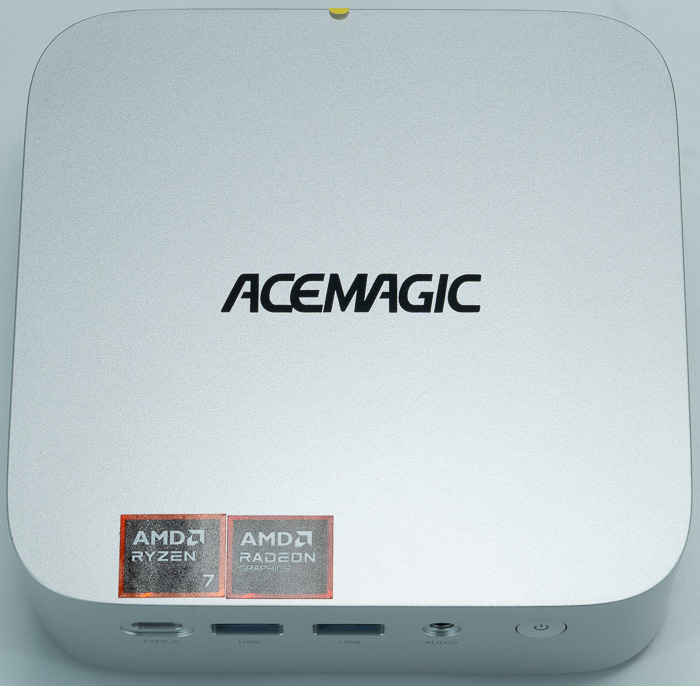
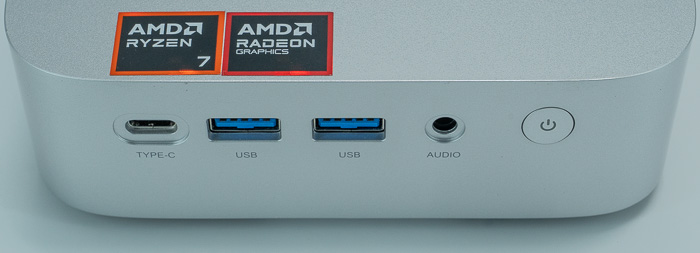
The I/O is impressively dense for its size:
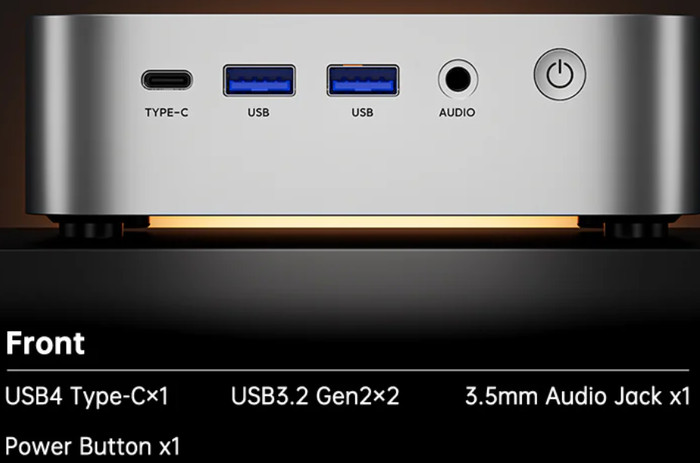
- Front: Includes two USB 3.2 Gen 2x2 ports, a USB4.0 Type-C port, a 3.5mm audio jack, and a circular power button.
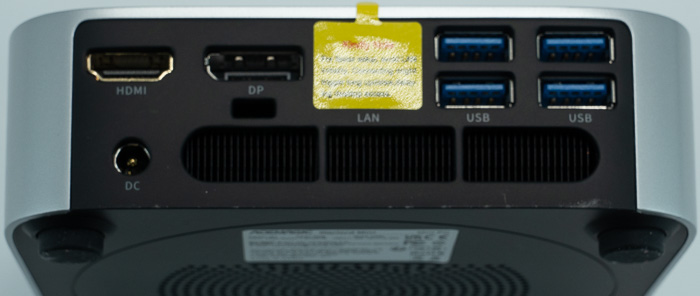
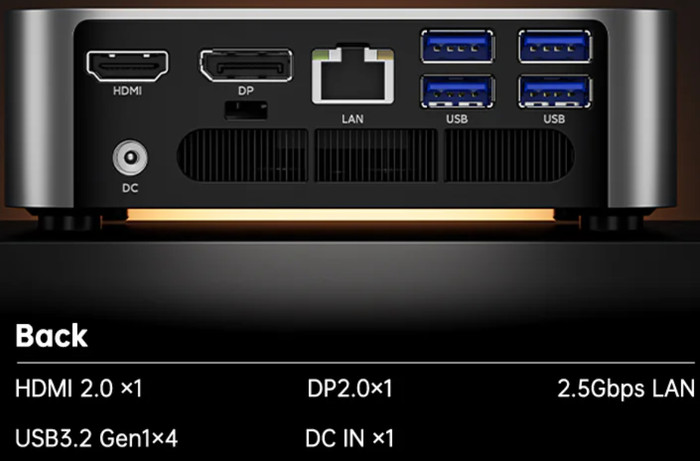
- Back: Features an HDMI 2.0 port, DisplayPort 2.0, four USB 3.2 Gen 1 ports, a 2.5Gbps RJ45 LAN port, and the DC power input.
- Side: Dedicated fan grills are located on the right side to exhaust hot air.
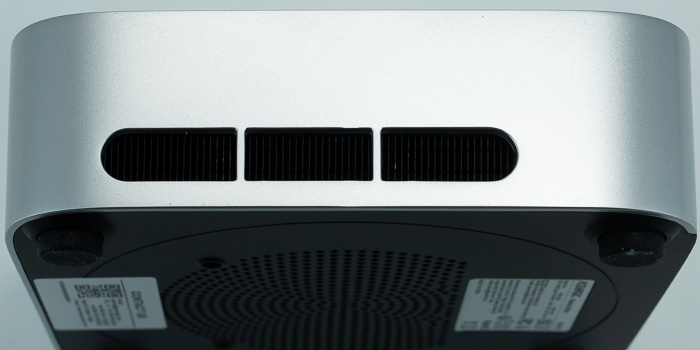
At the bottom, there are more stickers with product information and serial number, ventilation holes and four plastic rubber feets.
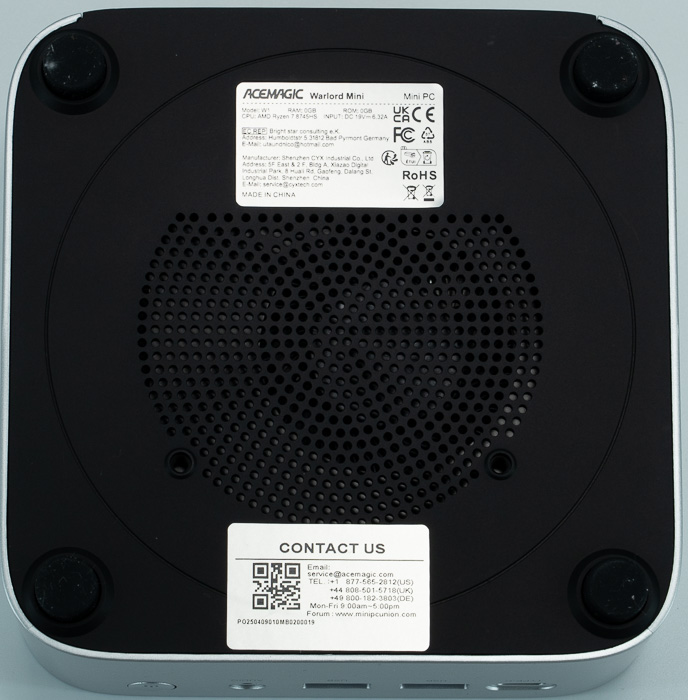
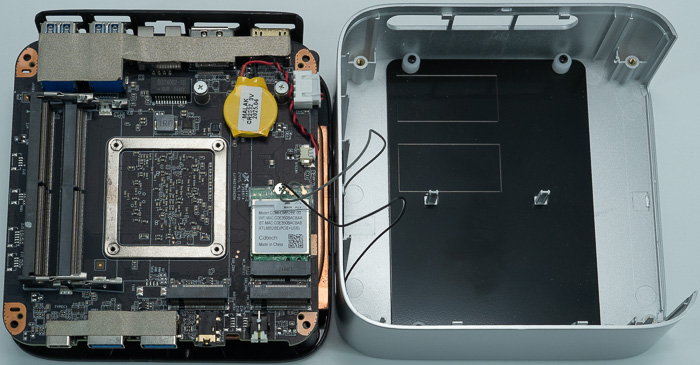
To access the internals, you must remove the four rubber feet and unscrew the four Philips screws. Caution is advised when separating the bottom plate from the chassis, as there are several delicate cables for power and the Wi-Fi antennas that could easily be damaged.
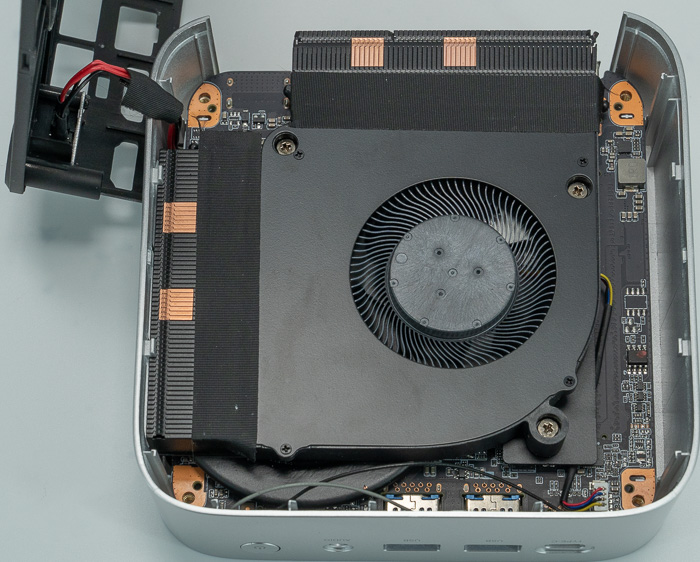
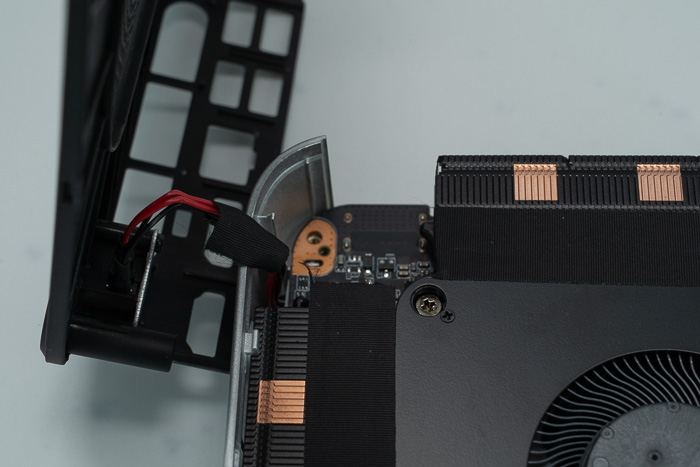
Inside, the cooling solution consists of a substantial heatsink with a central fan designed to push air out. The motherboard provides:
- Two empty SO-DIMM DDR5 slots.
- Two M.2 NVMe ports.
- A pre-installed Realtek Wi-Fi/BT module (which is replaceable, for instance, with a Wi-Fi 7 card).
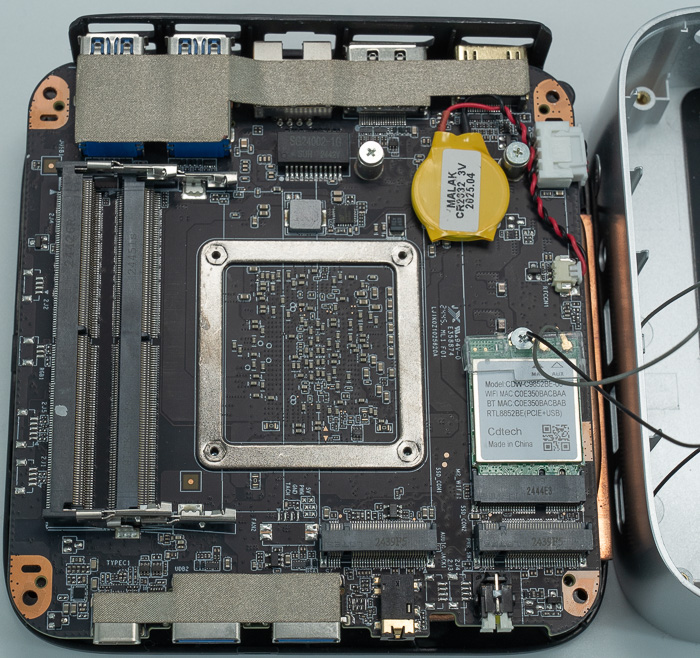
Note that several cables are included at the side panel, so be careful.
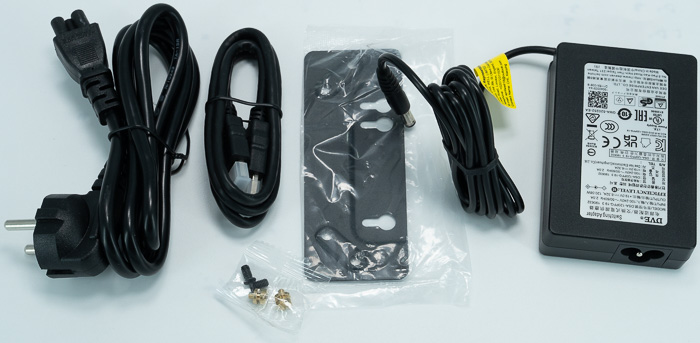
The package also includes a power cable, HDMI cable, a 120W power brick (19V, 6.32A), and a VESA mount for attaching the PC to the back of a monitor.
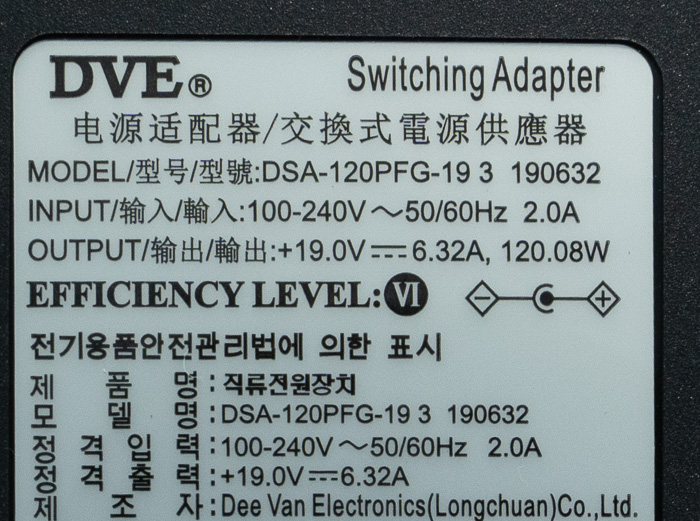
The included DC adapter outputs 19V, 6.32A with 120Watt for the device to work properly.
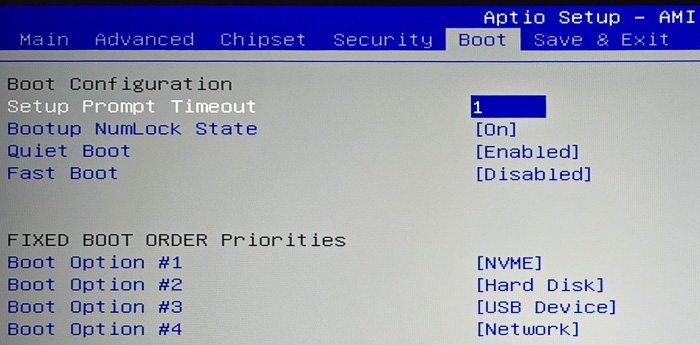
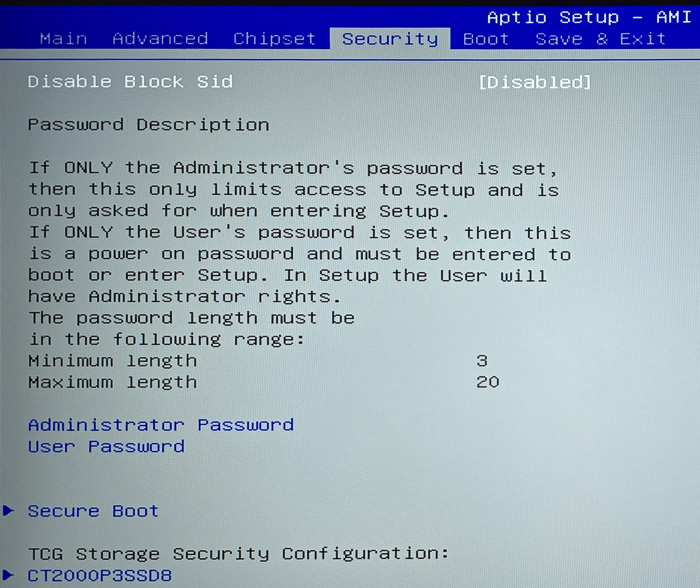
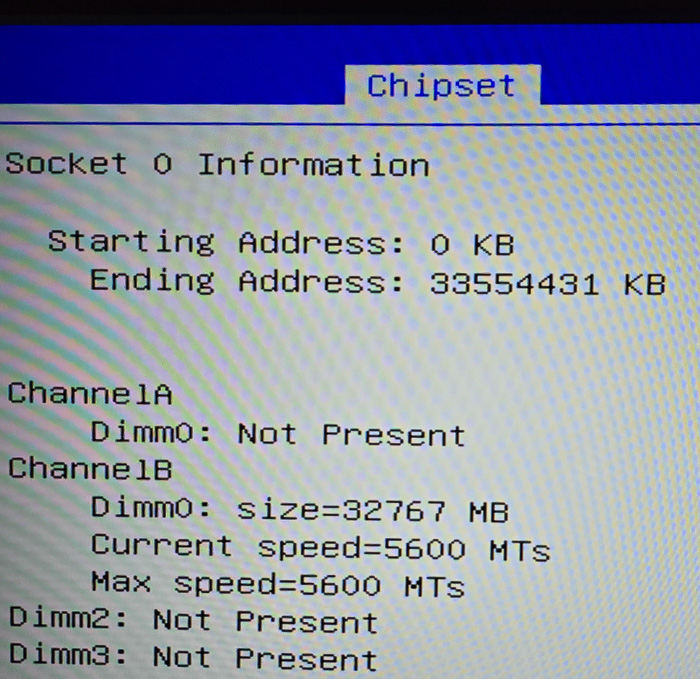
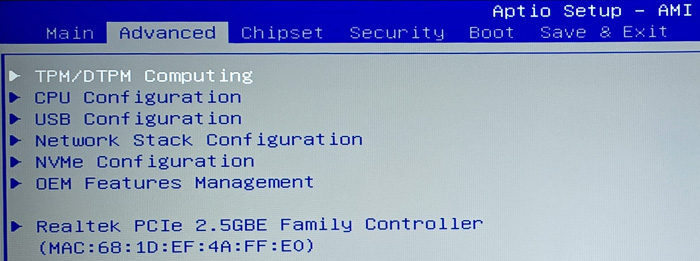
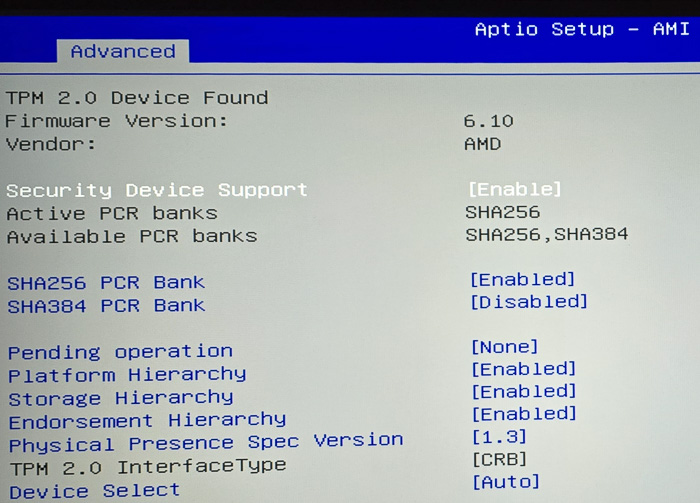
Upon first boot (accessing BIOS via the DEL key), we confirmed the system was running the latest BIOS version. For our testing, we installed 32GB of Crucial DDR5-5600MHz RAM and a 2TB Crucial NVMe SSD. The system recognized the components immediately at their correct rated speeds.
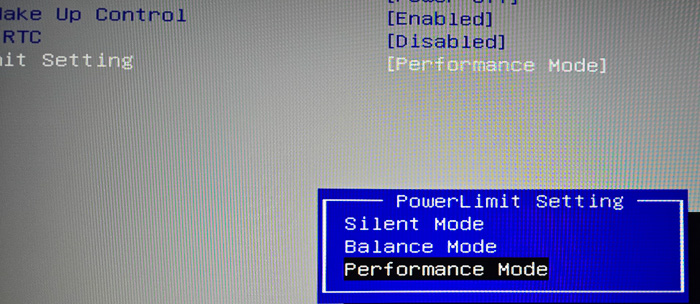
A key feature found in the BIOS is the Power Limit settings, allowing users to choose between three modes:
- Silent Mode
- Balance Mode
- Performance Mode (configured at 54W).
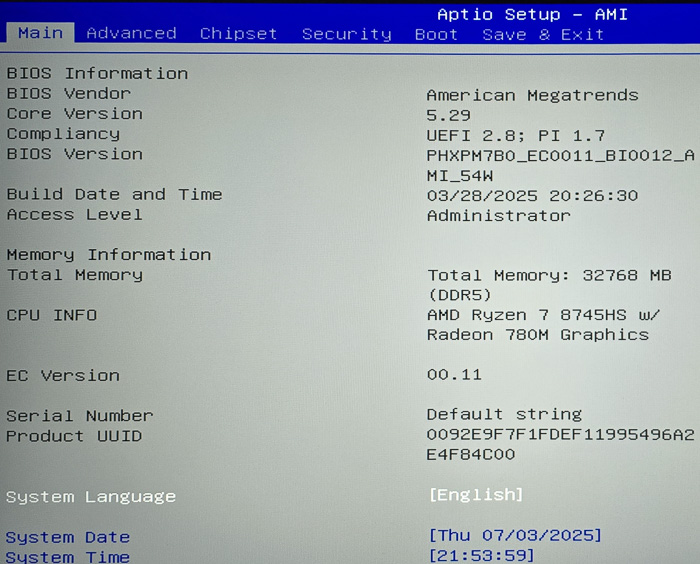
The device recognized our Crucial CT32G56C46S5 without any problem and at the correct running speed.
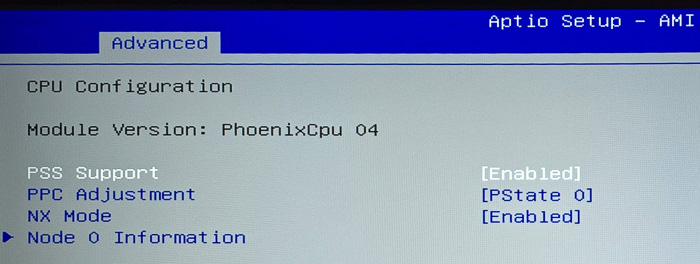
The included processor is the AMD Ryzen 7 8745HS with Radeon 780M Graphics.
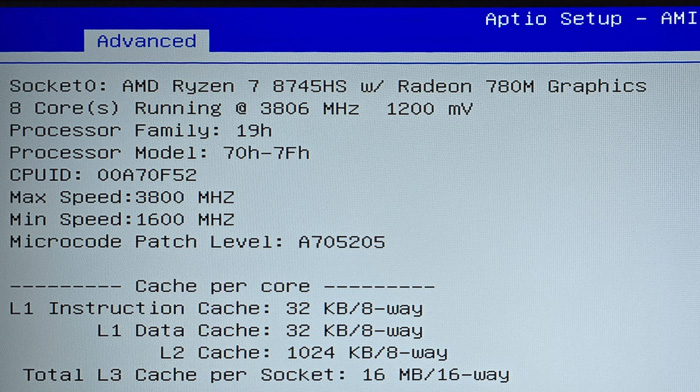
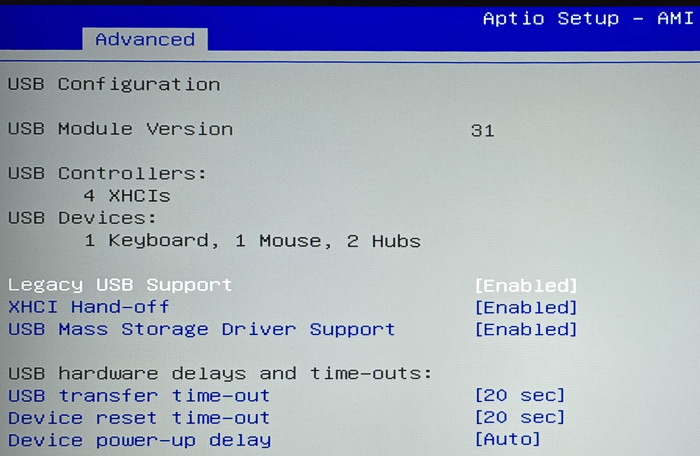
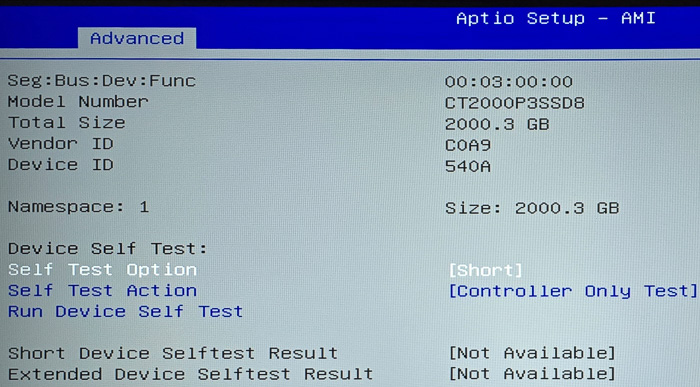
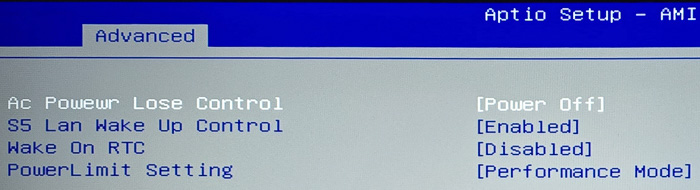
The device has three Power Limit settings, Silent mode, Balance mode and Performance Mode (54Watt).