Breaking News

Kioxia Introduces Direct Liquid Cooling Support for Enterprise SSDs Apple announces new product for 2026 be quiet! launches Light Wings Pro IO all in one frame fan series with advanced lighting and cooling options Elgato Enters Wireless Audio with Wave Go, a Convertible Microphone That Adapts to How Creators Record AMD announces Ryzen AI Halo

logo

  • Share Us
    • Facebook
    • Twitter
  • Home
  • Home
  • News
  • Reviews
  • Essays
  • About
    • Submit News

    • Contact Us
    • Privacy

    • Promotion
    • Advertise

    • RSS Feed

Search form

Foxconn Rattler P67 review (Quantum Force)

Sep 19,2011 0

3. BIOS, software


Review Pages

1. Features
2. package, closer look
3. BIOS, software
4. Benchmarks
5. Overclocking
6. Final thoughts


The Foxconn Rattler doesn't have any fancy BIOS like like other motherboards such as the Asus Sabertooth (uEFI) we have recently reviewed. However, it is straightforward and easy to understand, designed by American Megatrends.

The startup screen design is quite simple and clear, and the style is in accordance with the racing pictures of packing.

The following video (HD) gives a quick overview of the Rattler bios options and features. You will find the last tab very useful, where you can set the main DRAM/Voltage and overclocking options.


- Foxconn Aegis Panel

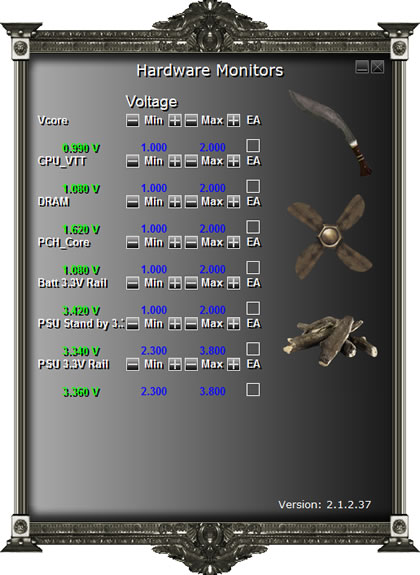
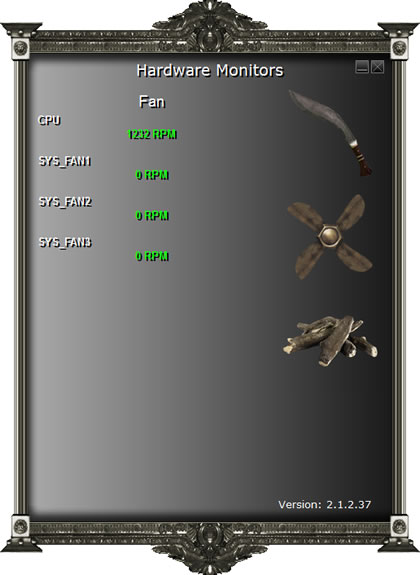
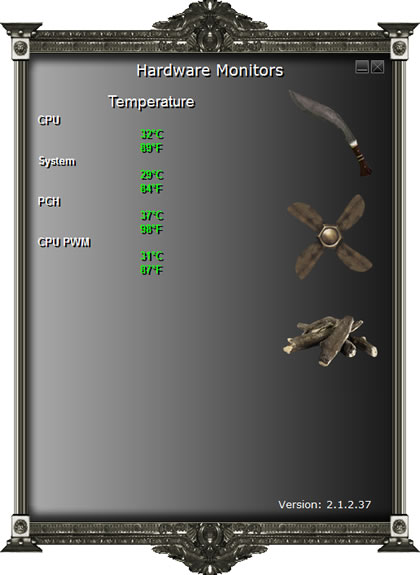
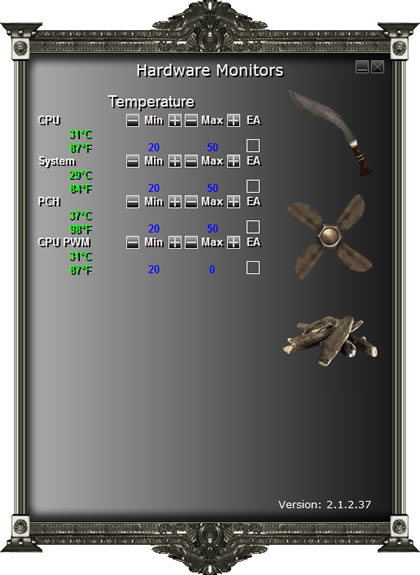
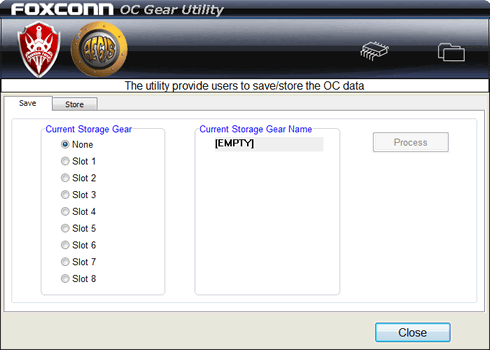
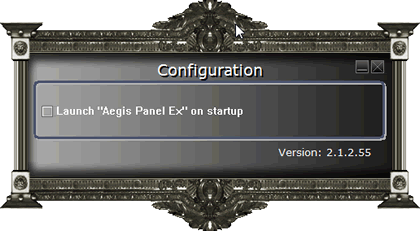
Foxconn offers a Windows fine-tuning software called Aegis Panel. According to Foxconn the tool provides settings of OC gear, overclocking, fan control and alarm function. It also displays system monitoring information such as fan speed, temperature, voltage and CPU clock etc.

After installing the software, it will rest at the right part of your screen.


The right window is the choice area of four main functions. While the left window is the overclocking page so the users can set the CPU multiplier or hardware voltage directly. Moreover, it features hardware monitoring function and the overclocking archived page.

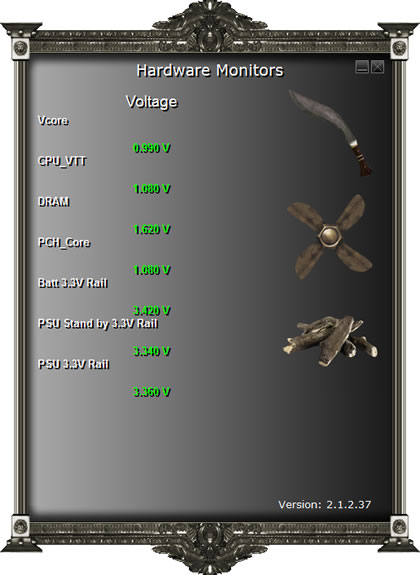
 

Although the Foxconn Aegis Panel provides some good information and allows you to make some settings under a Windows environment, it left us with an overall impression that it still needs some polishing and new GUI in order to be more competitive with corresponding utilities found in motherboards from Asus or Gigabyte. In the following pages you will see the utility in action during overclocking.


Review Pages

1. Features
2. package, closer look
3. BIOS, software
4. Benchmarks
5. Overclocking
6. Final thoughts


Pages

  • « first
  • ‹ previous
  • 1
  • 2
  • 3
  • 4
  • 5
  • 6
  • next ›
  • last »

Hon Hai/Foxconn Technology Group

Tags: Hon Hai/Foxconn Technology Group
Previous Post
Gigabyte Z68X-UD3P-B3 review
Next Post
Asus SaberTooth P67 B3 review

Related Posts

  • Foxconn’s Q1 Profit Influenced by Slow Smartphone Sales

  • Foxconn to Assemble Procedural Masks in Wisconsin for Pandemic Relief

  • Foxconn Says 5G IPhone Fall Launch is Feasible

  • Foxconn to Resume Production in China by End of The Month

  • Foxconn Slowly Resumes Production, Says Coronavirus Will Have am Impact to Revenue

  • Apple Stores Beijing to Reopen on February 14, Coronavirus Could Impact iPhone Production

  • China Blocks Operations of Foxconn Plants due to Coronavirus: report

  • Coronavirus Measures to Hold Back Foxconn's Production

Latest Reviews

Fanxiang MP83 M.2 NVMe SSD Enclosure
Enterprise & IT

Fanxiang MP83 M.2 NVMe SSD Enclosure

Ugreen CM642 USB4.0 Enclosure
PC components

Ugreen CM642 USB4.0 Enclosure

be quiet! Dark Power 14 IO
PC components

be quiet! Dark Power 14 IO

SanDisk High Endurance 512GB microSDXC
Cameras

SanDisk High Endurance 512GB microSDXC

Samsung PRO Ultimate 512GB microSDXC
Cameras

Samsung PRO Ultimate 512GB microSDXC

Popular News

MSI’s Latest AMD X870E MAX & EVO Series Motherboards

MSI’s Latest AMD X870E MAX & EVO Series Motherboards

COLORFUL Launches iGame B850M ULTRA Series Micro-ATX Motherboards

COLORFUL Launches iGame B850M ULTRA Series Micro-ATX Motherboards

COLORFUL Presents Limited Edition Chitu MAG-60 Magnetic Keyboard Inspired by the Year of the Horse

COLORFUL Presents Limited Edition Chitu MAG-60 Magnetic Keyboard Inspired by the Year of the Horse

COLORFUL Launches iGame B850I MINI OC V14 Motherboard

COLORFUL Launches iGame B850I MINI OC V14 Motherboard

COLORFUL Presents iGame Z890 ULTRA-S W and iGame Z890M ULTRA Z Motherboards

COLORFUL Presents iGame Z890 ULTRA-S W and iGame Z890M ULTRA Z Motherboards

COLORFUL Launches the iGame X870E VULCAN W OC Motherboard

COLORFUL Launches the iGame X870E VULCAN W OC Motherboard

COLORFUL Expands B850 Motherboard Lineup with New CVN, Battle-Ax, and MEOW Models

COLORFUL Expands B850 Motherboard Lineup with New CVN, Battle-Ax, and MEOW Models

ASRock Adds Support for One Sub-Channel DRAM Module on Intel DDR5 Motherboards

ASRock Adds Support for One Sub-Channel DRAM Module on Intel DDR5 Motherboards

Main menu

  • Home
  • News
  • Reviews
  • Essays
  • About
    • Submit News

    • Contact Us
    • Privacy

    • Promotion
    • Advertise

    • RSS Feed
  • About
  • Privacy
  • Contact Us
  • Promotional Opportunities @ CdrInfo.com
  • Advertise on out site
  • Submit your News to our site
  • RSS Feed