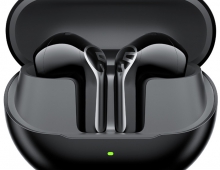
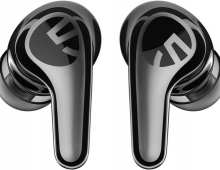
Soundpeats Air 5
3. Software
To start working with the product, first, you have to install (highly suggested) the PeatsAudio app from the Android/MAC Store. After the installation process, you have to open the product, open up BT and the product will appear, double press to pair it with your phone, nothing difficult. After the first screen, it's required to perform an online account and set a username/pass to log in. Press "Add Device", the app needs nearby permission to search for the device. The app can be set to find earbuds in case you lose them, it will produce a tone for you to hear and locate them. After you choose the earbud's colors, the product will appear in your app. We noticed that you cannot see the % of battery of each product, perhaps in the future this will also added.
The PeatsAudio app provides extensive control:
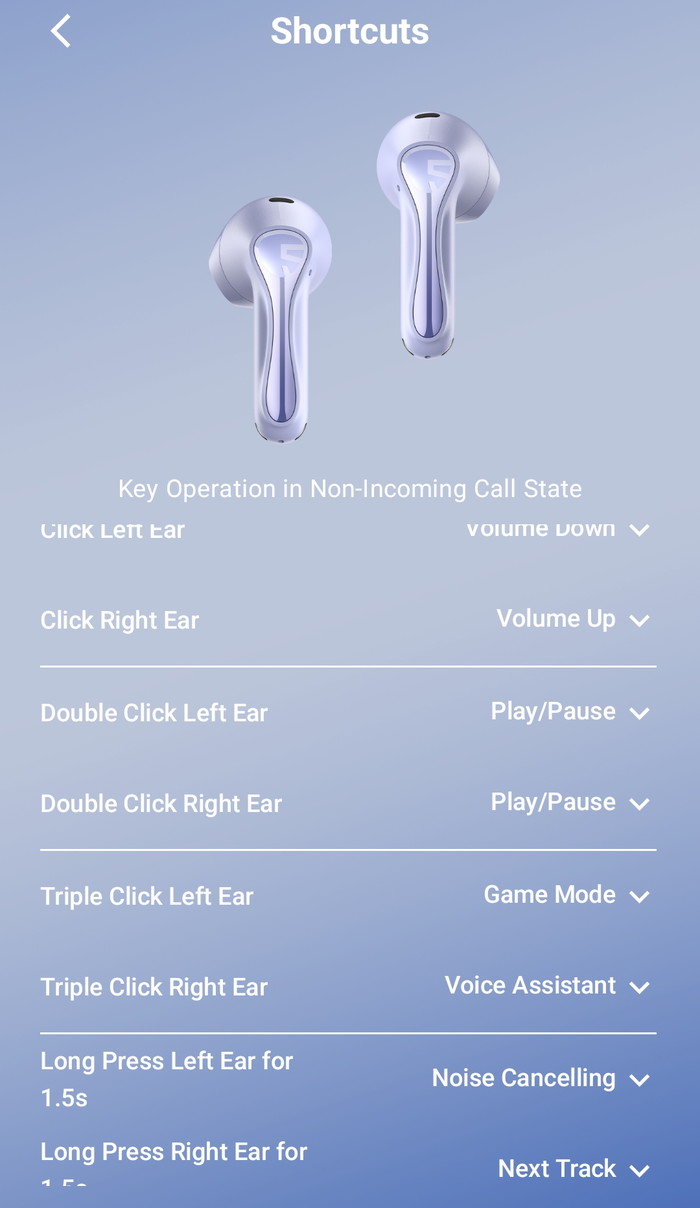
- Full gesture remapping
- Multiple EQ presets
- Custom EQ
- Adaptive EQ hearing test
- Firmware updates
- Gaming (low‑latency) mode
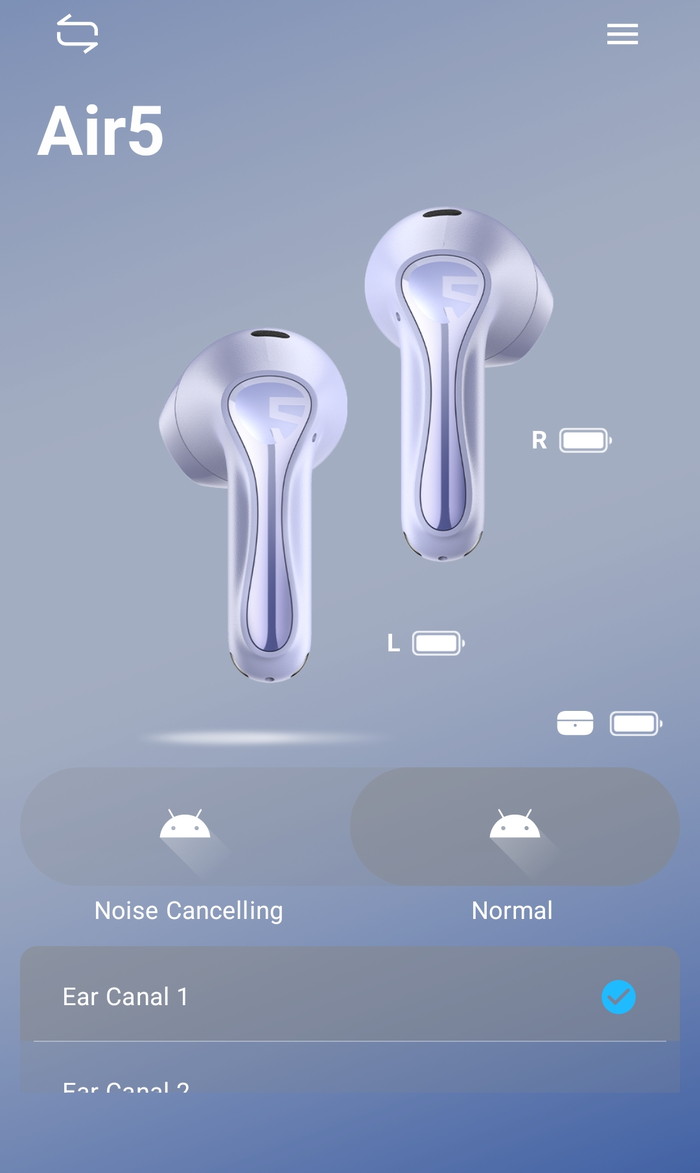
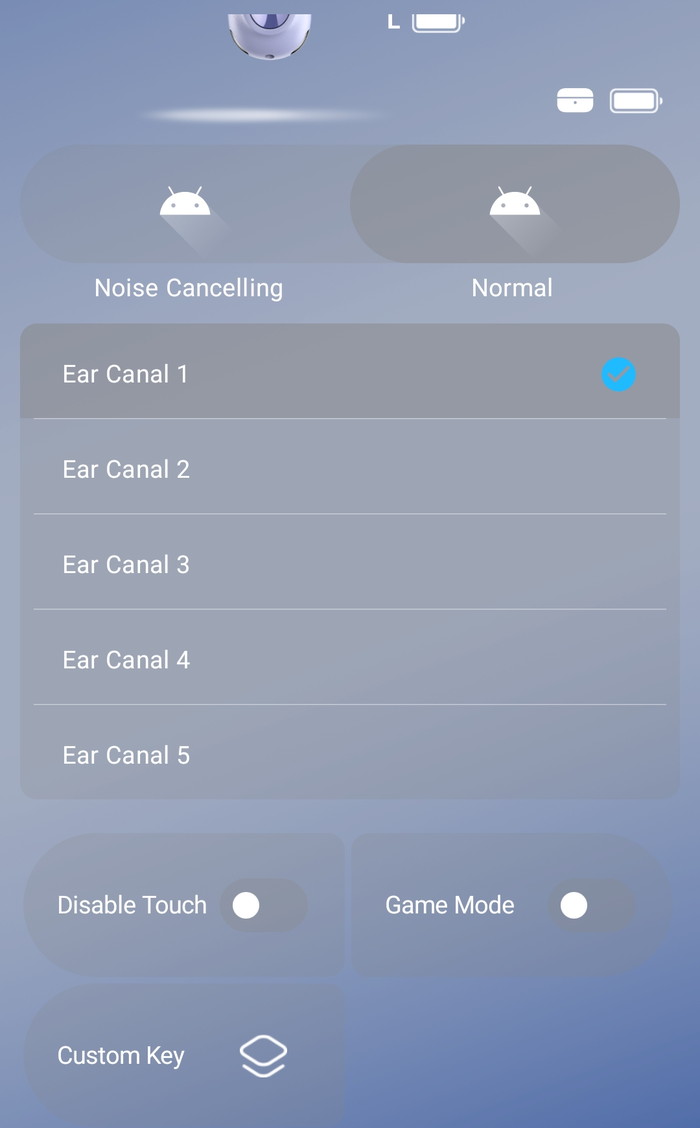
At the button of the app, you can also disable touch control, enable game mode, and other functions.
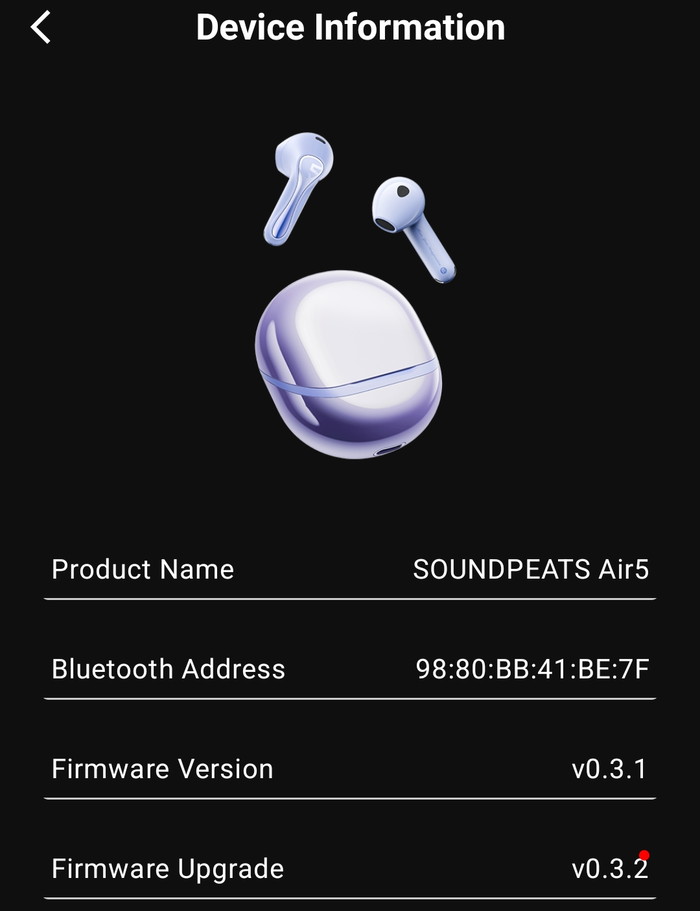
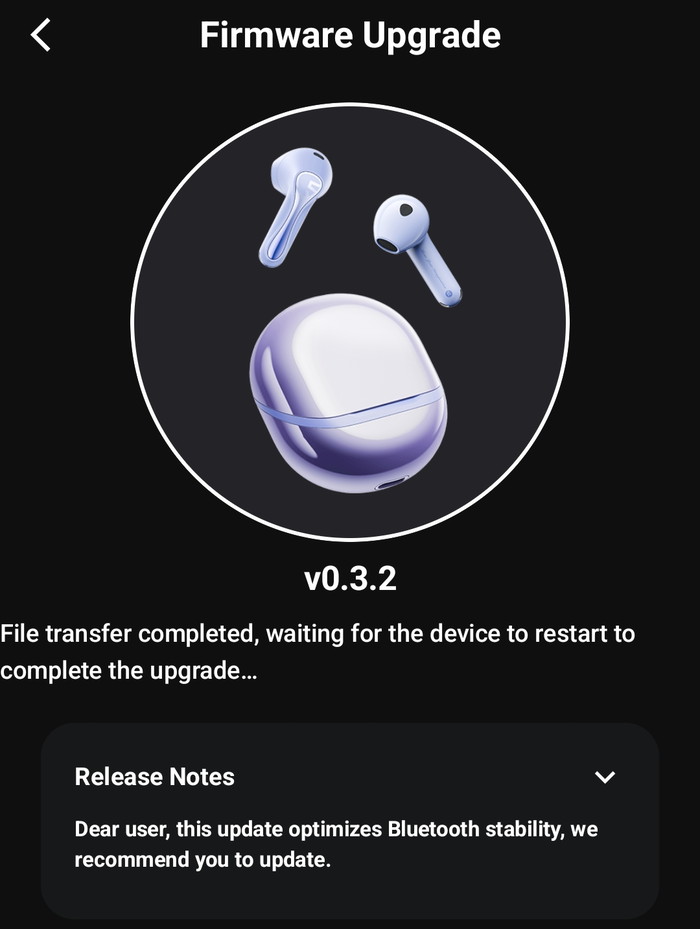
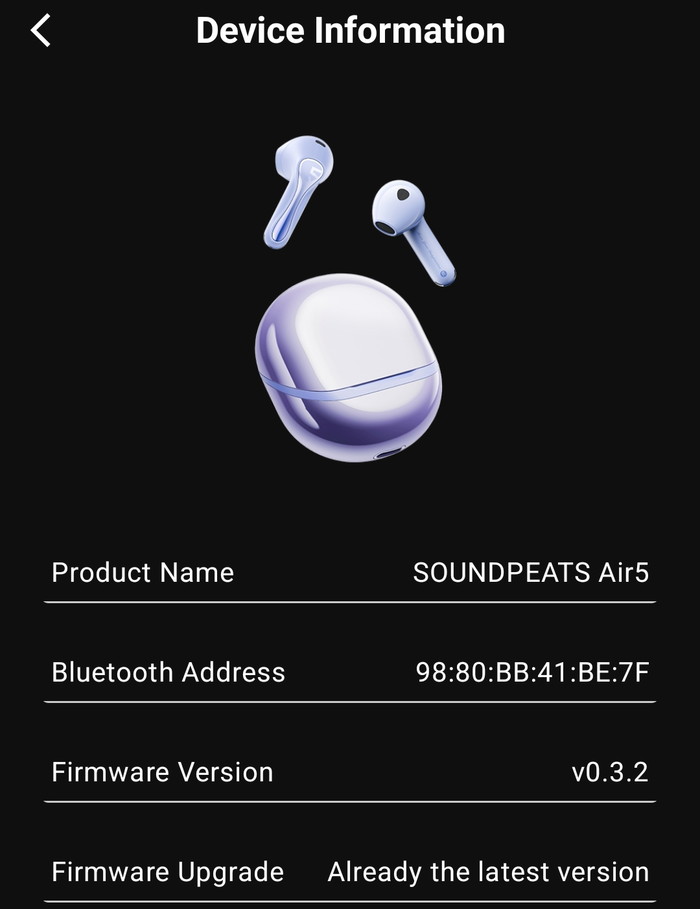
The device information shows the product BT address and the firmware revision, also you can upgrade the firmware from the app, for now, we have the latest version installed.
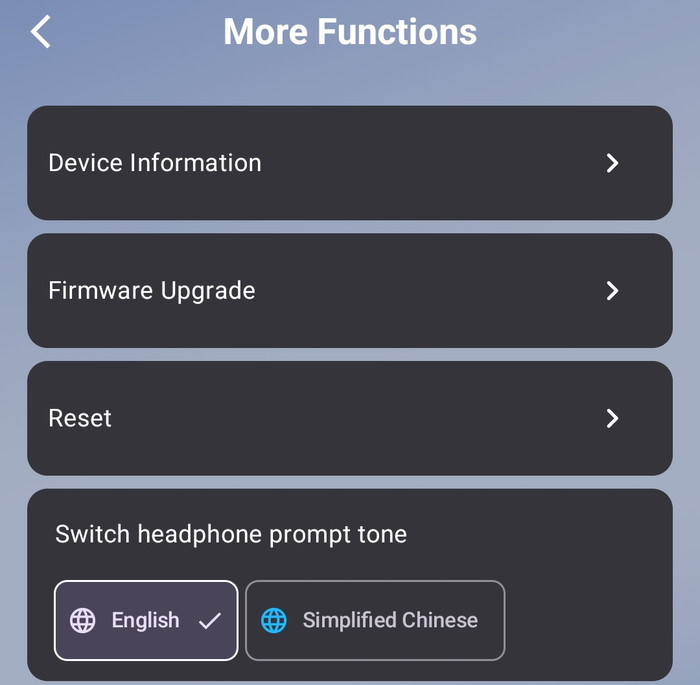
There are more functions available, like resetting of find earbuds.
The PeatsAudio app also supports Equalizer, either presets or select your own EQ, or test your hearing with the Adaptive EQ.
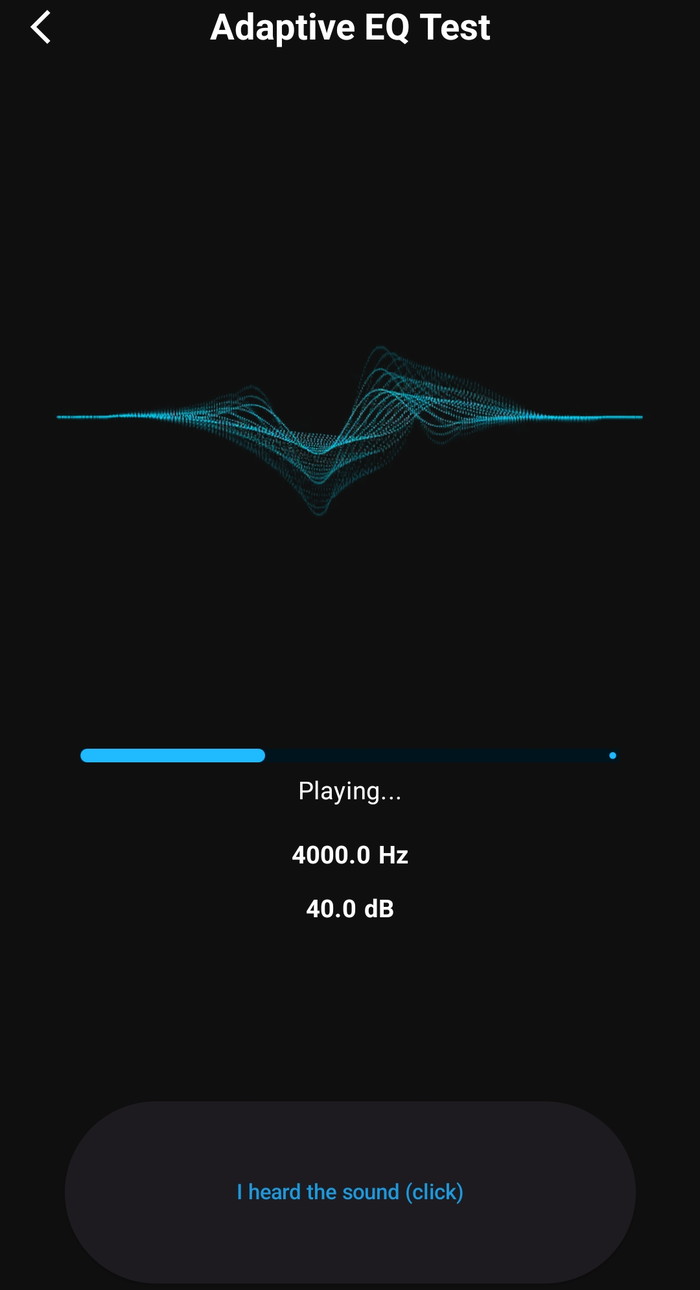
With the Adaptive EQ, the app will play sound that you should click if you hear the sound to complete the test.
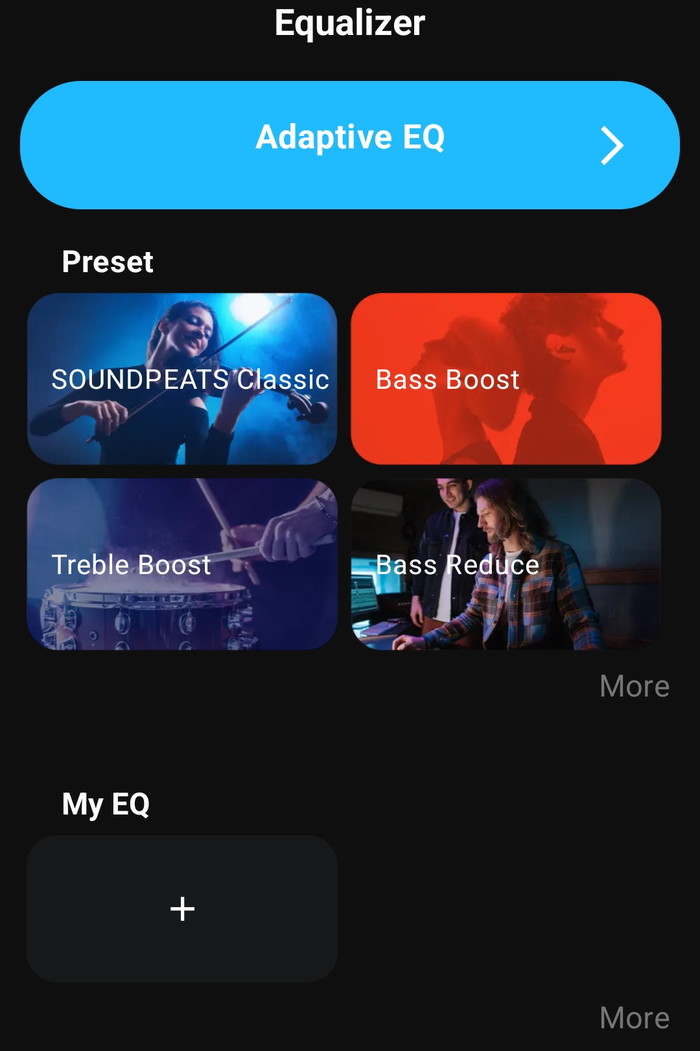
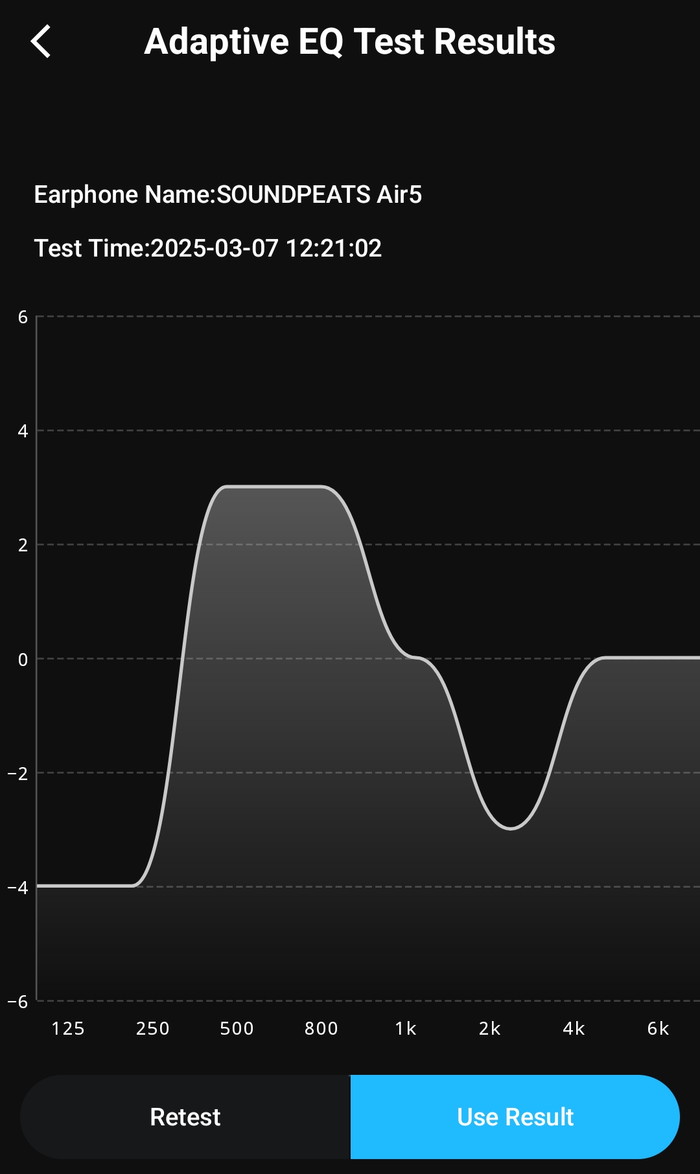
At the end, you will find a frequency graph and you can retest or use the test results, or simply you can make your own EQ. Once the EQ menu is accessed or a preset is applied, the sound profile may change permanently until the earbuds are reset.
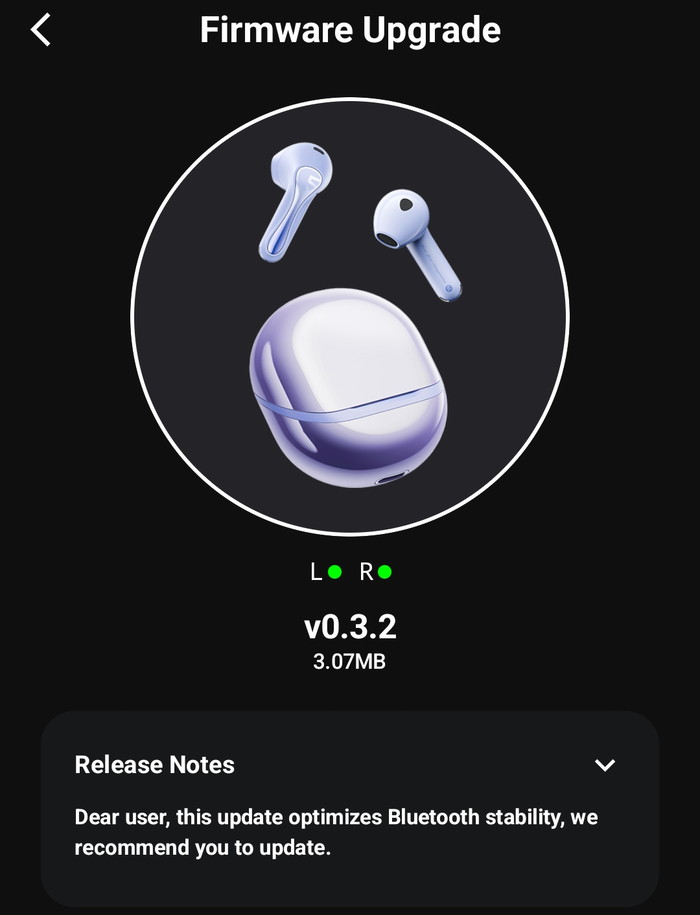
The product needed firmware update
Users can see the touch key operation or change them according to their needs.