SoundPeats C30
3. App
The app requires an email address for account creation, there is no option to skip or use anonymously, data privacy policy standard but not particularly reassuring and the account is being used across all SoundPeats products. Users have to enable BT to find the device, make the pair and open the PeatsAudio app. At the main screen you will find the newly added device (C30).
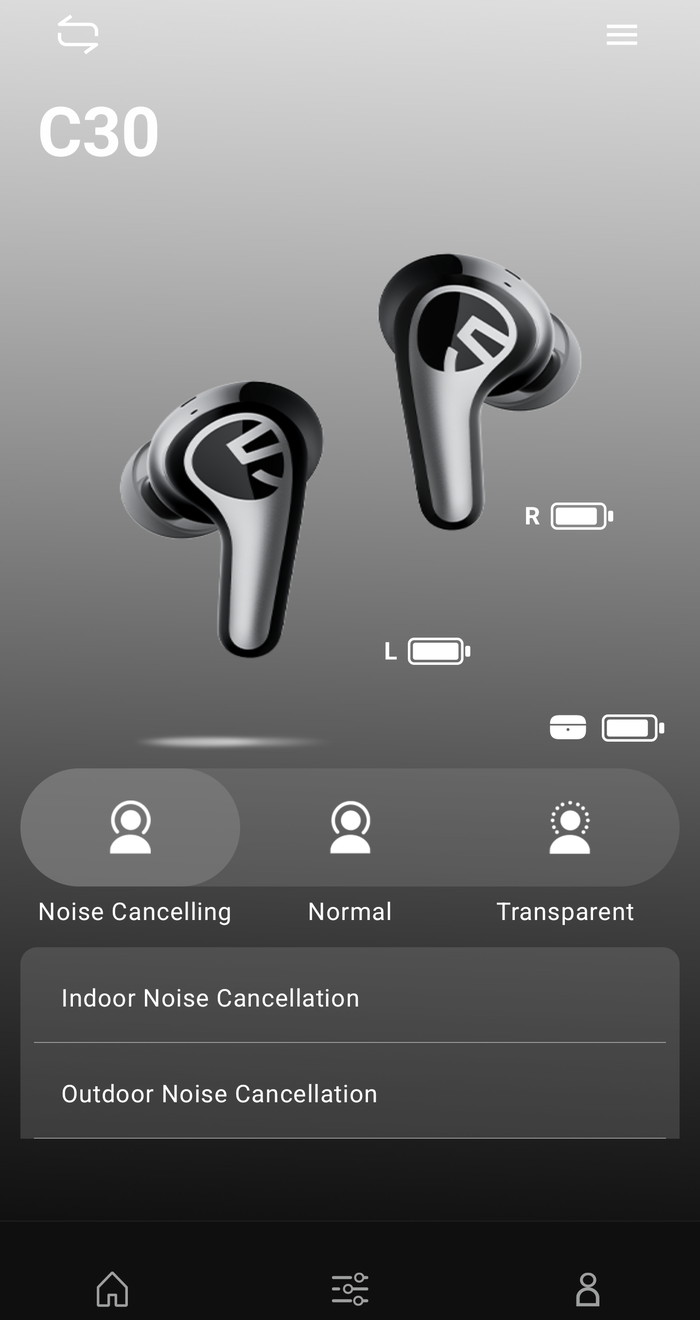
At the main screen, users can find all the needed toggles to activate/de-activate important functions of the product.
Users at the "More Functions" can see other information
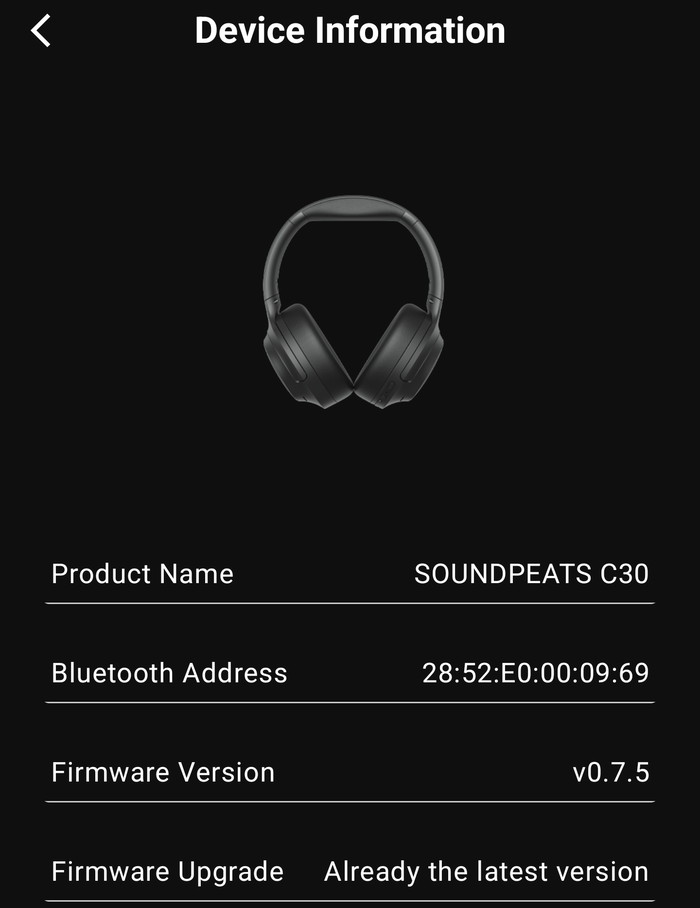
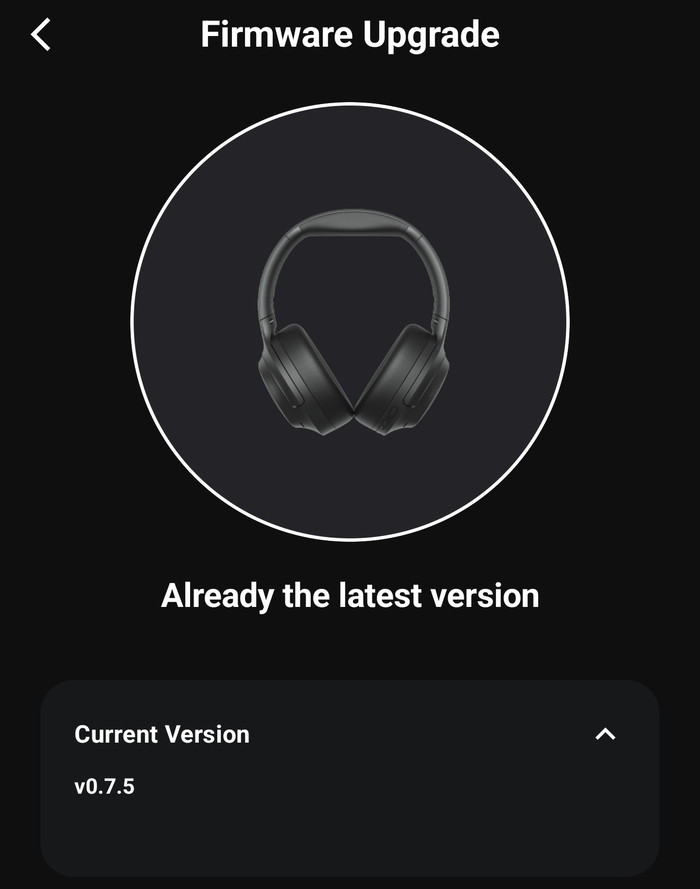
Our device had already the latest available.
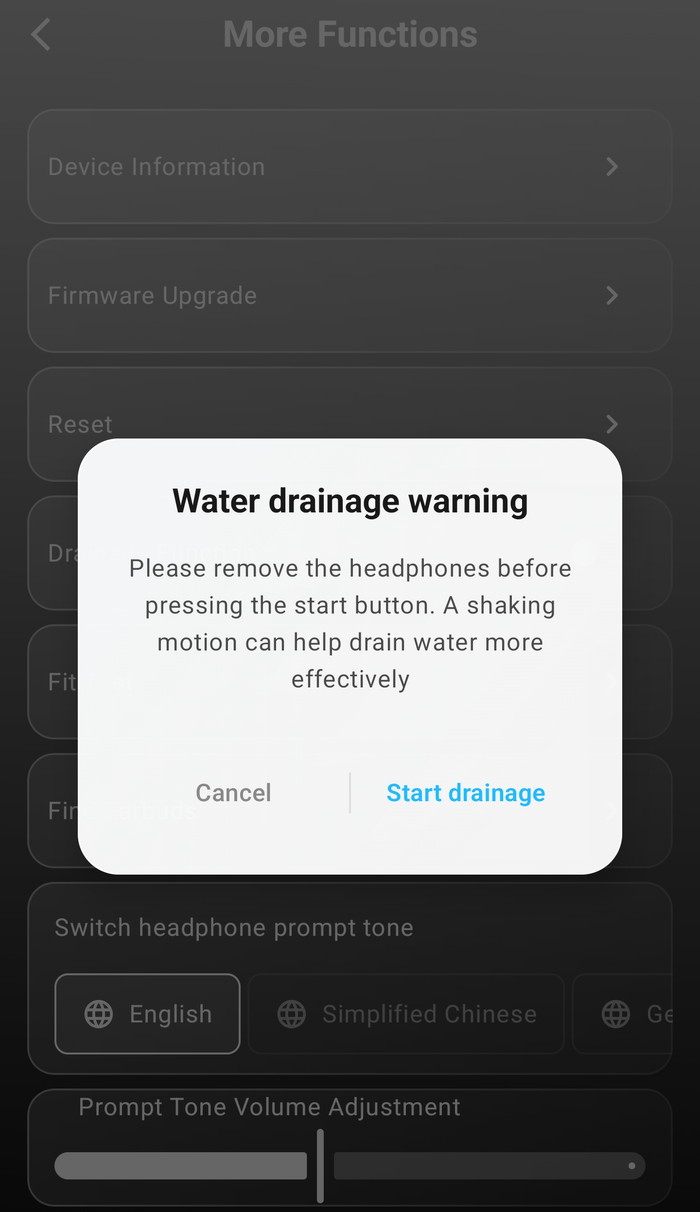
There is a build-in function to drainage water if needed.
There are three ANC modes available with several options available.
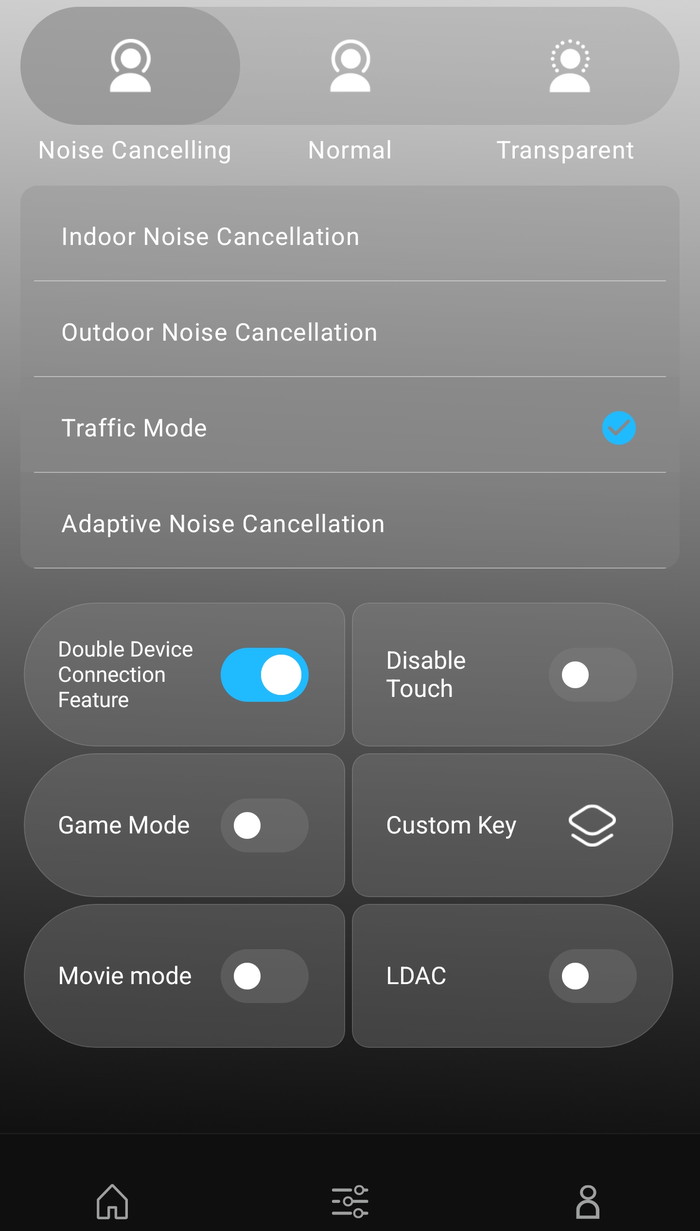
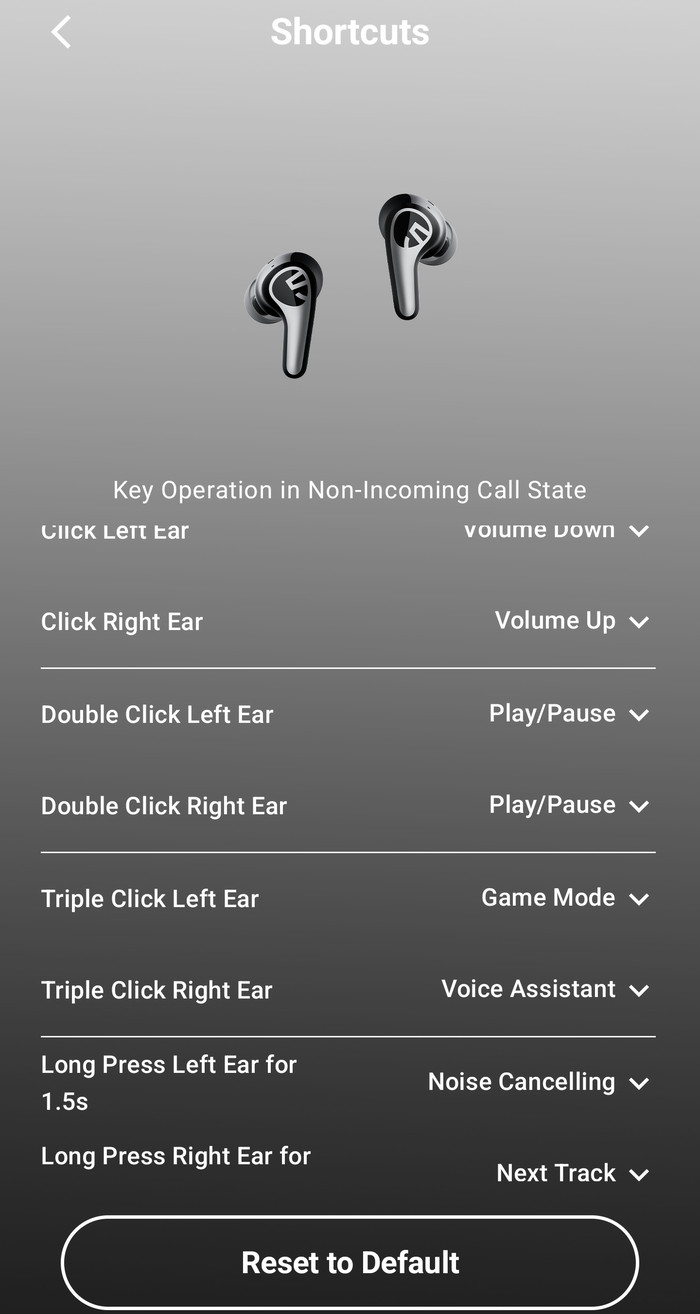
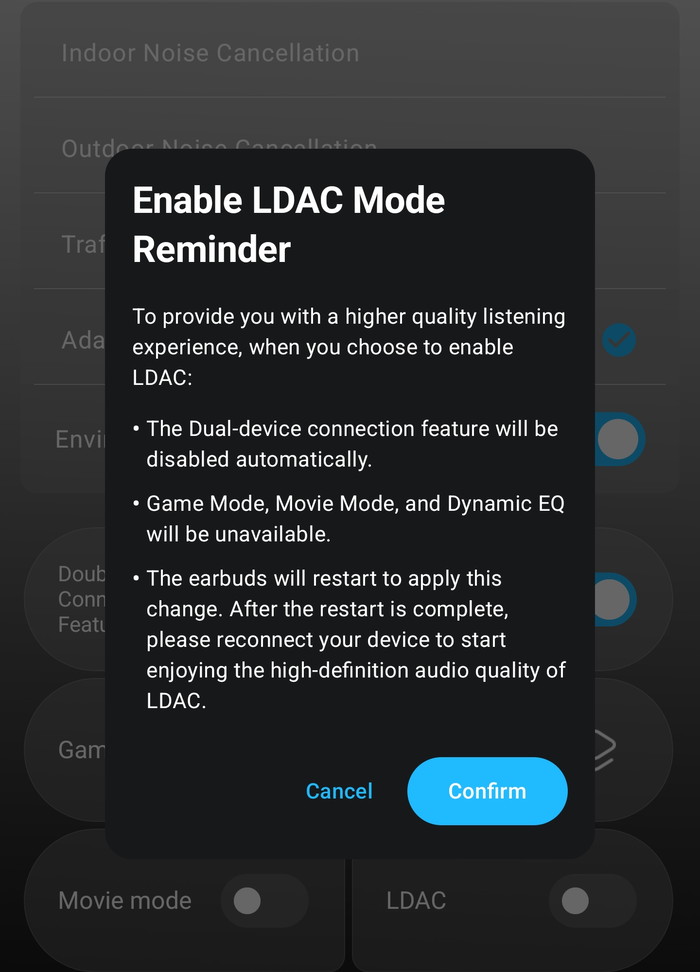
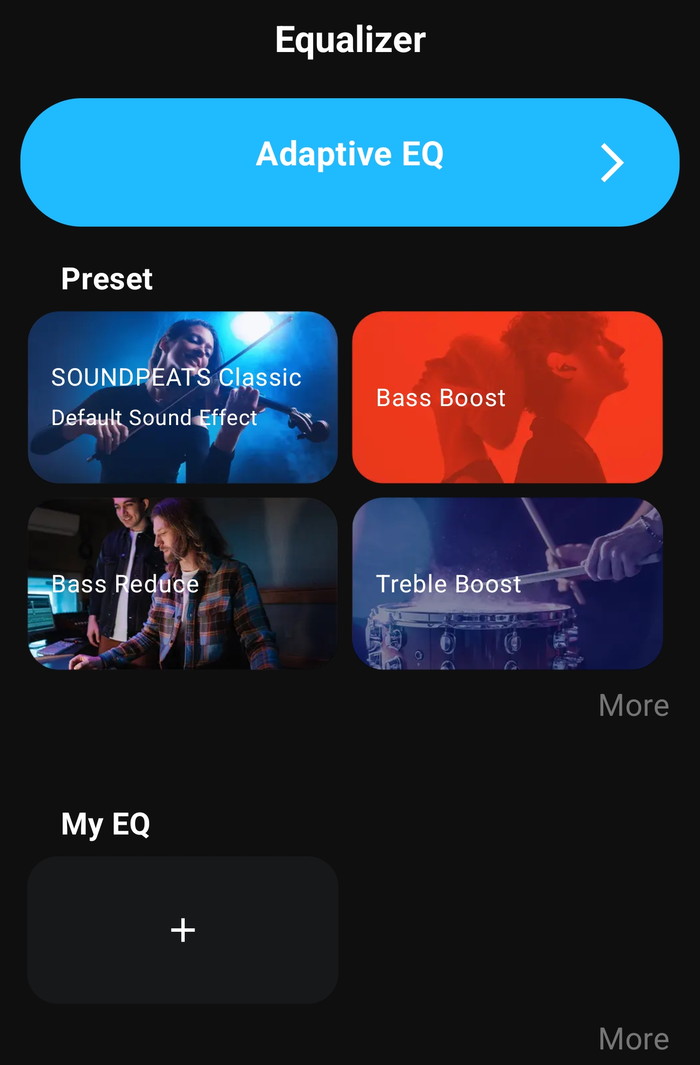
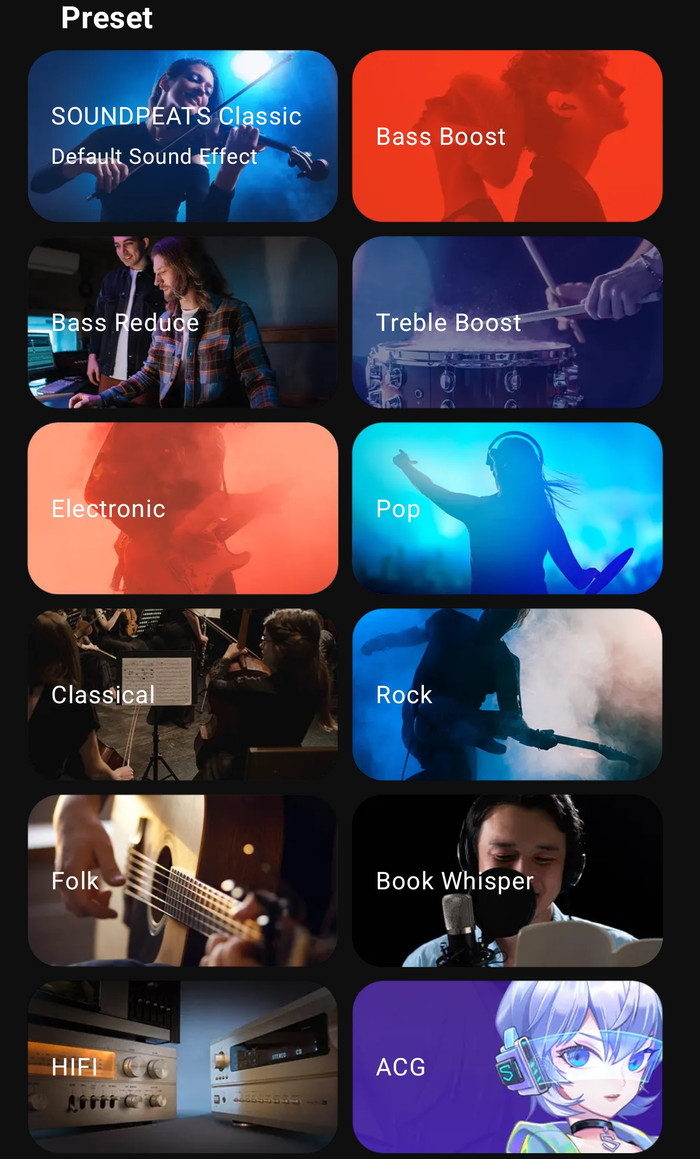
The control set includes: three ANC modes with four intensity levels; adaptive EQ via a personal hearing test; 12 named EQ presets (Classic, Bass Boost, Bass Reduction, Treble Enhancement, Electronic, Popular, Classical Music, Rock & Roll, Folk, Book Whisper, plus two more); full custom EQ creation; per-earbud touch control remapping for single tap, double tap, triple tap, and long press; dual-device connection toggle; low-latency gaming mode and movie mode; fit test; find-earbuds function; firmware OTA updates; voice prompt language and volume; LDAC/AAC codec selection (Android only); and a water drainage mode that uses sound waves to expel moisture from the earbud nozzles — a feature more commonly seen on smartwatches. The ability to disable all touch controls entirely is a practical bonus for sleeping and showering use.
The adaptive EQ is the standout feature. The hearing test presents tones at specific frequencies and adapts the EQ curve to the user's individual hearing profile. The effect is audibly significant — more so than most preset EQ options — and is the fastest route to a genuinely personalized sound without manual tuning. This feature alone justifies installing the app even for users who would otherwise skip it.
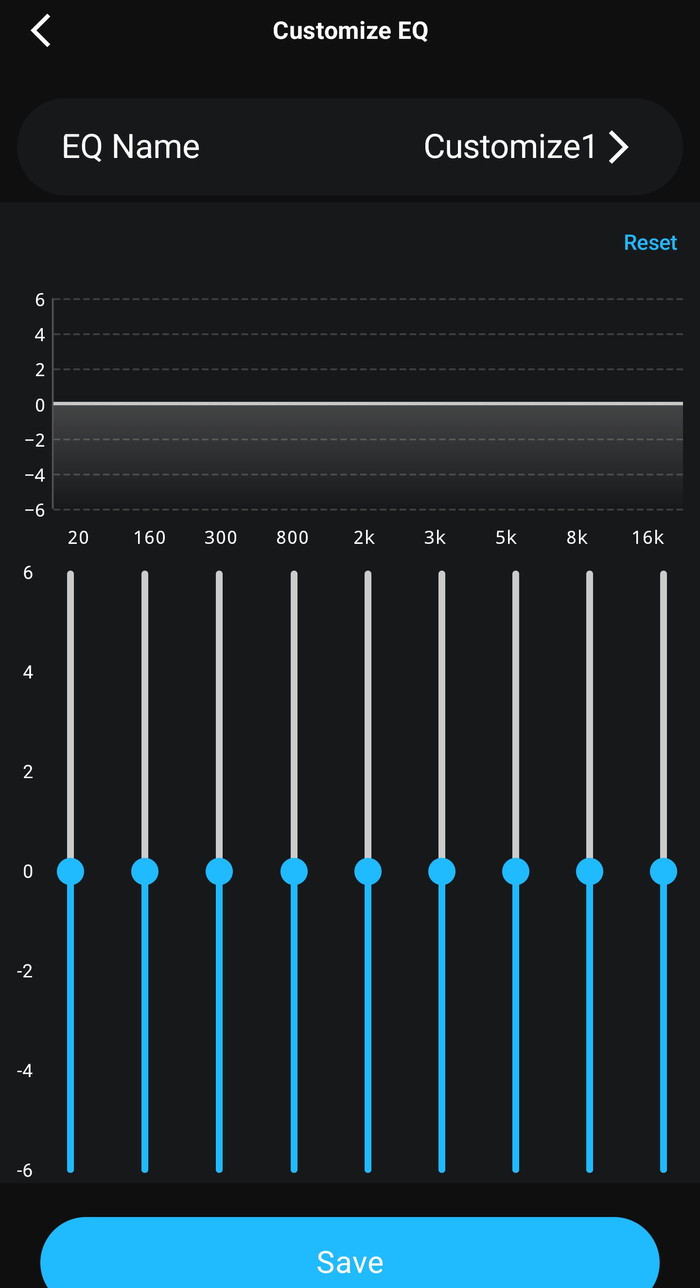
The app has two notable weaknesses. First, EQ settings can reset when earbuds are removed and replaced in the case, requiring a return to the app to reapply the profile. This is an intermittent but confirmed issue — not universal, but experienced by enough users across different markets to be treated as a known limitation rather than an isolated incident. Second, the app loads slowly and can occasionally fail to show the earbuds immediately on launch. Page navigation deeper into settings is sluggish. These are quality-of-life issues rather than functional failures, but they create friction in what should be a seamless experience, particularly given how important the EQ is to getting the best out of the C30.
PC audio routing note: On Windows, the C30 appears as two devices — 'SOUNDPEATS C30 Stereo' for media playback and 'SOUNDPEATS C30 Hands-Free AG Audio' for calls. Select Stereo for music and Hands-Free AG Audio as both input and output when using call audio. This is standard Bluetooth HFP/A2DP profile behavior and applies to most TWS earbuds on Windows.