Noctua NH-D15 G2
2. Retail Package
All Noctua NH-D15 G2 versions can be found online at various Amazon websites and according to the official press release should cost around EUR 149.90 / USD 149.90, even at the time of this writing Amazon.de lists the NH-D15 G2 at 156.25 Euro (+shipping). Noctua has three different versions that can be ordered
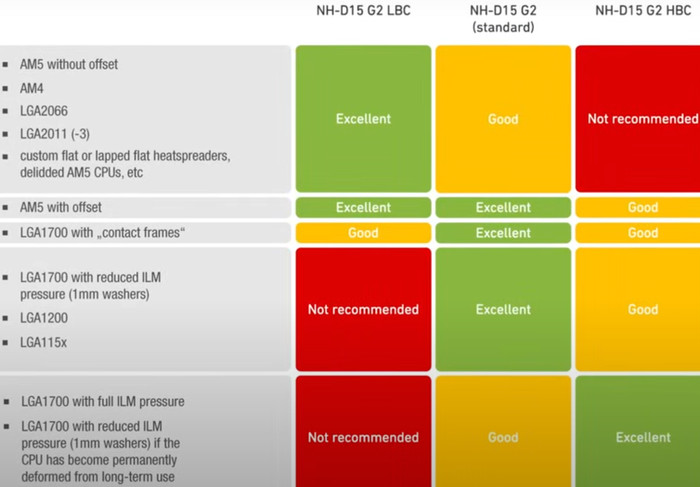
The product supports many Intel and AMD sockets like
- AMD: AM5, AM4
- Intel: LGA1851, LGA1700, LGA1200, LGA1156, LGA1155, LGA1151, LGA1150
Before buying this CPU cooler it's best to visit the CPU compatibility list for the best possible information. As was expected the CPU cooler supports even the most demanding CPUs, like AMD Ryzen 9 7950X. The next area users should look at it' motherboard compatibility. In our case, the Asus X670E Creator Pro-Art motherboard is fully supported, and no problems will be faced during system installation. The last step for users should be checking their case compatibility. Since this is a BIG CPU cooler you need at least 168mm height from the CPU cooler base up to the top of the fan.
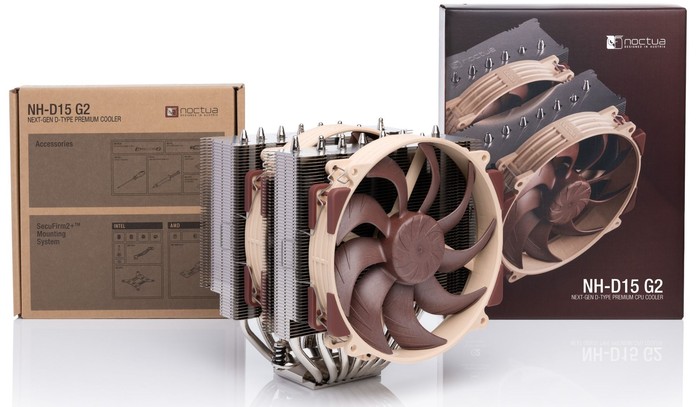
Passing to the retail box...oh boy, this is a big boy.
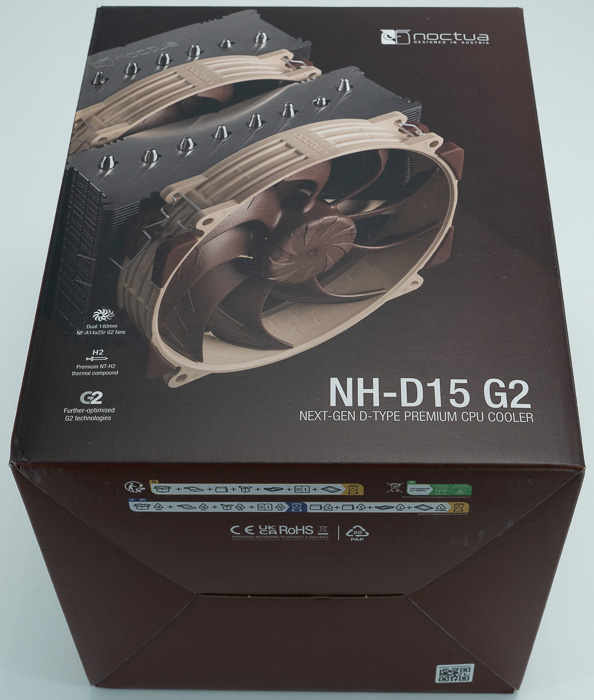
Opening the box unveils the contents, the CPU cooler is in the middle, and accessories and everything are well organized and protected.
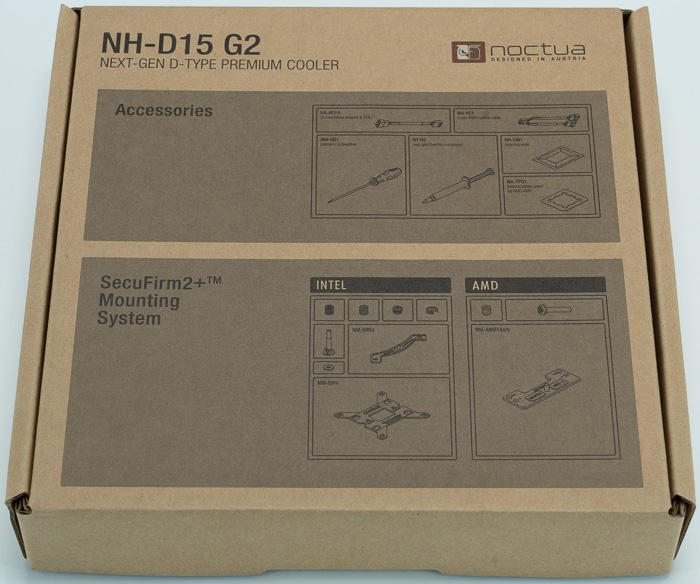
Users will get inside the retail box:
- 2x NF-A14x25r G2 PWM premium fan
- 2x NA-RC16 Low-Noise Adaptor (L.N.A.)
- NA-YC1 4-pin PWM splitter cable
- NT-H2 high-grade thermal compound
- NA-TPG1 thermal paste guard for AM5
- NA-CW1 cleaning wipe
- SecuFirm2+™ multi-socket mounting system
- 4x NM-ISW1 Washers for LGA1700
- NM-SD1 Torx® T20 screwdriver
- Noctua metal case-badge
The Noctua NH-D15 G2 is a massive passive CPU cooler with a dual tower design. Its height (without fan) is 168 mm, its Width (without fan) is 150 mm, and its Depth (without fan) is 127 mm. The weight of the CPU cooler reaches (without fans) 1.180gr, while with both fans installed reaches 1525gr. The building materials are Copper (base and heat pipes), aluminum (cooling fins), soldered joints & nickel plating. The retail package includes two NF-A14x25r G2 140x140x25mm fans but, it can also support 140x150x25 (with 120mm mounting holes), 140x140x25 (with 120mm mounting holes), 120x120x25 fans
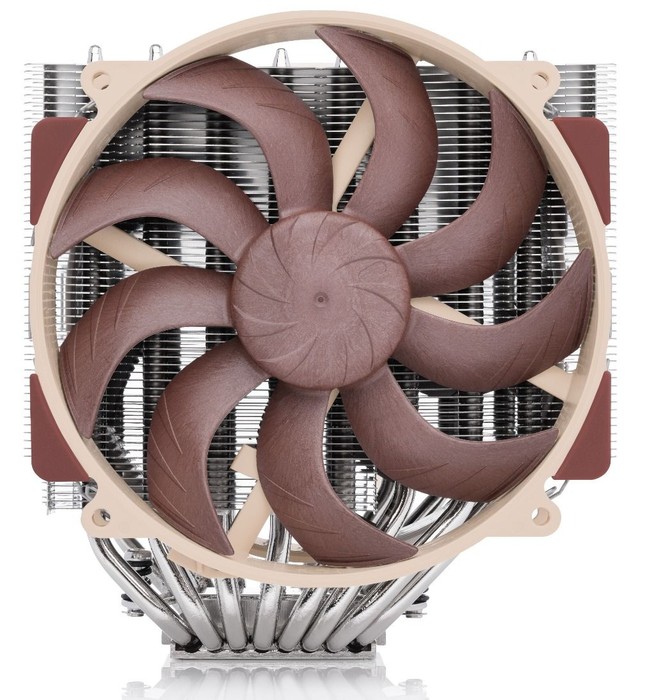
The front view of the CPU cooler
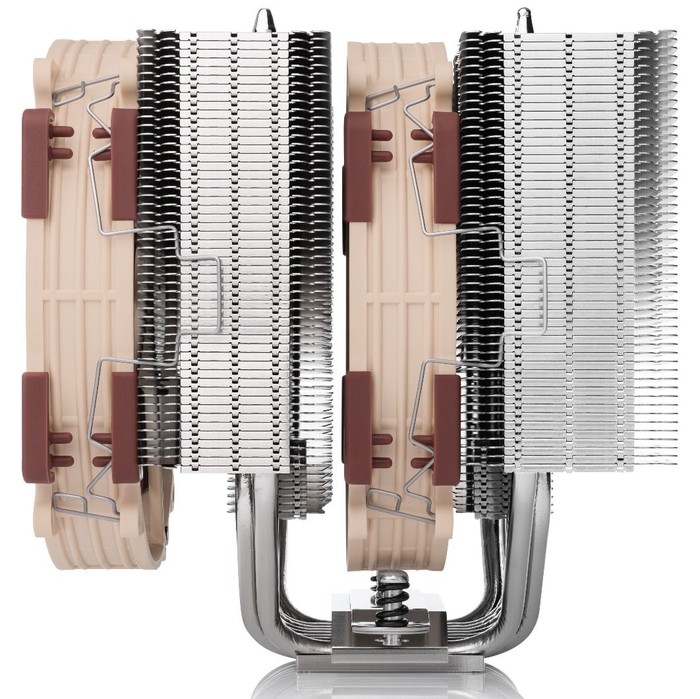
The side area of the CPU cooler
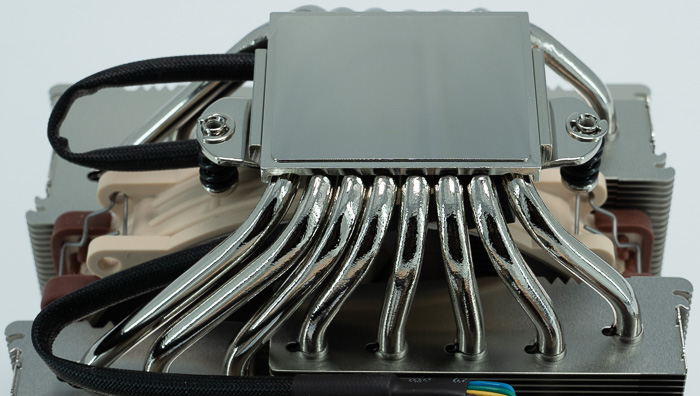
The base includes 8 heat pipes and everything is made out of copper (base and heat-pipes).
Noctua has included with this product, two (2) 140mm of their Noctua NF-A14x25r G2 fans. According to Noctua is the next-generation round-frame 140mm flagship model: Made from Sterrox® LCP, its highly optimised Progressive-Bend impeller with winglets, Flow Acceleration Channels and Centrifugal Turbulator hub combined with a tip-clearance of only 0.7mm allows the NF-A14x25r G2 to further improve its predecessor’s renowned quiet cooling performance. This makes it not only a perfect fit for Noctua’s next-generation 140mm class heatsinks but also an excellent upgrade for existing cooler models such as the NH-D15(S) or NH-U14S series (Sx2-PP set recommended for push/pull configurations).
The 4-pin PWM version supports fully automatic speed control via PWM fan headers and comes with a Low-Noise Adaptor to reduce the maximum speed from 1500 to 1250rpm. Its ultra low-loss etaPERF™ motor with Smooth Commutation Drive 2 technology doesn’t only provide unprecedented energy efficiency and running smoothness but thanks to the new SupraTorque™ feature, it can also leverage extra torque headroom to keep the fan at its desired speed when working against back pressure, thereby ensuring even better performance on heatsinks.
Topped off with Noctua’s reference-class SSO2 bearing, a rich bundle of accessories and 6-year manufacturer’s warranty, the NF-A14x25r G2 is a premium-quality product through and through. Its superior performance, comprehensive feature set, cutting-edge construction and state-of-the-art materials set a new standard within Noctua’s portfolio and make it an elite choice for the most discerning demands. It’s possible to add a third fan to your setup but you need to get extra mounting clips as well.
Noctua comments "...Adding a third fan to the NH-D15 G2 will usually only provide small performance improvements but increase noise emission significantly, so we do not recommend adding a third fan unless you prioritise cooling performance over acoustics. If you would like to add a third fan, we can send you fan clips free of charge and recommend the NF-A14x25r G2 PWM as it will provide the smoothest acoustics in combination with the stock PPB/PPA models. Please use our fan clips order form to order the clips free of charge..."
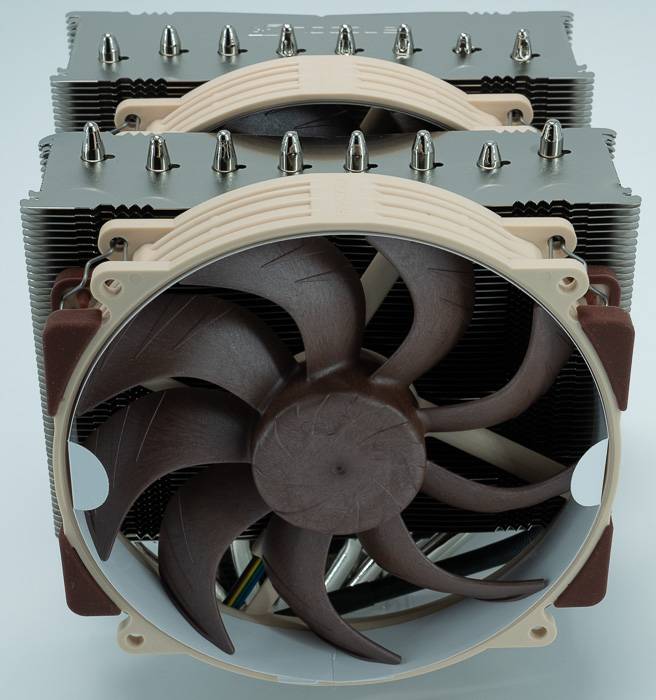
Noctua recommends installing the 1475rpm PPA fan in the center (between the fin stacks) and the 1525rpm PPB fan on the front fin stack for optimal acoustics. If you would like to achieve an even smoother sound signature, please consider further reducing the speed of the PPA fan as described in this this article
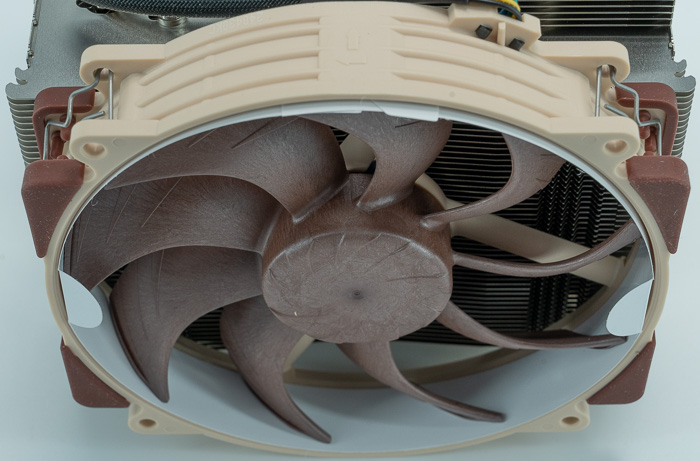
Noctua also sells accessories for the NH-D15 G2, like a controller for 4-pin PWM fans, silicone anti-vibration mounts, S-ATA to 4-pin power adaptor cable for fans and 4-Pin Extension Cables. We imagine in the future, chromax.black version will also be introduced to the market.
The installation of the Noctua NH-D15 G2 depending on your system may require several steps. For the AMD platform, there are two mounting bars and four (4) plastic spacers with long screws to attach to the motherboard backplate.
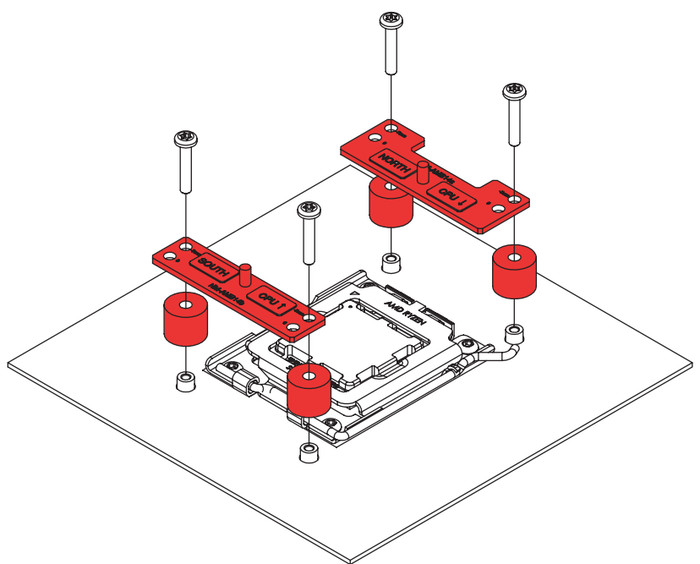
Noctua offers an offset position (-7mm) to use with the AMD AM5 platform, which improves overall performance. Make sure to install the brackets in the following picture. Make sure that the “CPU →” markings point towards the CPU and that the NM-AMB14a bar with the “NORTH” marking is installed on the north (top) side of the socket and the NM-AMB14b bar with the “SOUTH” marking is installed on the south (bottom) side of the socket, as shown above. Gently tighten the screws until they stop, but do not use excessive force (max. torque 0.6 Nm). You can also use the included NA-TPG1 thermal paste guard on the CPU to prevent the build-up of excess thermal paste in the cut-outs of the heat spreader. Finally, apply 5 dots; 4 small dots with ~2mm diameter near the corners plus 1 dot with 3-4mm diameter in the center:
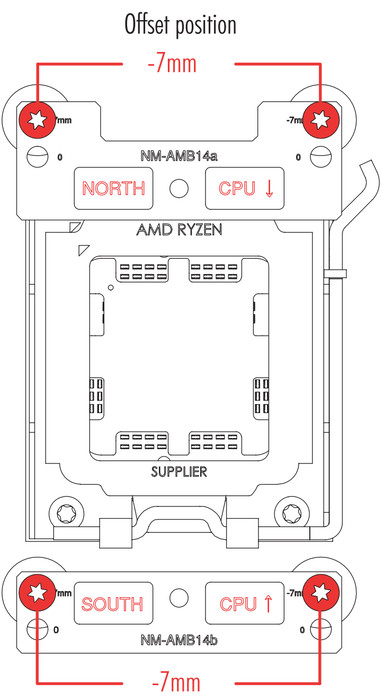
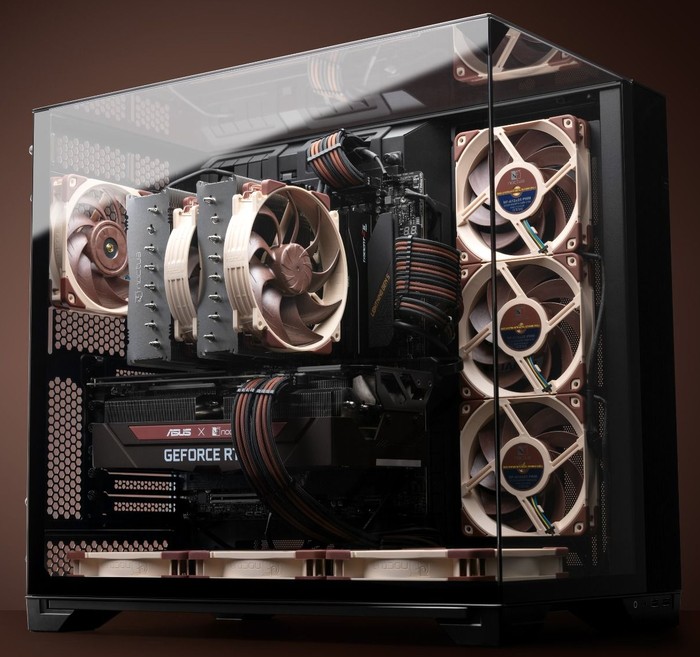
Intel CPUs have additional steps to perform, so please check the included installation manual. The final result is impressive when combined with other Noctua-themed case fans.