Raspberry Pi Upgraded With A Visual Overhaul Called Pixel
The Raspberry Pi $35 mini-PC can now run on the new "Pi Improved Xwindows Environment, Lightweight," or Pixel - a new desktop environment for the Raspbian OS. The latest set of changes are almost entirely to do with the appearance of the desktop; there are some functional changes and a few new applications.
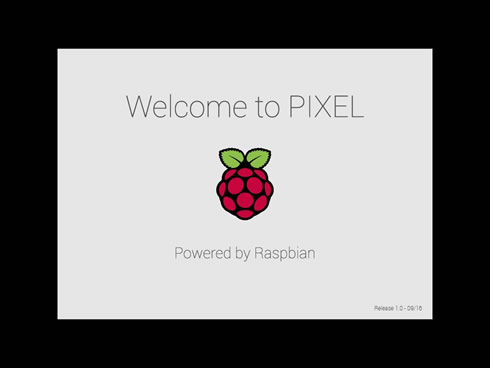
The first thing you’ll notice on rebooting is that the trail of cryptic boot messages has (mostly) gone, replaced by a splash screen.
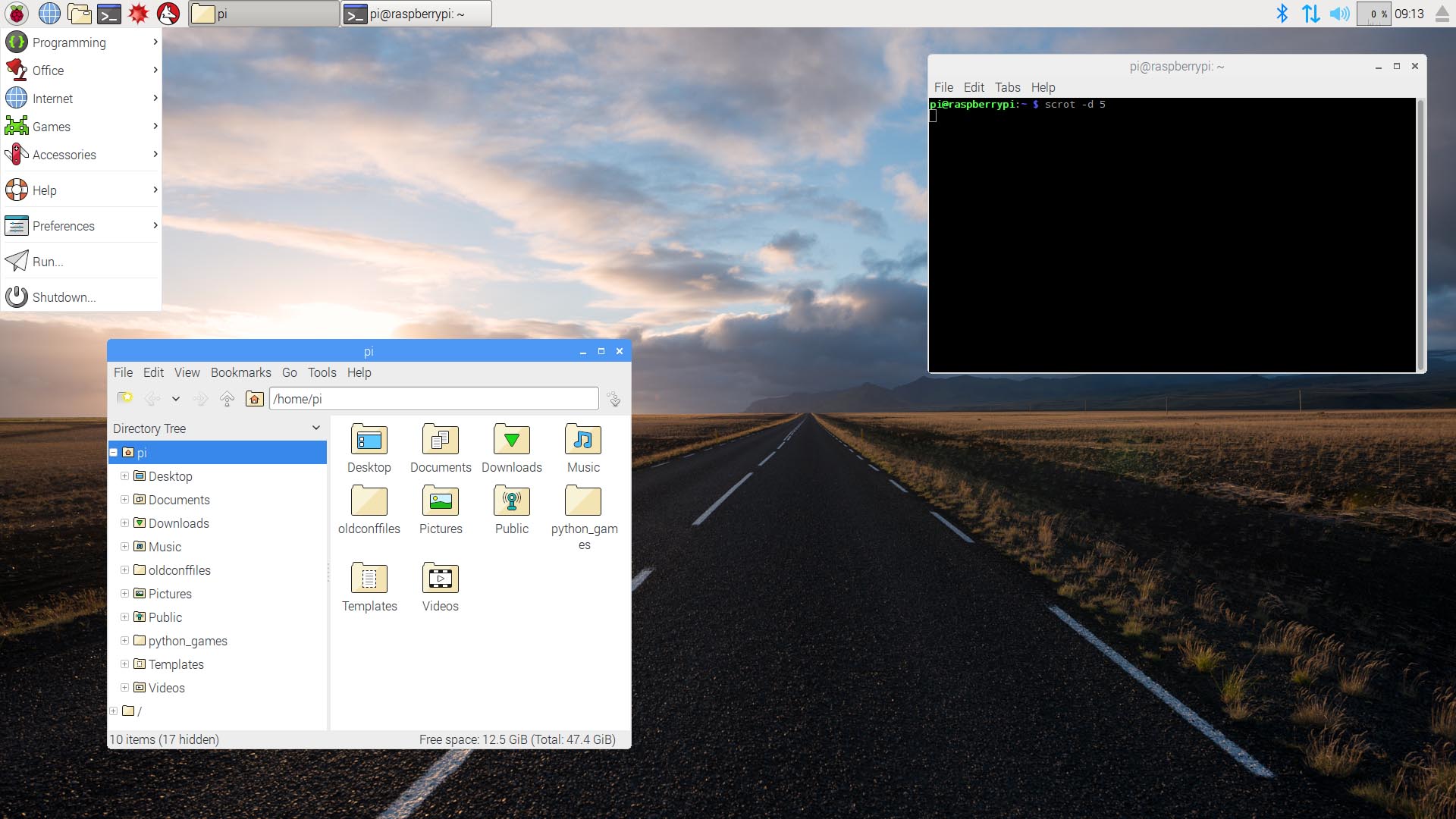
Once the desktop appears, the first thing you’ll notice is the background image -- photographs sht by Greg Annandale, one of the Foundation’s developer. There are 16 images to choose from.
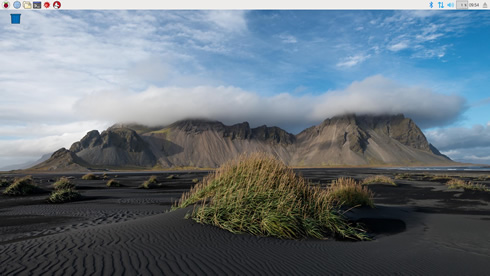
You’ll also notice that the icons on the taskbar, menu, and file manager have had a makeover.
Speaking of icons, the default is now not to show icons in individual application menus. These always made menus look a bit crowded, and didn’t really offer any improvement in usability, not least because it wasn’t always that obvious what the icon was supposed to represent… The menus look cleaner and more readable as a result, since the lack of visual clutter now makes them easier to use.

Finally on the subject of icons, in the past if your Pi was working particularly hard, you might have noticed some yellow and red squares appearing in the top-right corner of the screen, which were indications of overtemperature or undervoltage. These have now been replaced with some new symbols that make it a bit more obvious what’s actually happening; there’s a lightning bolt for undervoltage, and a thermometer for overtemperature.
If you open a window, you’ll see that the window frame design has now changed significantly. The old window design always looked a bit dated compared to what Apple and Microsoft are now shipping. Windows now have a subtle curve on the corners, a cleaner title bar with new close / minimise / maximise icons, and a much thinner frame. One reason the frame was quite thick on the old windows was so that the grab handles for resizing were big enough to find with the mouse. To avoid this problem, the grab handles now extend slightly outside the window; if you hold the mouse pointer just outside the window which has focus, you’ll see the pointer change to show the handle.

In addition, the new Raspbian image also introduces the Infinality font rendering package; a redesigned login screen and a couple of new applications now included in the image. RealVNC have ported their VNC server and viewer applications to Pi, and they are now integrated with the system. The RealVNC viewer is also included and it allows you to control other RealVNC clients, including other Pis. Have a look here on RealVNC’s site for more information.
The Raspbian image also introduces Chromium, which may eventually replace Epiphany as the Raspberry Pi’s primary web browser. Raspbian preloads Chromium with the uBlock Origin ad-blocker, to keep online advertisements from bogging down the mini-PC’s modest hardware. Likewise, Raspbian’s Chromium also utilizes the h264ify extension, which "forces YouTube to serve videos in a format which can be accelerated by the Pi’s hardware," according to the Foundation.