be quiet! Light Mount Keyboard
3. Software
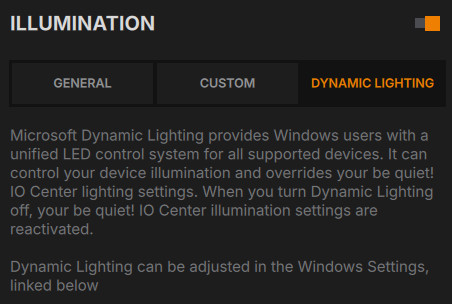
One of the main features of the be quiet! new mechanical keyboards is the introduction of both Windows (IO Center) and the internet based (IO Center Web), meaning have two ways to control them, either locally or via Internet web. After connecting the Dark Mount to a Windows 11 based system , a prompt appeared, showing that a Dynamic Lighting device is detected. Users can perform basic fuctions with the default Windows 11 controls, like brightness and lighting effects.
After rebooting, the IO Center will automatically start and we there is a welcome quide.
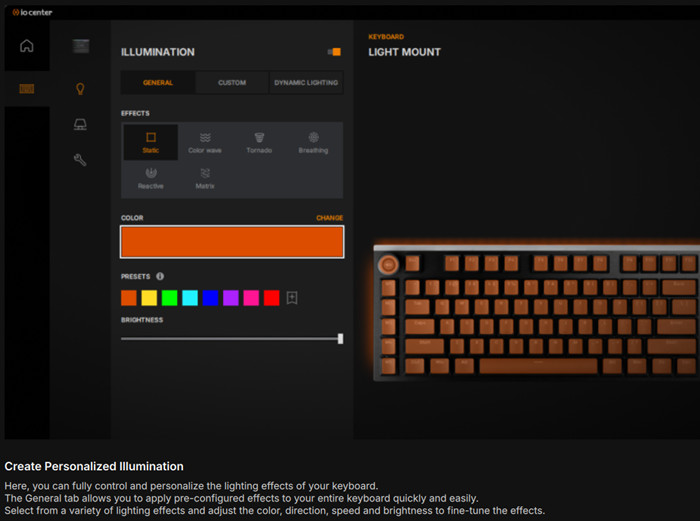
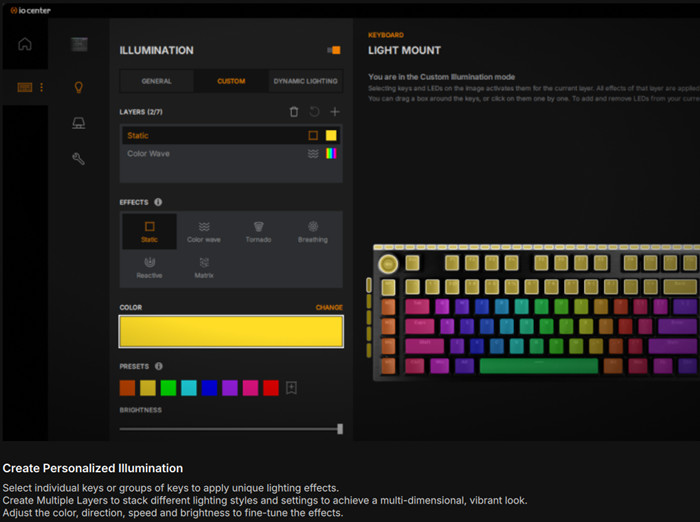
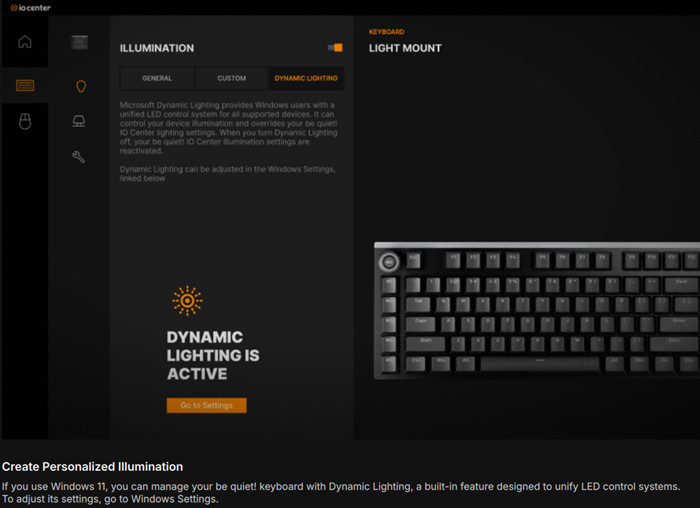
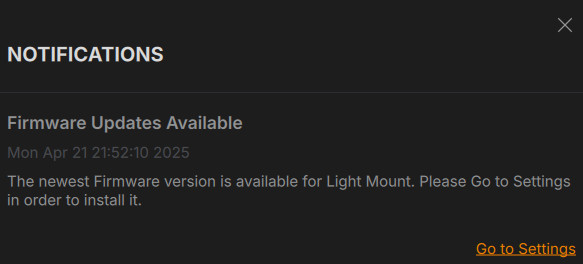
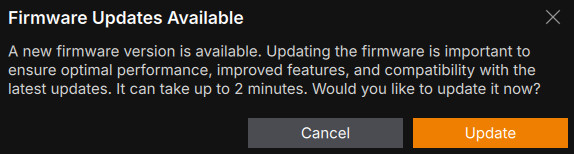
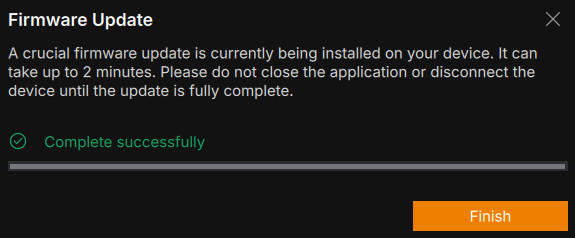
The software gave us a prompt for an updated firmware revision for the keyboard.
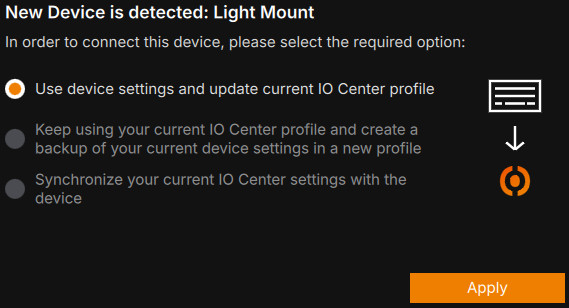
After the welcome wizard finished, its time to use the software, each time a user reboots a prompt comes with several options.
With the be quiet! IO Center, you can take full control over your be quiet! Keyboard and others be quiet! future devices like mice.
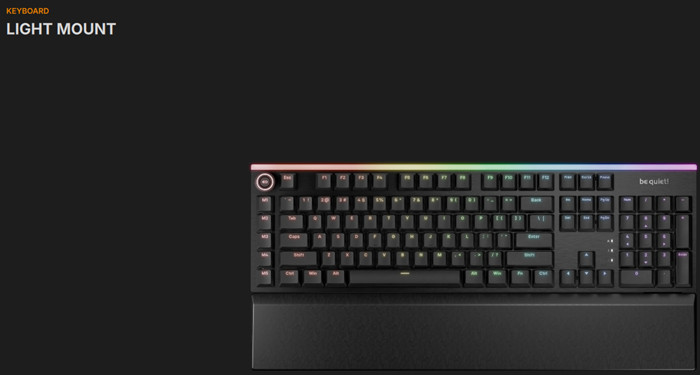
It enables you to configure elaborate per-key lighting effects, remap keys, and set up macros in different profiles. You can also customize the Display Keys and Media Dock. The software uses very little system resources while active, and a web-based application is also available. With this software, you can use all be quiet! Keyboard/mice.
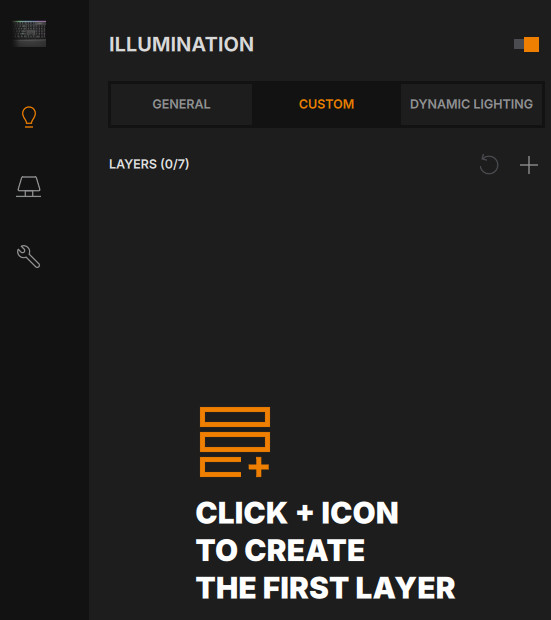
Customize per-key RGB effects, adjust colors, and fine-tune intensity to perfectly match your setup. Whether you prefer subtle hues or dynamic animations, the intuitive interface makes it easy to create the ideal ambiance for your gaming experience. You can also save your custom color presets and patterns, ensuring your favorite lighting setups are always ready to use. Users can set up to 7 layers for effects and colors.
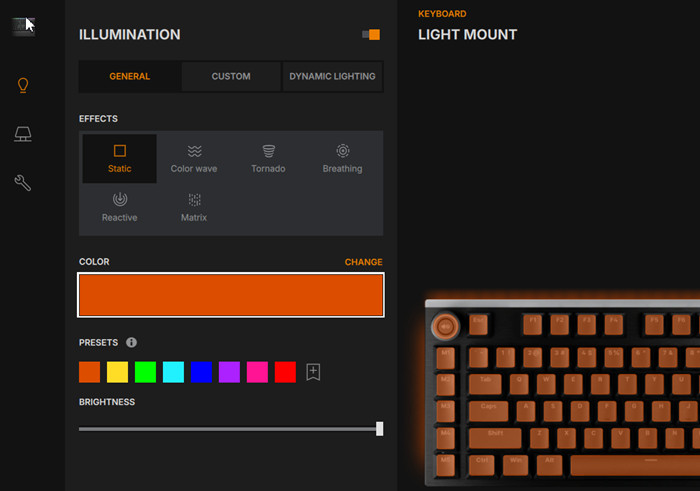
With be quiet! IO Center, you can fully customize your Light Mount keyboard by assigning unique colors and You can also individually customize the ARGB edge lighting to perfectly match your setup. Whether you want to highlight essential commands, create distinct lighting zones, or craft a completely personalized look, the intuitive interface gives you complete control. You can also individually customize the ARGB edge lighting to perfectly match your setup.
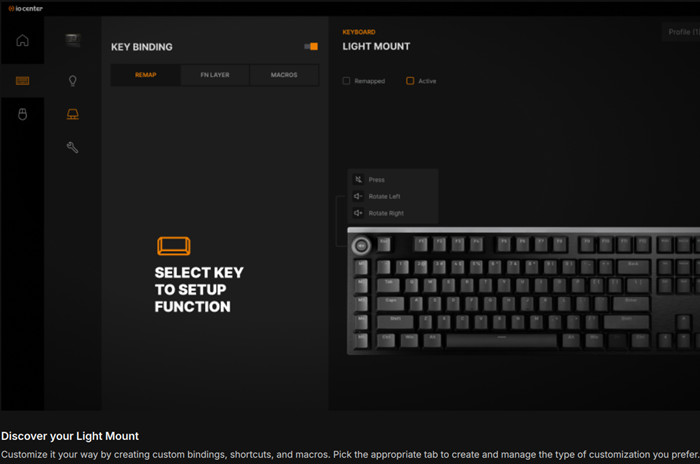
With be quiet! IO Center, you can remap any key on your Light Mount keyboard to match your needs. Assign shortcuts, macros, or specific functions for seamless control, whether you're gaming, working, or creating. The intuitive interface makes it easy to optimize your setup for maximum efficiency and performance. Changes are displayed directly on-screen, so you can instantly see which keys have been reassigned and what new commands they execute.
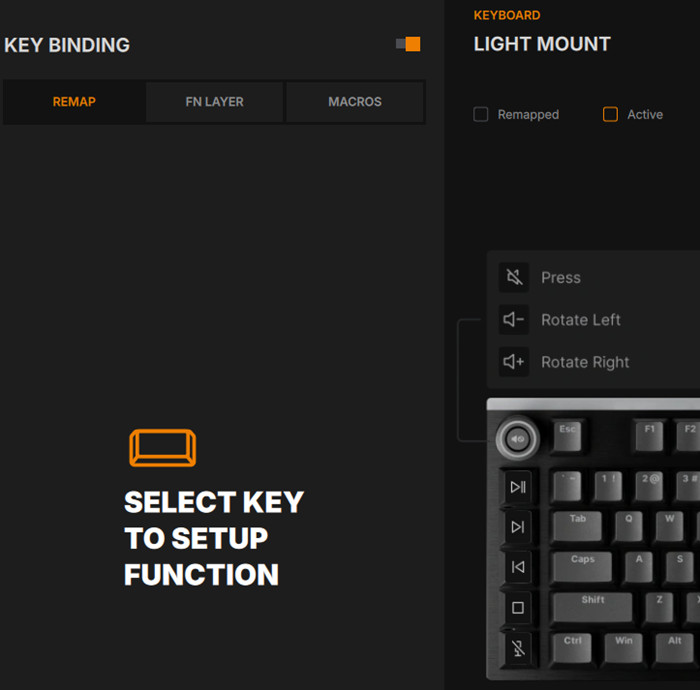
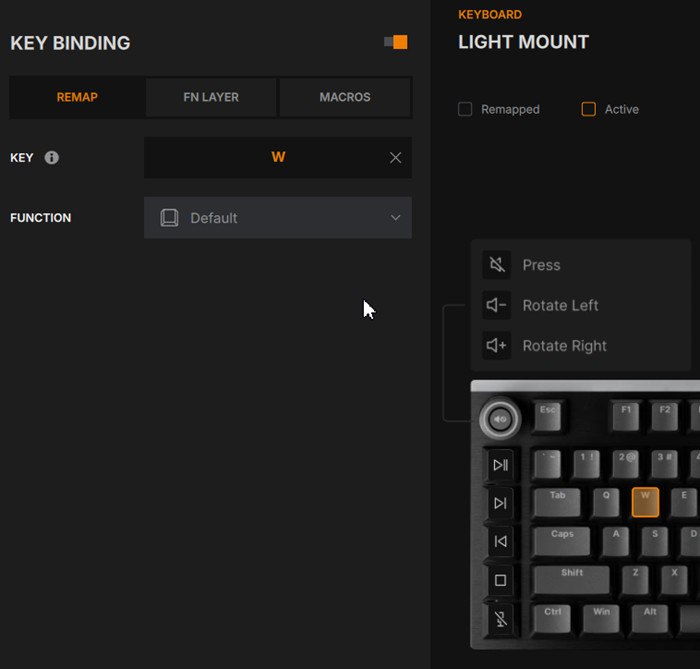
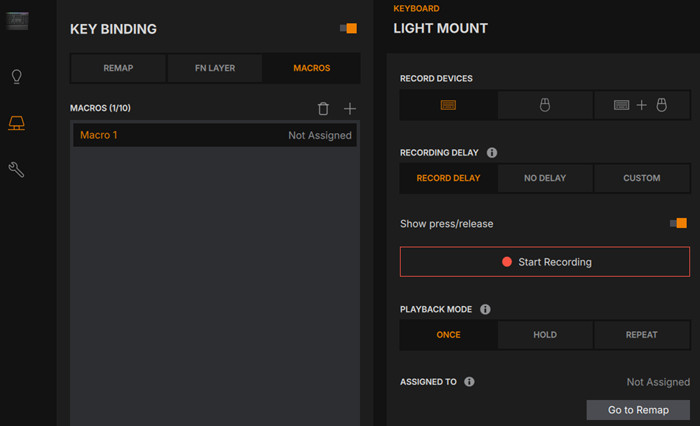
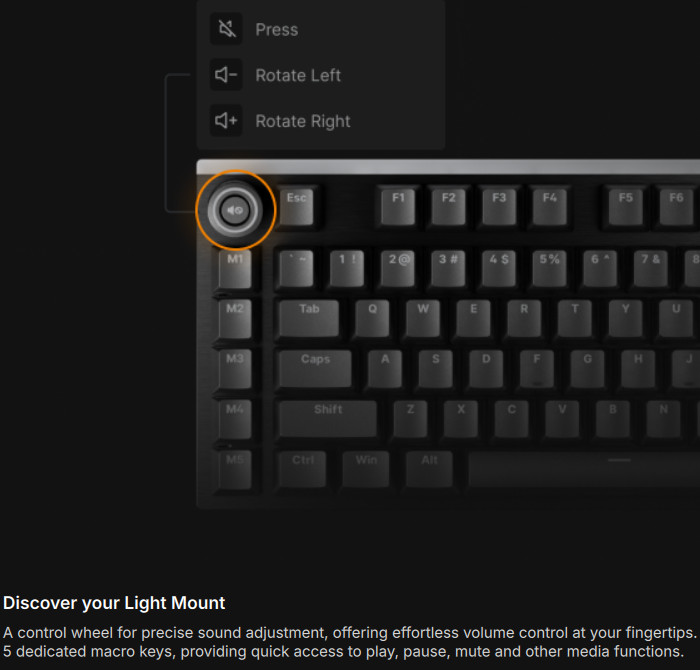
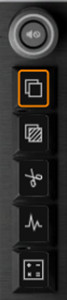
You can change the 5 keys below the rotating knob to your taste.
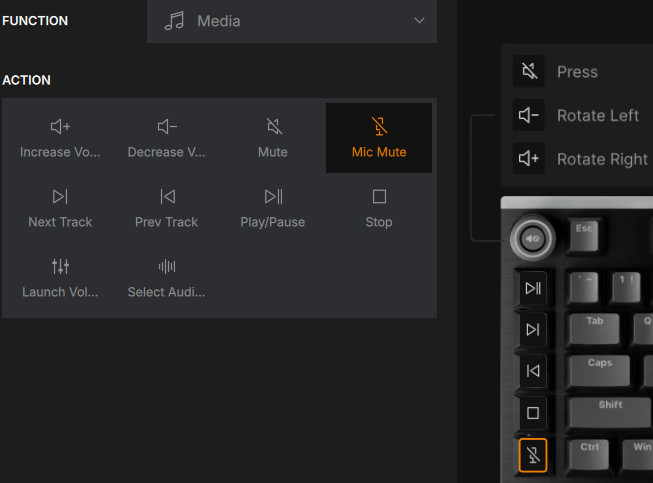
While the play/pause button can be used mostly for media control.
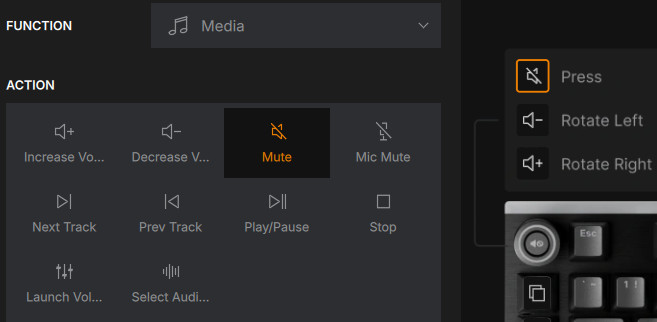
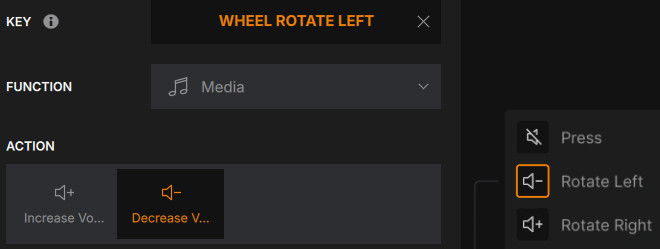
and the rotating knob for sound levels.
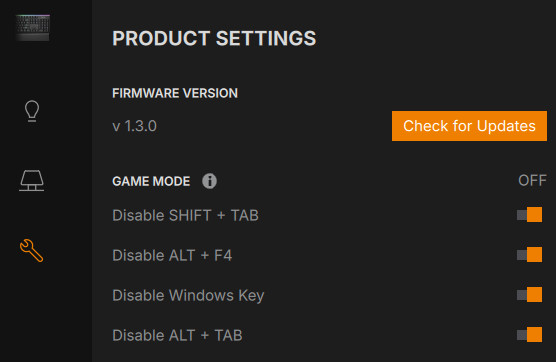
In case you want to control the Light Mount via the web, visit IO Center Web. The web version supports only (for now?) Chromium-based browsers like Chrome, Edge, and Opera, not depending operating system, which is nice (Linux/macOS users unite!). While some advanced features like MSDL are unavailable due to system security requirements, the web version still delivers a powerful and intuitive experience, ensuring you can adjust lighting, macros, and key functions with ease, anytime, anywhere. be quiet! IO Center | Web is a solution for setups where installing software isn’t an option, or for those who simply prefer to keep their system running at peak performance without additional programs. It doesn't require admin access and works effortlessly on workstations, restricted environments, and Mac and Linux. Make sure to have closed the desktop application first and press the "Find Device" button. Choose the Light Mount and press connect. All major functions are here and you can even update the product firmware revision. In case you use an unsupported browser, a warning message will come up.