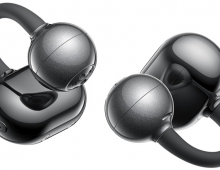
SOUNDPEATS Clip1
3. App
To start working with the product, first, you have to install (highly suggested) the PeatsAudio app from the Android/MAC Store. After the installation process, you have to open the product, open up BT, and the SoundPeats Clip1 will appear. Double-press to pair it with your phone; nothing difficult here. After the first screen, it's required to create an online account and set a username/password to log in. Press "Add Device"; the app needs nearby permission to search for the device, and another functionality of the app can be set to find earbuds in case you lose them; it will produce a tone for you to hear and locate them. After you choose the earbud's colors, the product will appear in your app. We noticed that you cannot see the % of battery percentage of each product, perhaps in the future this will also be added.
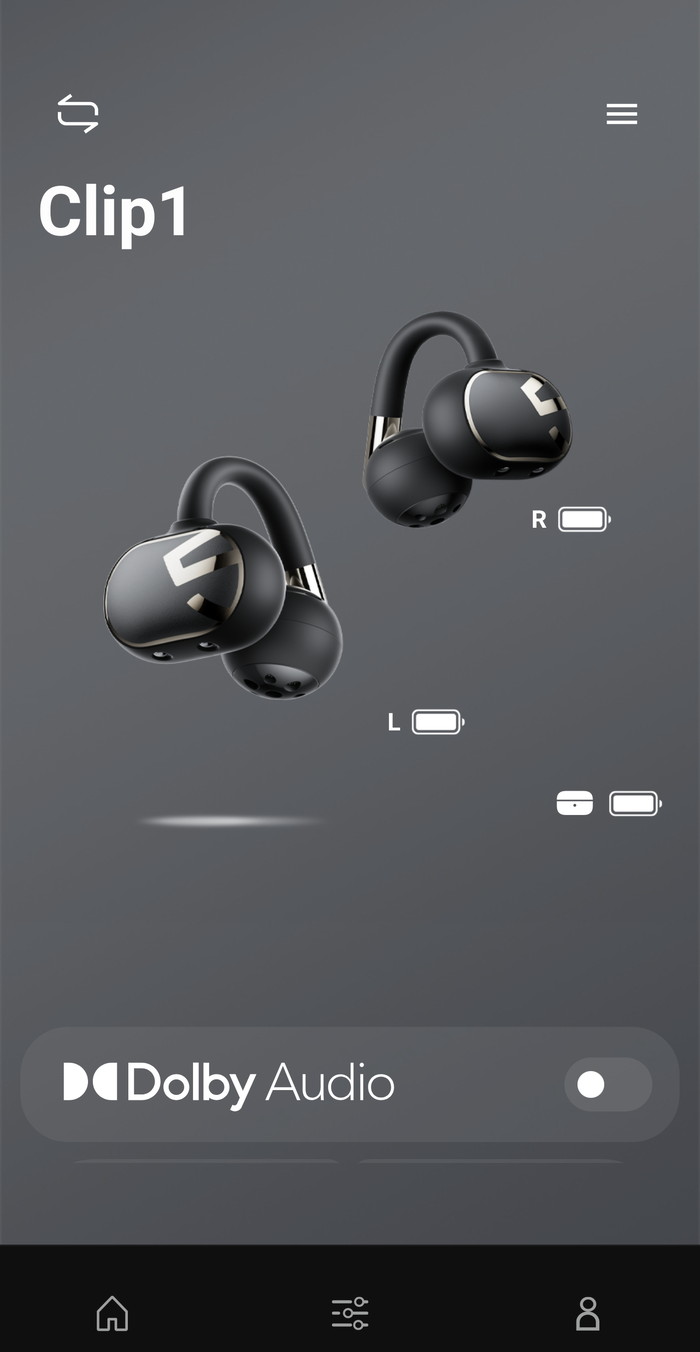
The device information shows the product BT address and the firmware revision,
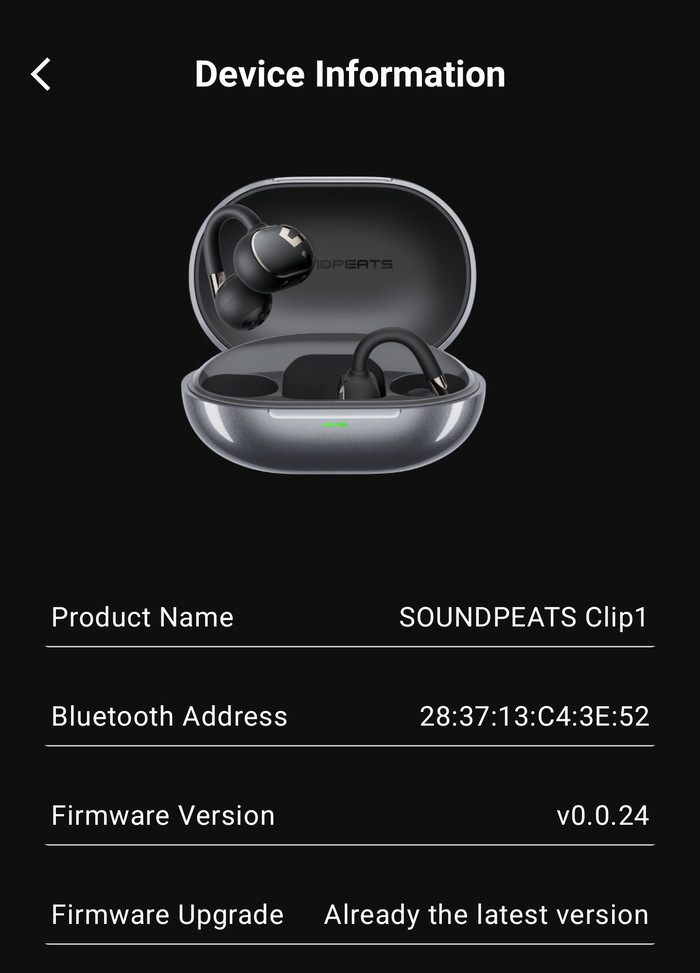
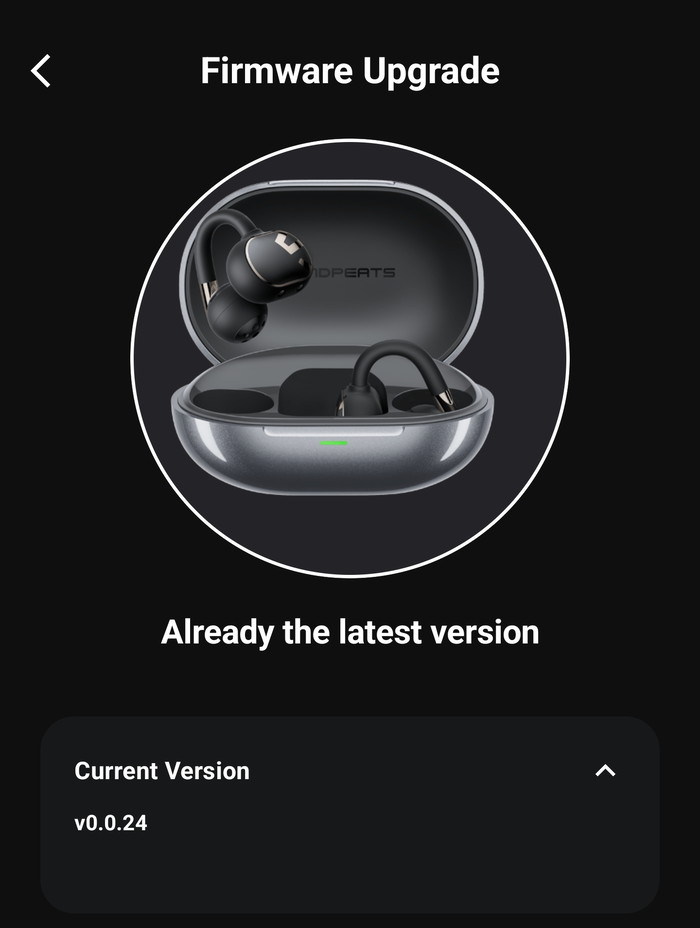
While our device had already the latest available firmware.
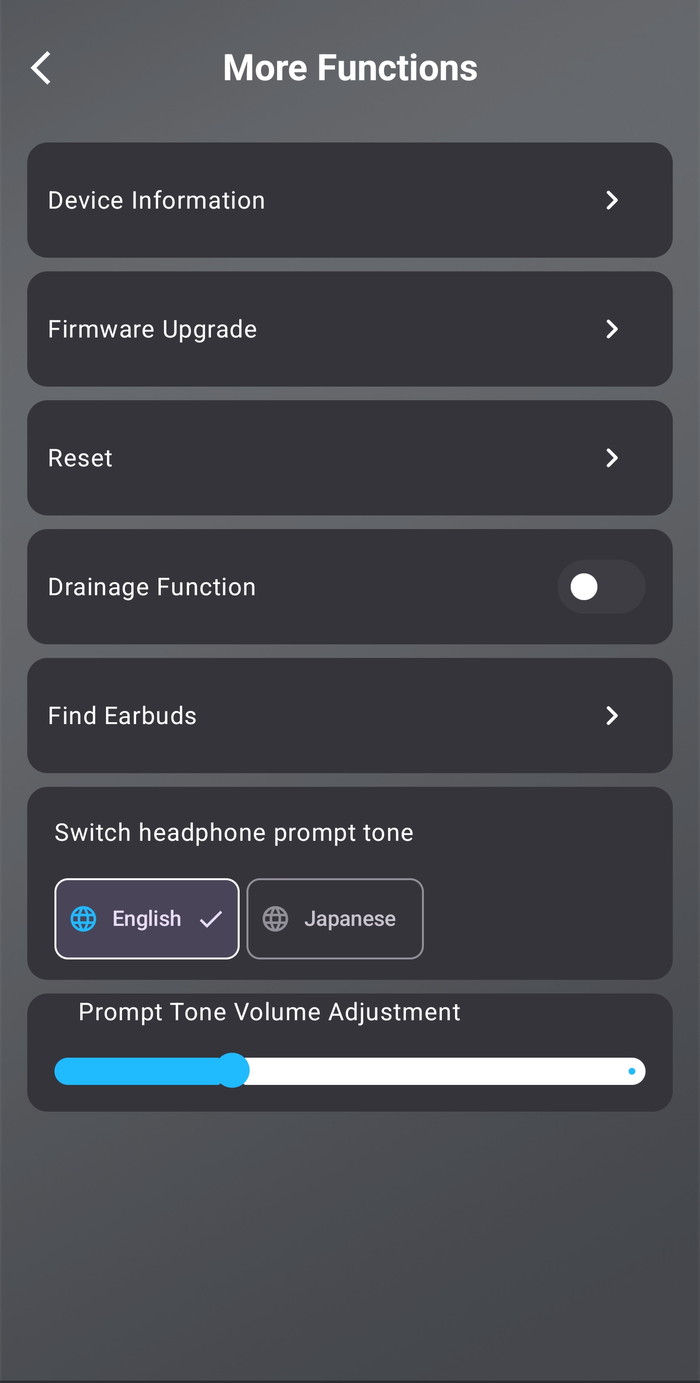
There are more functions available, like resetting of find earbuds.
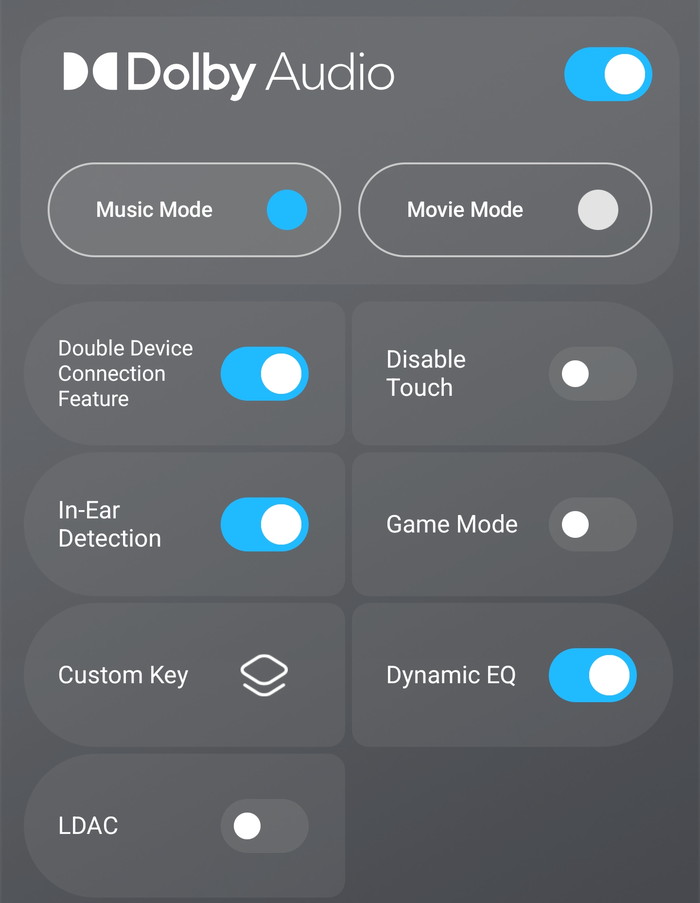
At the bottom of the app, you can find the advanced features, like Dolby Audio, double Device connection, game mode, or LDAC, and set custom key functions as well.
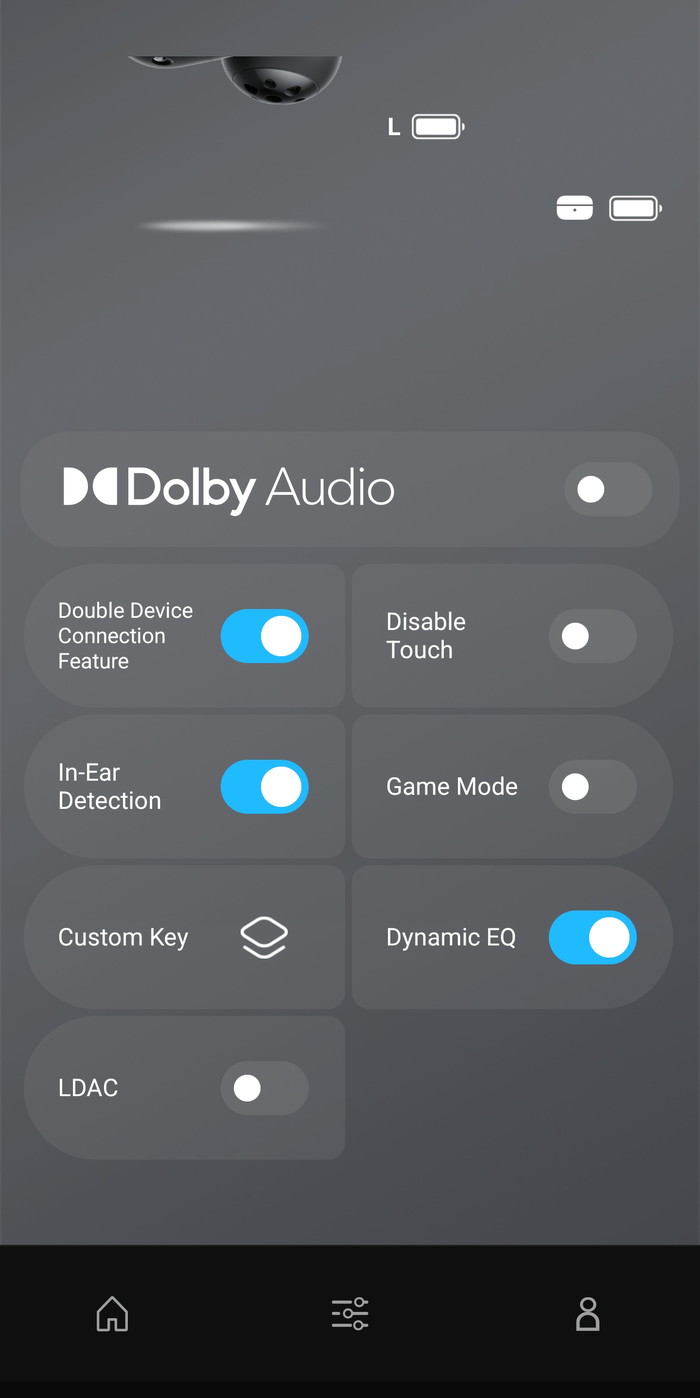
Dolby Audio offers two modes (music/movie)
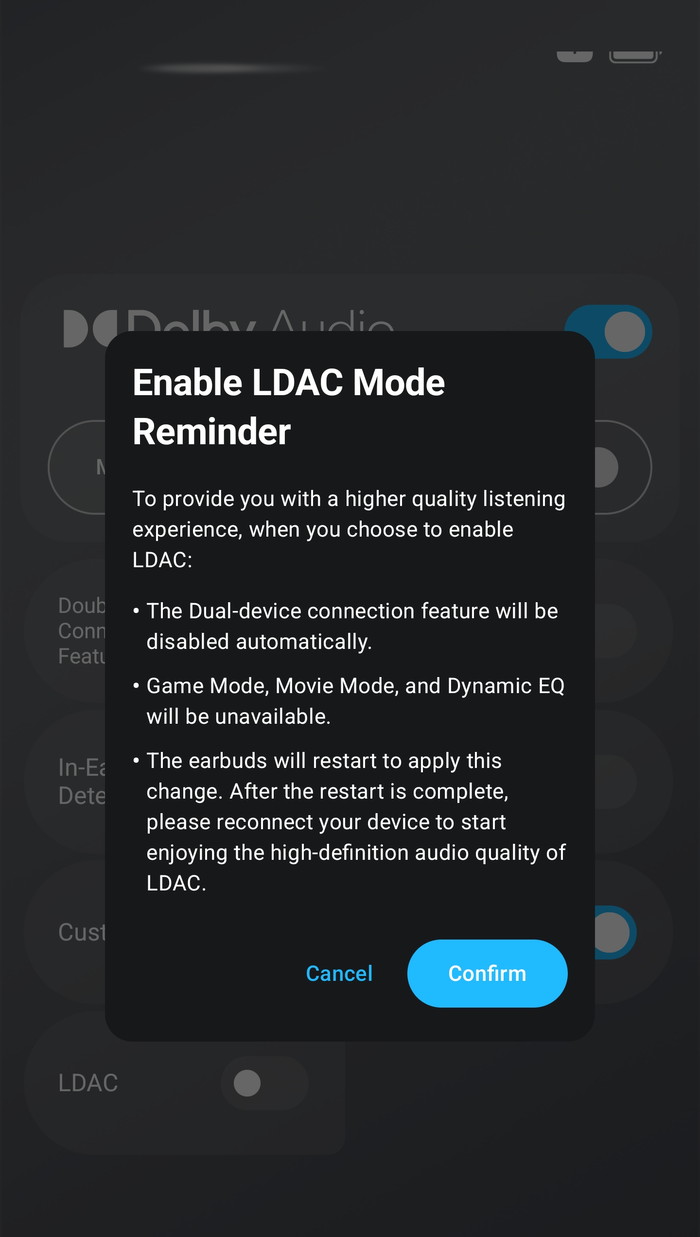
Enabling LDAC mode will disable several other features, so be warned.
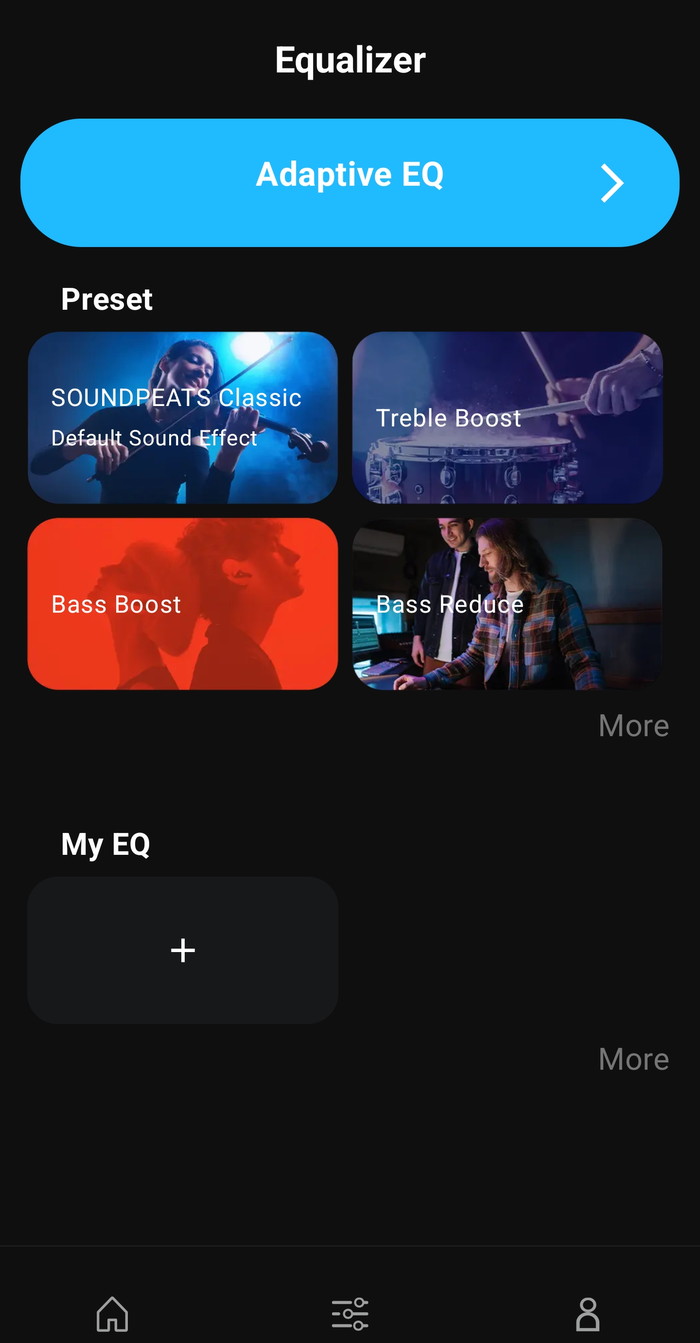
The PeatsAudio app also supports Equalizer, with either presets or select your own EQ, or test your hearing with the Adaptive EQ. With the Adaptive EQ, the app will play a sound that you should click if you hear the sound to complete the test. At the end, you will find a frequency graph, and you can retest or use the test results. Many other presets are available, or you can simply make your own.
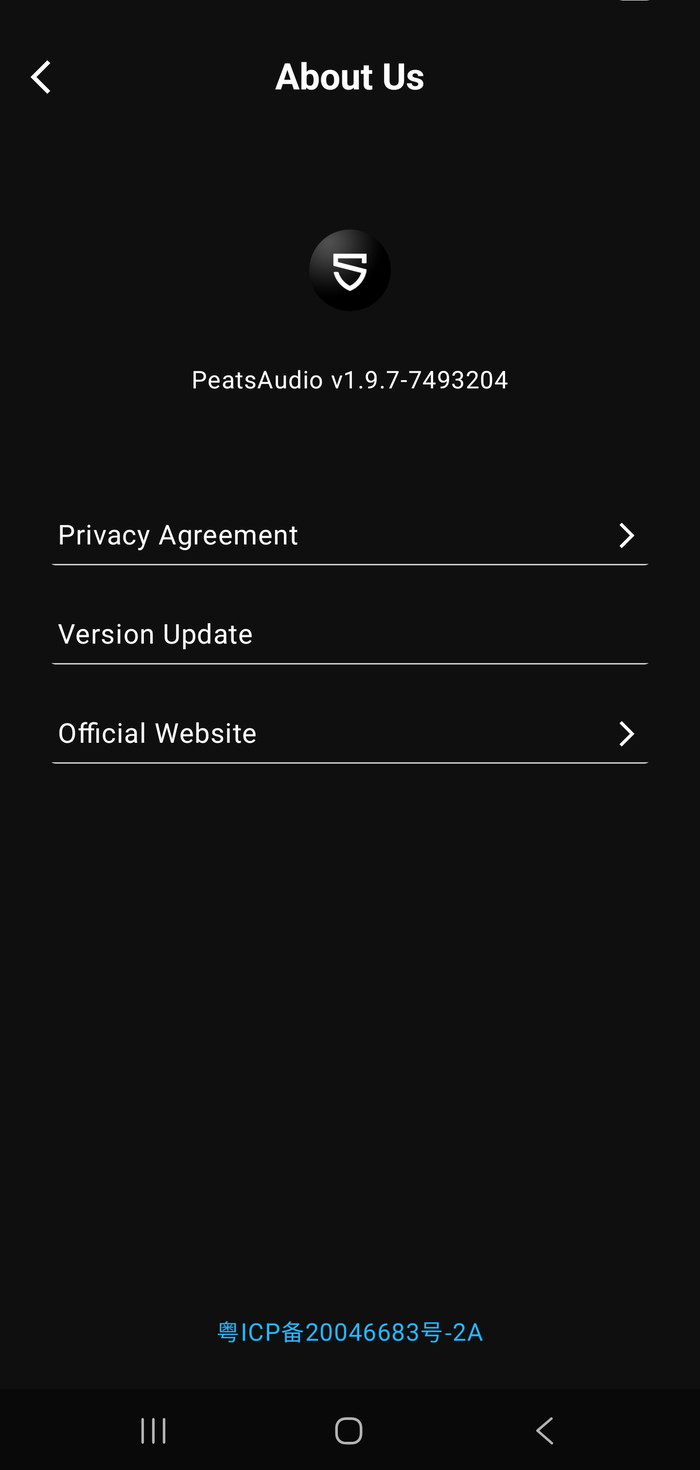
The tested PeatsAudio was v1.9.7
Bluetooth Pairing
l. The headset is in the charging compartment, open the charging compartment cover, the headset will turn on automatically, close the charging compartment cover, the headset will turn off automatically.
2. After the headset is turned on, search and select the name of your cell phone's Bluetooth device SOUNDPEATS Clip1 to connect successfully.
Forced Pairing
The headset is placed in the charging case, open the charging case, long press the charging case button for 2 seconds, when the white light of the charging case status indicator continues to flash, the headset enters the pairing state.
Dual Device Connection
l.The headset is paired with device A first, after successful pairing, turn off the Bluetooth function of device A.
2. Repeat the pairing operation to make the headset connect with device B successfully, keep the headset connected with device B.
3. Turn on the Bluetooth function of device A again.
After completing the dual-device connection operation for the first time, subsequent dual-device connections can be connected back automatically.
Factory Reset
1. Place the earbuds in the charging case with the lid open.
2. Press and hold the function button on the charging case for 10 seconds until the red light flashes quickly three times. This will reset the earbuds to factory settings.
| Technology | Description | Technical Principle |
| AeroVoice™ Wind Noise Reduction | Uses the Coandă effect and a bidirectional convection design to reduce wind noise by about 25% and balance microphone pressure for clearer calls. | A proprietary, patent-pending wind noise reduction technology that combines the Coandă effect—where airflow follows a surface—with a bidirectional convection design. This structure precisely controls airflow, delivering up to 25% better wind noise reduction than conventional earbuds*. It also balances air pressure around the microphone to reduce low-frequency wind interference for clearer conversations. *Measured in our internal lab. |
| AutoSense™ Left/Right Detection | Built-in IMU sensor and proprietary algorithm automatically detect left/right wear and adjust channels in real time for balanced sound. | By combining an IMU sensor (Inertial Measurement Unit), a symmetrical earbud design, and SOUNDPEAT's proprietary algorithm, the earbuds can instantly determine which ear they are placed in. This enables real-time audio channel adjustment, so you always hear balanced, accurate sound. |
| SoundFocus™ Sound Leakage Prevention | Sound guide structure and algorithm minimize sound diffusion, preventing leakage and keeping listening private. | The earbuds use a specially engineered internal structure that directs sound straight to the eardrum. Together with a proprietary algorithm that controls sound direction, it minimizes unnecessary diffusion. This allows you to listen in libraries, trains, or offices without worrying about others overhearing your audio. |
| DynamicEQ™ Pro Algorithm | Analyzes audio signals in real time and adjusts EQ to compensate for open-ear bass and treble loss, delivering full and clear sound. | The algorithm analyzes the audio signal in real time, measuring each frequency band and its dynamic range. It then adjusts EQ parameters—such as gain and Q factor (frequency sharpness)—to match a target curve. Especially in open-ear headphones, where bass and treble are often weakened, the algorithm independently boosts these ranges as needed, delivering full bass and clear treble at any listening level. |
| N-Flex Arch™ Structure | 0.6mm nickel-titanium ear hook with elasticity and shape memory ensures a secure fit and durability tested over 20,000 bends. | An arc-shaped ear hook structure embedded with a 0.6mm ultra-thin nickel-titanium alloy, known for excellent elasticity and shape memory. It gently adapts to each ear while maintaining stable clamping force, and instantly springs back to its original shape after bending. Tested to withstand over 20,000 twists, ensuring long-term comfort and durability. |