Breaking News

AMD announces Ryzen AI Halo GIGABYTE Expands LGA1700 Processor Support Across Its Full Z790, B760 and H610 Lineup SWIT K7 Combines 2,800-Nit Daylight Monitoring with 4K60 HDMI and Built-In SDI Conversion ASUS ProArt RTX Spark Windows PCs Available for Immediate Pre-Order Kioxia Introduces E1.L QLC-based SSDs for Hyperscale Data Centers

logo

  • Share Us
    • Facebook
    • Twitter
  • Home
  • Home
  • News
  • Reviews
  • Essays
  • About
    • Submit News

    • Contact Us
    • Privacy

    • Promotion
    • Advertise

    • RSS Feed

Search form

EnGenius Fit Wi-Fi 6 EWS357-FIT

Jan 29,2023 0

4. First Steps


Review Pages

1. Introduction
2. Retail Package
3. EnGenius FitXpress app
4. First Steps
5. Manage Network
6. Conclusion


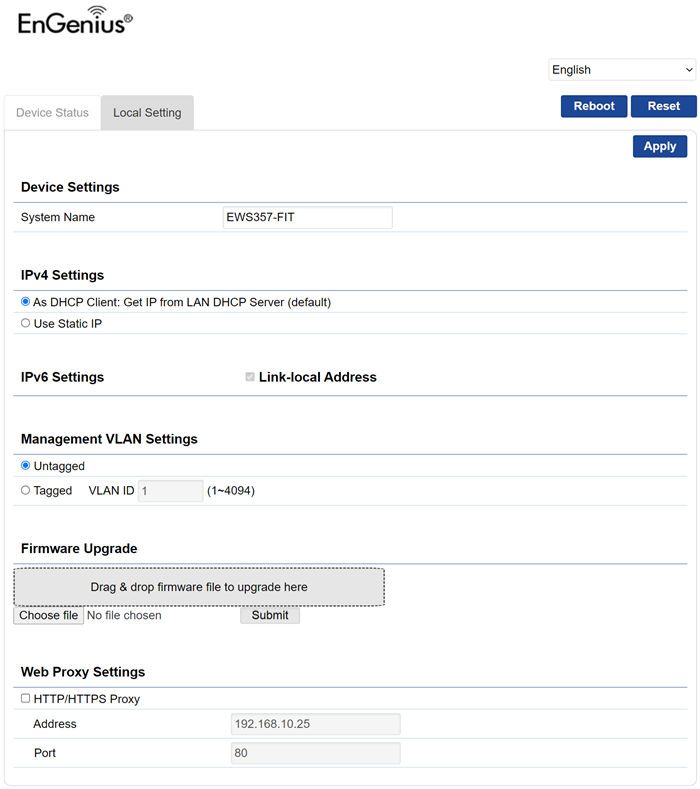
Before using the FitXpress app, users can also check their DHCP server and by HTTP access the router. The default username/password is admin/admin (after first login you should change it to something more secure)
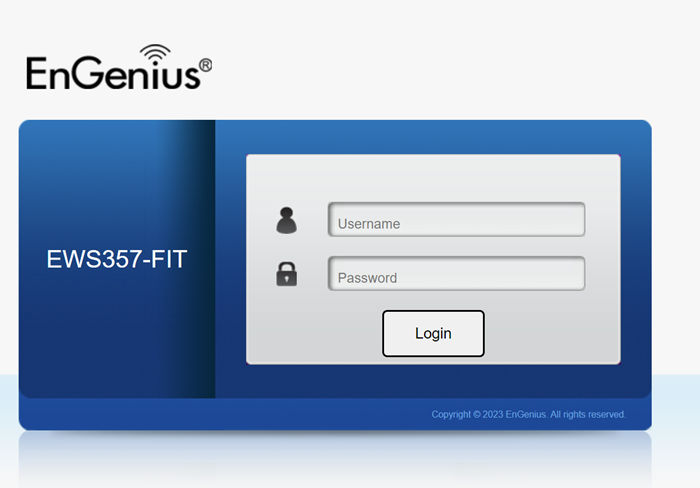
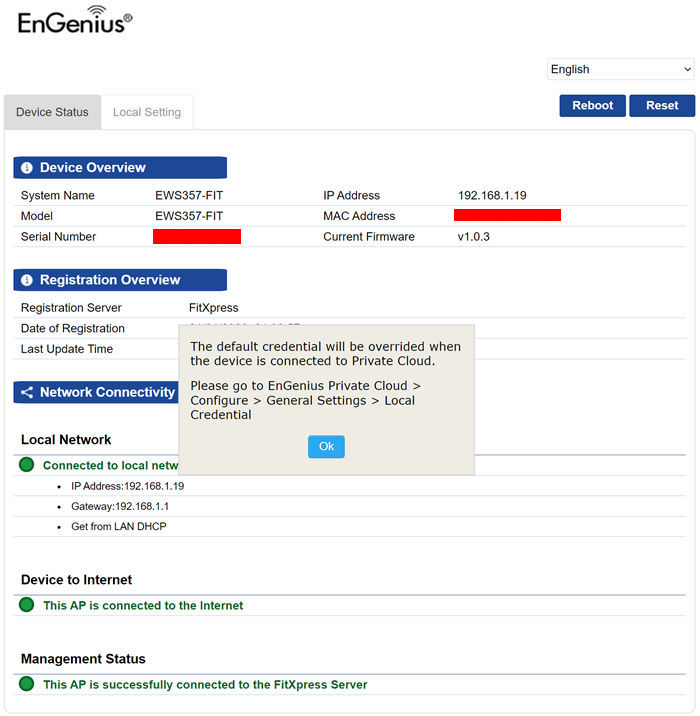
However for using the device at its full potential you do need EnGenius FitXpress app. You need to create a free on-line account or you can login either Google/Facebook login credentials.

We decide to create a new account, first you need to enter your email

And then fill up all the needed details
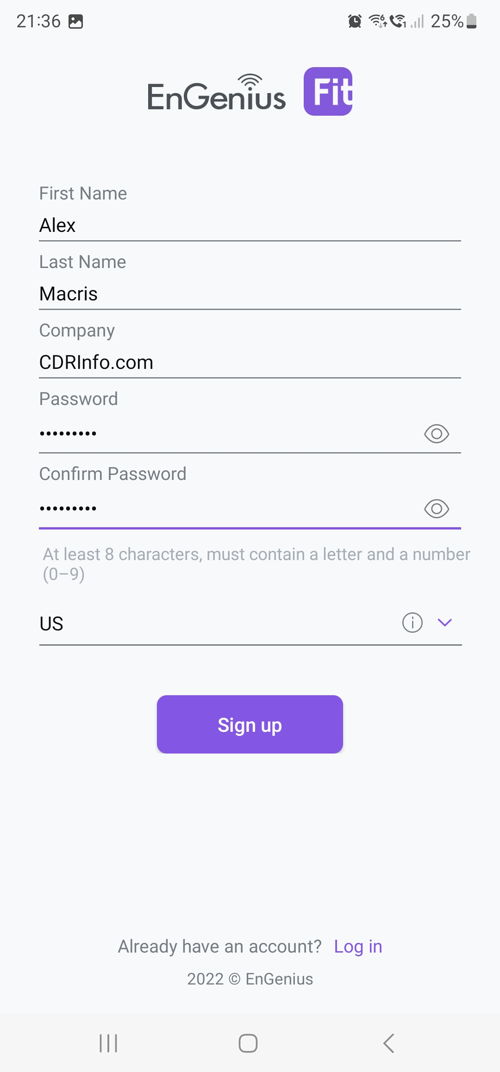
And after an email confirmation

You can login with your email/password.

In start we have to create/setup a new network.
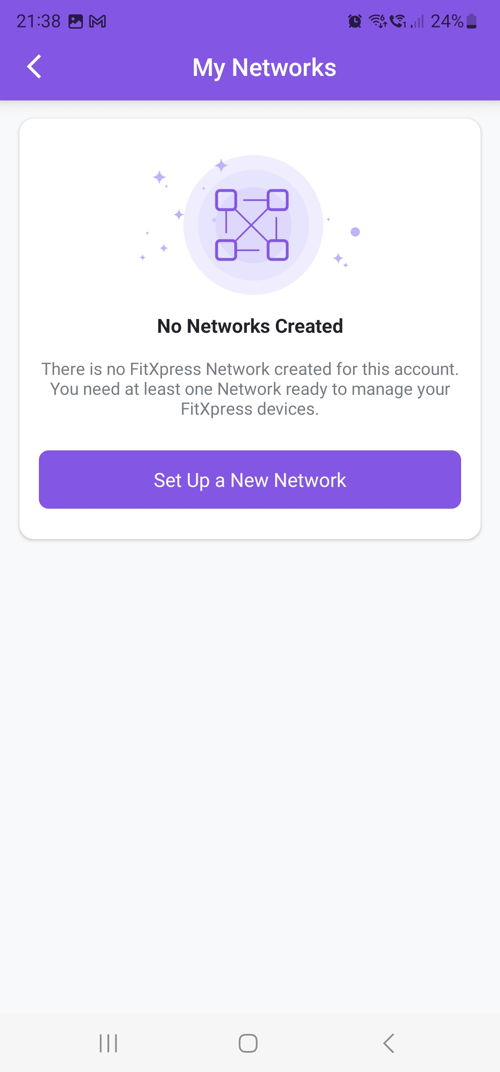
There is a wizard that will guide us through each step

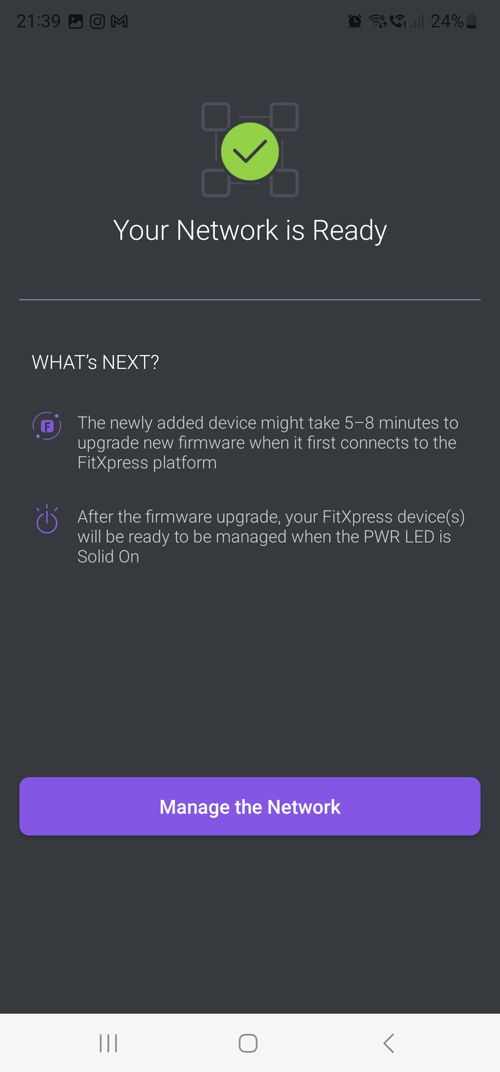
Now its time to register our first device. You need to have the device powered and connected to the Internet.

After scanning the bottom QR code, the app recognized our device and registered it at our account/network.

Now its time to give our new network a name


Review Pages

1. Introduction
2. Retail Package
3. EnGenius FitXpress app
4. First Steps
5. Manage Network
6. Conclusion


Pages

  • « first
  • ‹ previous
  • 1
  • 2
  • 3
  • 4
  • 5
  • 6
  • next ›
  • last »

EnGenius

Tags: EnGenius
Previous Post
EnGenius Fit Wi-Fi 6 EWS850-FIT
Next Post
Pioneer BDR-X13U-S

Related Posts

  • EnGenius announces ECW560 Wi-Fi 7 Outdoor Router

  • EnGenius ECW515 Brings Wi-Fi 7 Performance to In-Room and In-Unit Deployments

  • EnGenius Unveils Cloud-Managed ECW536S Wi-Fi 7 with 24/7 AirGuard Security

  • EnGenius ECW520 AP

  • EnGenius Brings Wi-Fi 7 to Small Businesses with Affordable ECW510 Access Point

  • EnGenius Multi-Gigabit Switch Delivers 2.5G Performance with 90W PoE

  • EnGenius Announces Affordable ECW520 Access Point

  • EnGenius Launches Cloud-Lite Switch Series

Latest Reviews

Fanxiang MP83 M.2 NVMe SSD Enclosure
Enterprise & IT

Fanxiang MP83 M.2 NVMe SSD Enclosure

Ugreen CM642 USB4.0 Enclosure
PC components

Ugreen CM642 USB4.0 Enclosure

be quiet! Dark Power 14 IO
PC components

be quiet! Dark Power 14 IO

SanDisk High Endurance 512GB microSDXC
Cameras

SanDisk High Endurance 512GB microSDXC

Samsung PRO Ultimate 512GB microSDXC
Cameras

Samsung PRO Ultimate 512GB microSDXC

Popular News

MSI’s Latest AMD X870E MAX & EVO Series Motherboards

MSI’s Latest AMD X870E MAX & EVO Series Motherboards

COLORFUL Launches iGame B850M ULTRA Series Micro-ATX Motherboards

COLORFUL Launches iGame B850M ULTRA Series Micro-ATX Motherboards

COLORFUL Presents Limited Edition Chitu MAG-60 Magnetic Keyboard Inspired by the Year of the Horse

COLORFUL Presents Limited Edition Chitu MAG-60 Magnetic Keyboard Inspired by the Year of the Horse

COLORFUL Launches iGame B850I MINI OC V14 Motherboard

COLORFUL Launches iGame B850I MINI OC V14 Motherboard

COLORFUL Presents iGame Z890 ULTRA-S W and iGame Z890M ULTRA Z Motherboards

COLORFUL Presents iGame Z890 ULTRA-S W and iGame Z890M ULTRA Z Motherboards

COLORFUL Launches the iGame X870E VULCAN W OC Motherboard

COLORFUL Launches the iGame X870E VULCAN W OC Motherboard

COLORFUL Expands B850 Motherboard Lineup with New CVN, Battle-Ax, and MEOW Models

COLORFUL Expands B850 Motherboard Lineup with New CVN, Battle-Ax, and MEOW Models

ASRock Adds Support for One Sub-Channel DRAM Module on Intel DDR5 Motherboards

ASRock Adds Support for One Sub-Channel DRAM Module on Intel DDR5 Motherboards

Main menu

  • Home
  • News
  • Reviews
  • Essays
  • About
    • Submit News

    • Contact Us
    • Privacy

    • Promotion
    • Advertise

    • RSS Feed
  • About
  • Privacy
  • Contact Us
  • Promotional Opportunities @ CdrInfo.com
  • Advertise on out site
  • Submit your News to our site
  • RSS Feed